Veo 3.1 vs Sora 2 vs Seedance 2.0
Google, OpenAI, and ByteDance video on one Gen NanoBanana account
Short answer
How do Veo 3.1, Sora 2, and Seedance 2.0 differ?
All three run in dedicated browser studios on Gen NanoBanana — no Discord, no separate video subscription.
| Dimension | Veo 3.1 Lite | Sora 2 | Seedance 2.0 |
|---|---|---|---|
| Provider | Google Veo 3.1 Lite | OpenAI Sora 2 | ByteDance Seedance 2.0 |
| Durations | 4s, 6s, or 8s | 4s, 8s, or 12s | 4s through 15s (1s steps) |
| Resolution | 720p or 1080p (1080p at 8s) | 720p HD | 480p, 720p, or 1080p |
| Audio | אודיו מקורי בריצות נתמכות | דיאלוג מסונכרן ואפקטים קוליים | Native synchronized audio |
| References | Start frame, end frame, or both (up to 2) | Single image-to-video reference | Up to nine reference images plus optional audio |
| Default aspect | 16:9 landscape | 9:16 vertical (social-first) | 16:9 landscape |
| Best when | You need frame-accurate motion between keyframes | You want longer HD clips with cinematic audio | You need flexible length and heavy reference guidance |
Sample clip per model
Each card uses that model's marketing prompt. Click play to load the clip — videos are not autoplayed for crawlers.
Veo 3.1
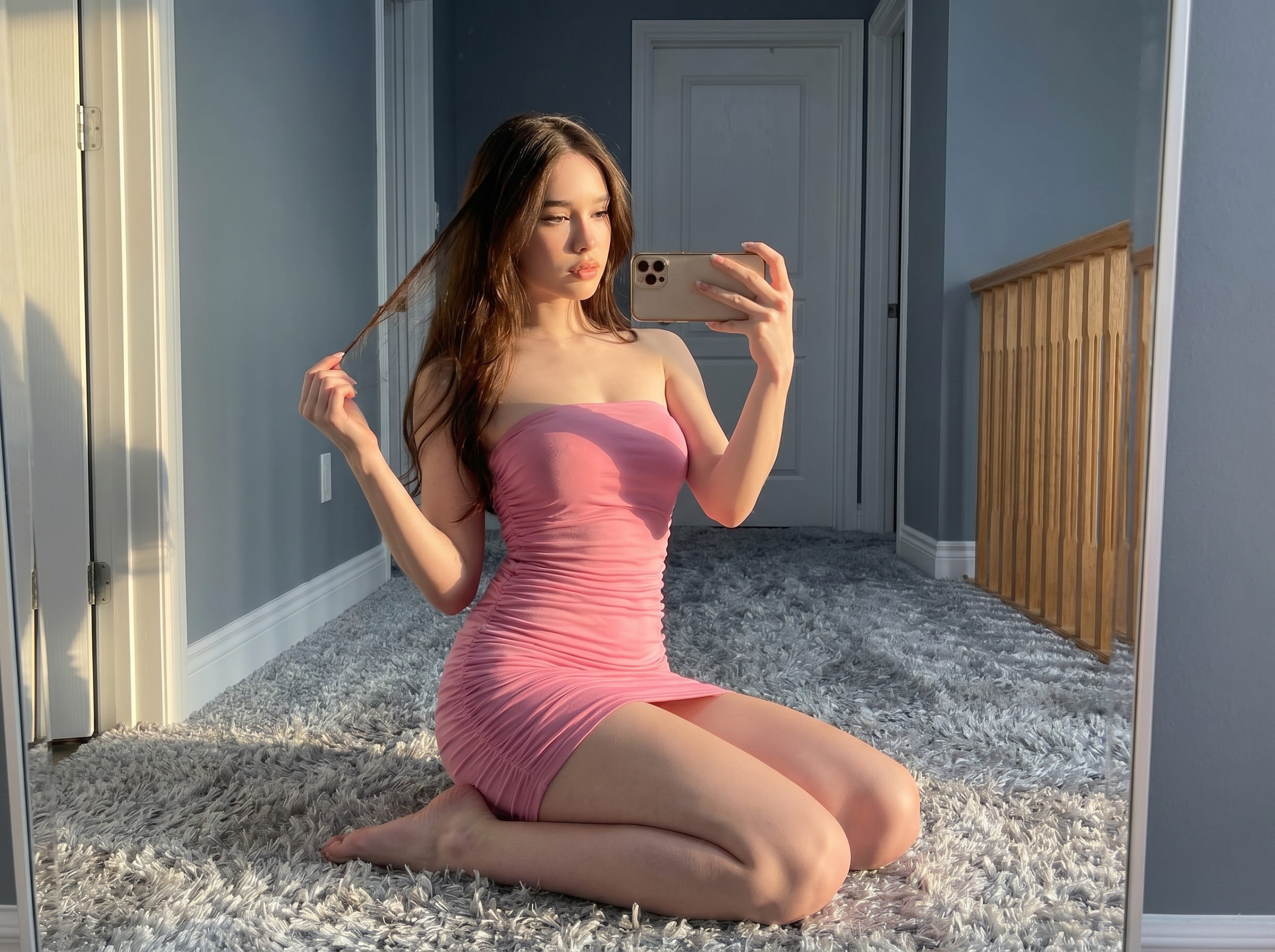
Smooth camera pull-back from a still portrait — strong when you supply start and end frames for controlled motion.
She is posing like a professional model, camera is zoom out slowly.
Open Veo 3.1 studio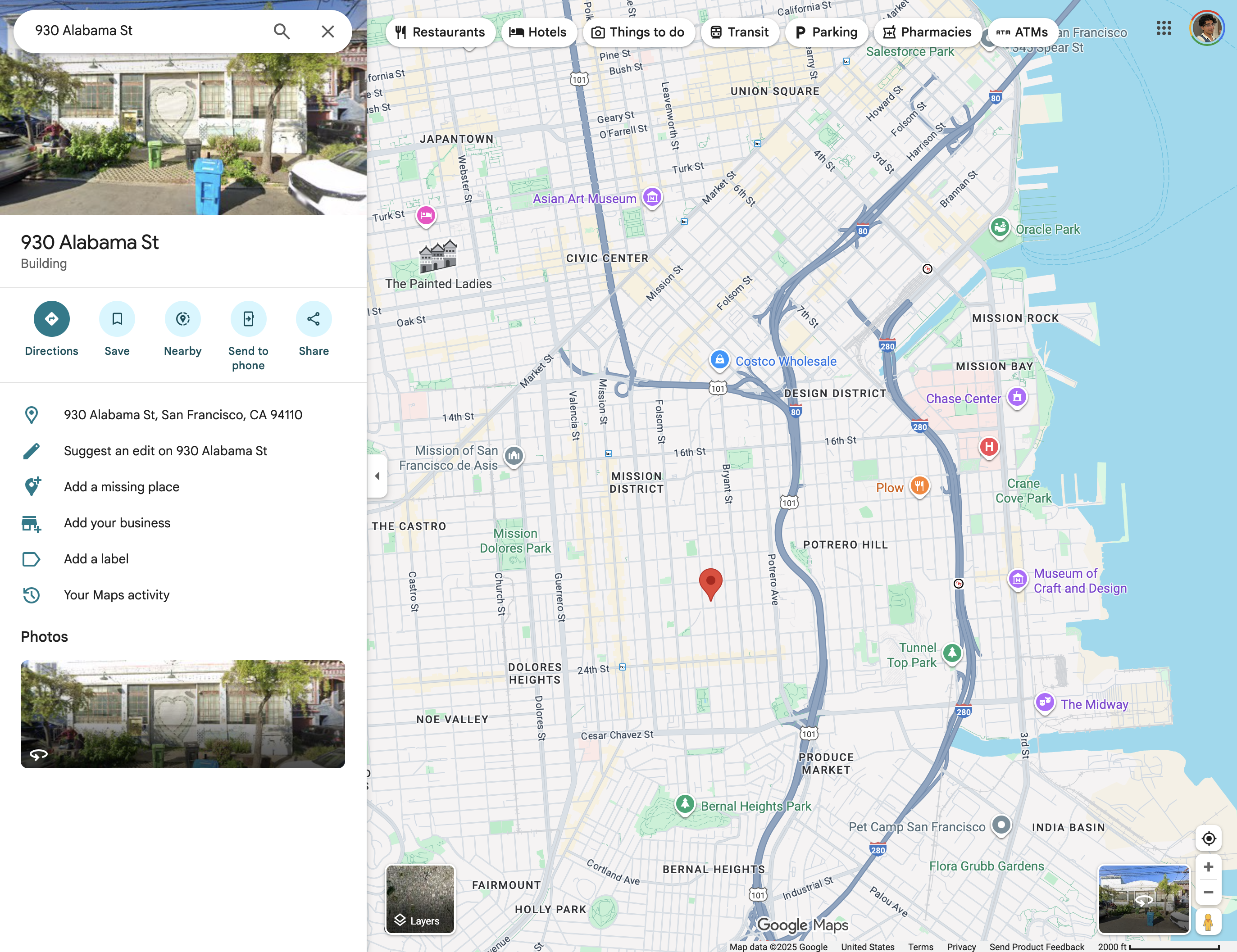
Sora 2
Scene expansion from a location still — good for cinematic establishing shots with synchronized ambience.
show what happens in this location
Open Sora 2 studioSeedance 2.0
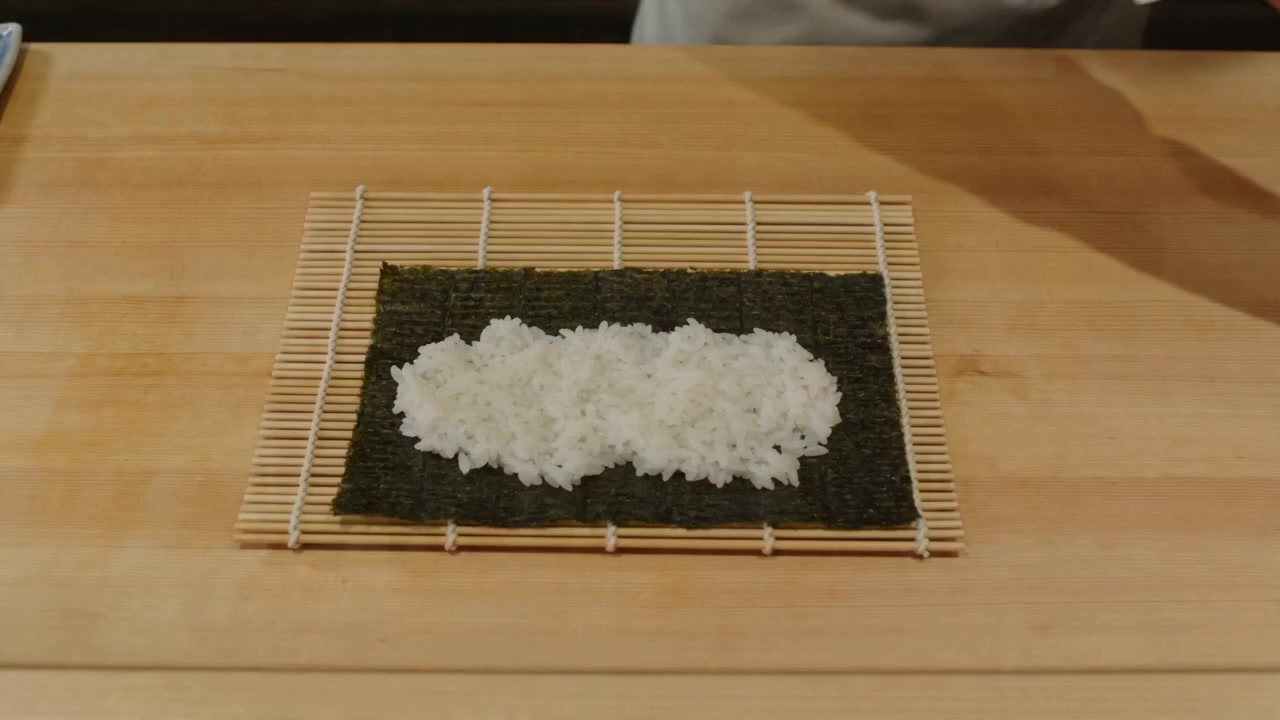
Tight overhead food motion with warm practical lighting — reference-friendly multimodal control.
A sushi chef carefully preparing an intricate sushi roll, close-up overhead shot, steam rising, warm restaurant lighting
Open Seedance 2.0 studioRepresentative cost (8s · 720p)
Exact quotes update with pricing — open a studio to see your estimate before you run.
| Model | Best for | Credits | Studio |
|---|---|---|---|
| Veo 3.1 | First/last frame interpolation · native audio · 4–8s product loops | 269 | Veo 3.1 → |
| Sora 2 | 4s · 8s · 12s HD clips · dialogue and SFX sync | 645 | Sora 2 → |
| Seedance 2.0 | 480p–1080p · 4–15s · up to nine reference images | 967 | Seedance 2.0 → |
Which AI video model should you pick?
Match the model to your shot type — then iterate in the studio with the same credit wallet.
Frequently asked questions
Which AI video model is best on Gen NanoBanana?
There is no single winner. Veo 3.1 Lite is strongest for first/last frame interpolation. Sora 2 leads on longer HD clips with synchronized audio. Seedance 2.0 offers the widest duration range and the most reference slots.
Can I use the same prompt on all three models?
Yes — paste any prompt into each studio. Outputs will differ by model personality, duration limits, and reference support. The samples on this guide use prompts tuned to each model's strengths.
Do video runs charge credits if they fail?
No. Gen NanoBanana charges credits only when a video job completes successfully — same policy as image generations.
Which model supports the longest clips?
Seedance 2.0 supports 4s through 15s. Sora 2 goes up to 12s. Veo 3.1 Lite caps at 8s (with 1080p on 8s runs).
Where do I run these models?
Open /ai-video-veo-3-1, /ai-video-sora-2, or /ai-video-seedance-2-0 — each page is a dedicated workbench with the same prompt box and generations panel as Create.
Keep comparing
Evergreen pick-the-right-model guides with real outputs and credit context.