
AI Video

Veo 3.1

First/last frame video and image-to-video with Google Veo 3.1 Lite — text, start/end frames, and native audio.

Start Frame

JPG, PNG, WebP · Max 10MB

End Frame

JPG, PNG, WebP · Max 10MB

Preview examples

My Creations
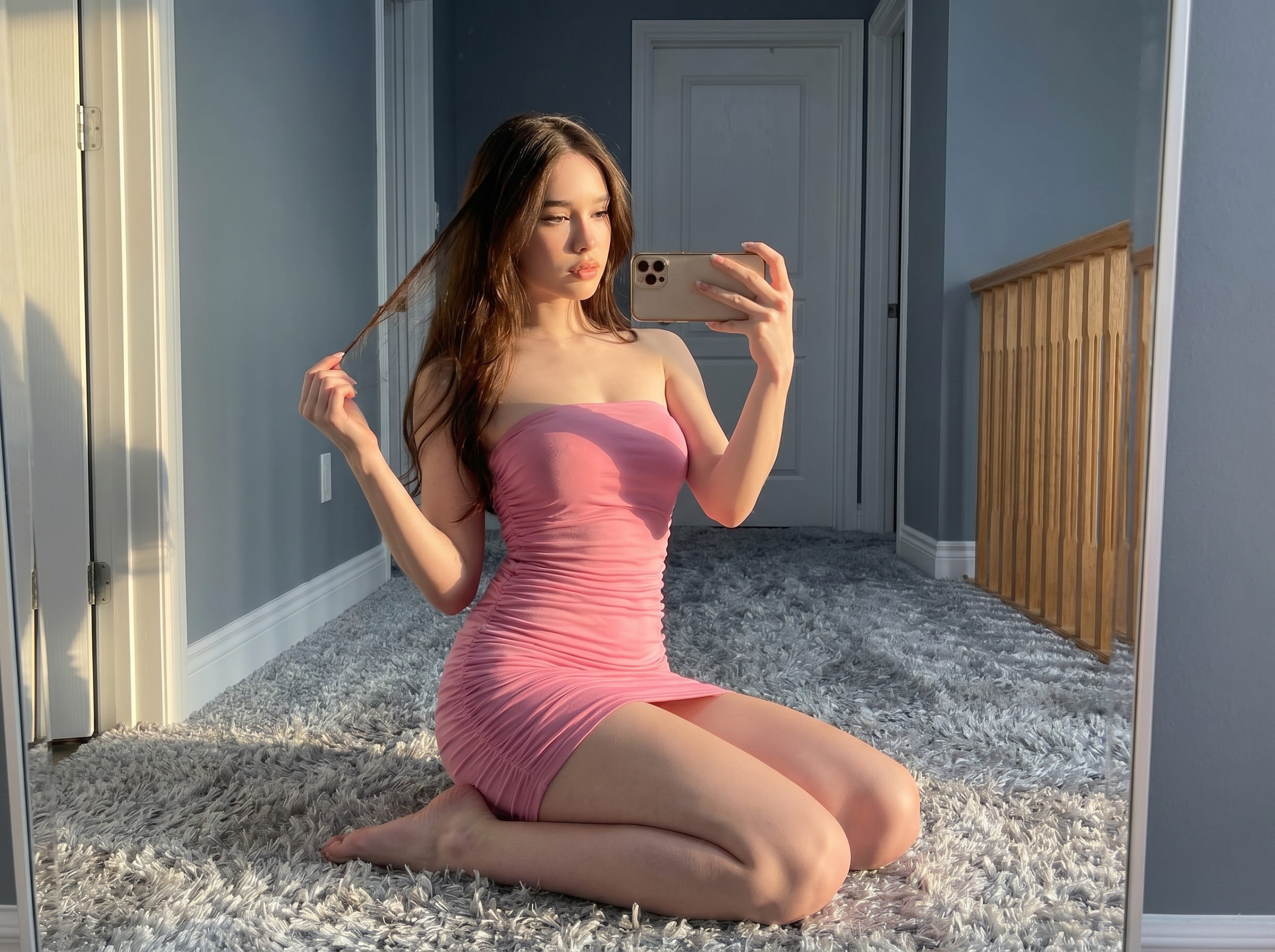
BeforeAfter
Before Veo 3.1 — source still image for image-to-video on Gen NanoBanana
Veo 3.1

Why use Veo 3.1?

Generate AI video in your browser with Veo 3.1 — prompts, references, and credit-based billing on Gen NanoBanana.

Frame-accurate motion

Supply start and end stills so Veo 3.1 Lite can interpolate believable camera moves between keyframes.

Native audio track

Generate ambience and synchronized sound without a separate audio pipeline — ideal for social previews.

Image-to-video ready

Upload a hero still and animate it for product teasers, storyboard previsualization, and ad concepts.

Flexible durations

Pick 4s, 6s, or 8s clips to match Reels, Stories, and in-app loops without re-encoding elsewhere.

Same studio shell

Use the familiar Gen NanoBanana workbench — prompt box, references, and generations panel in one view.

Credit-transparent pricing

See estimated credits before you run; charges apply only when your video finishes successfully.

Simple credit pricing

269–2148 credits per clip depending on duration and quality. Buy credit packs or subscribe on the pricing page — pack credits are valid for 1 year from purchase.

View pricing

How it works

Prompt, generate, and download — three steps with Veo 3.1 in the studio above.

  1. 01

    Describe the shot

    Write subject, camera move, and mood. Optionally upload a start frame, end frame, or both for interpolation.

  2. 02

    Choose duration and resolution

    Select 720p or 1080p and clip length. 1080p is available on 8s runs per model limits.

  3. 03

    Generate and download

    Run the job, preview in the panel, and download MP4 when the render succeeds.

Typical use cases

Veo 3.1 AI video example: ecommerce product hero with subtle motion blur and dynamic lighting for paid social

Product motion tests

Animate pack shots and hero stills for ecommerce PDPs and paid social.

Try it now
Veo 3.1 AI video example: storyboard keyframes on a light table with camera move arrows for previsualization

Storyboard previz

Turn keyframes into moving beats before full production.

Try it now
Veo 3.1 AI video example: short vertical social teaser on phone mockup with native audio waveform hint

Social teasers

Short loops with native audio for Instagram, TikTok, and YouTube Shorts.

Try it now

Frequently asked questions

What is Veo 3.1 Lite on Gen NanoBanana?

It is Google’s Veo 3.1 Lite video model hosted through our studio — text-to-video, image-to-video, and first/last frame control with optional native audio.

Which resolutions and durations are supported?

You can export 720p or 1080p clips at 4s, 6s, or 8s. 1080p is limited to 8-second runs on this stack.

How do credits work for Veo video?

Credits depend on resolution and duration shown in the workbench before you generate. You are charged only when the job completes successfully.

Can I use start and end frames together?

Yes. Upload both frames when you want the model to interpolate motion between two key stills instead of animating from text alone.

Ready to try Veo 3.1?

Write a prompt in the studio above, or compare credit packs before your first clip.