AI Image

GPT Image 2

AI image generation with near-perfect text rendering — Auto / Low / Medium / High quality, three aspect ratios, and reference edits in the Create studio.

gpt-image-2

Sharp text · photoreal edits

Image Reference (Optional)
0 / 10

Drop files here or click Add Image — PNG, JPG, WebP up to 10 references.

Preview examples

My Creations
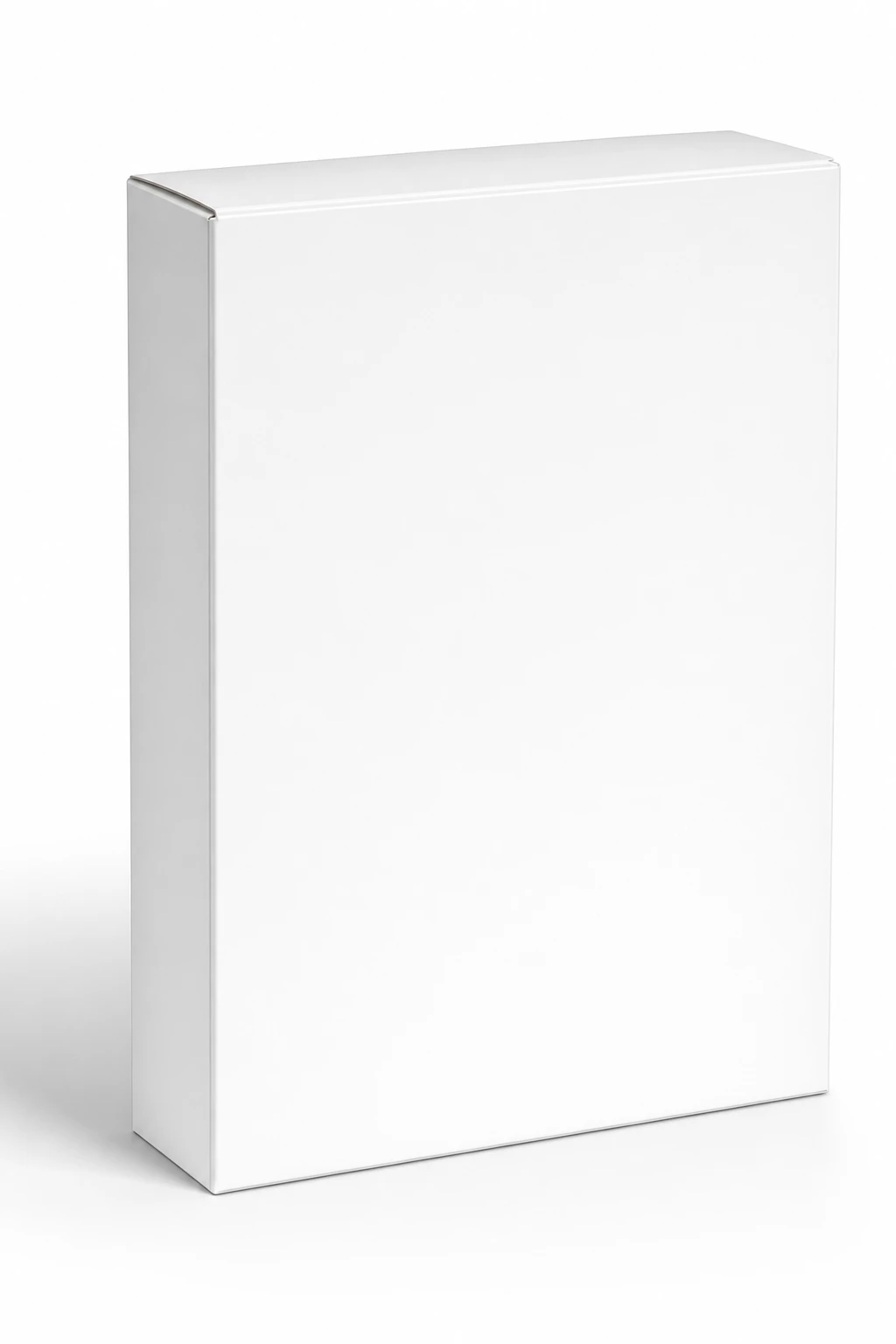
Before
Blank 3D packaging mockup before GPT Image 2 — plain cereal box with no label text on white
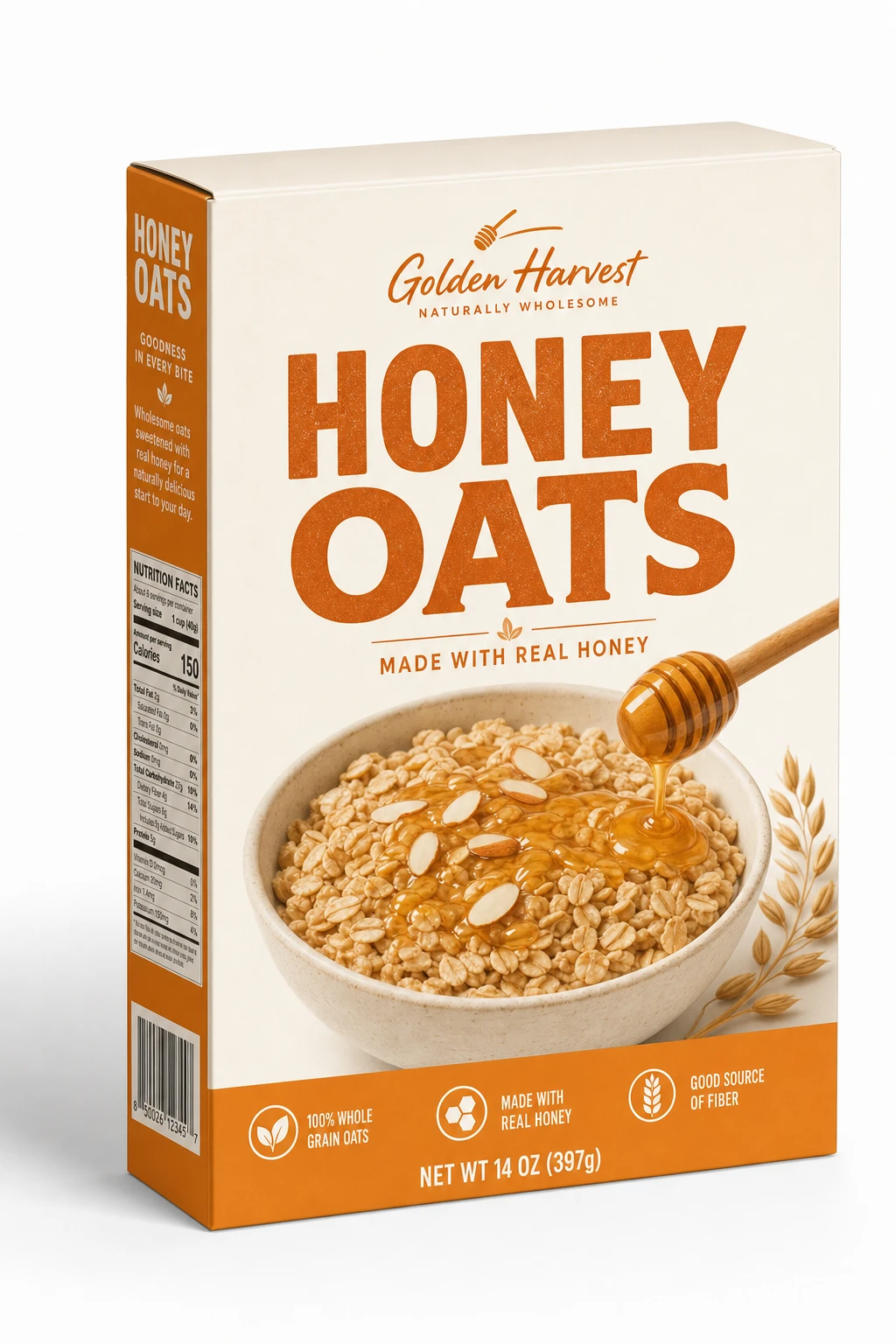
After
GPT Image 2 result: cereal box with legible flavor name, nutrition callouts, and barcode on 3D pack
GPT Image 2

Why use GPT Image 2?

Generate and edit images in your browser with GPT Image 2 — prompts, references, and credit-based billing on Gen NanoBanana.

Legible typography

Headlines, labels, and UI copy stay crisp — ideal for packaging and social ads with type.

Photoreal scenes

Generate believable photography for products, food, and lifestyle without a shoot.

Instruction precision

Complex briefs with multiple constraints remain interpretable in one pass.

Reference edits

Upload a base image and describe what should change while preserving layout.

Flexible quality

Pick Auto, Low, Medium, or High quality — credits scale with the tier you choose.

Fast iteration

Queue multiple outputs and compare in the generations list.

Simple credit pricing

32–86 credits per image depending on resolution. Buy credit packs or subscribe on the pricing page — pack credits are valid for 1 year from purchase.

View pricing

How it works

Prompt, generate, and download — three steps with GPT Image 2 in the studio above.

  1. 01

    Describe type & scene

    Call out exact wording, fonts, and layout when text must appear in-frame.

  2. 02

    Attach references if needed

    Use input images to preserve composition while changing style or copy.

  3. 03

    Generate & proof

    Zoom the detail viewer to verify spelling before downloading.

Typical use cases

GPT Image 2 AI image example: 3D packaging mockup with legible flavor names and nutrition callouts

Packaging mockups

Render flavor names, nutrition callouts, and barcodes legibly on 3D packs.

Try it now
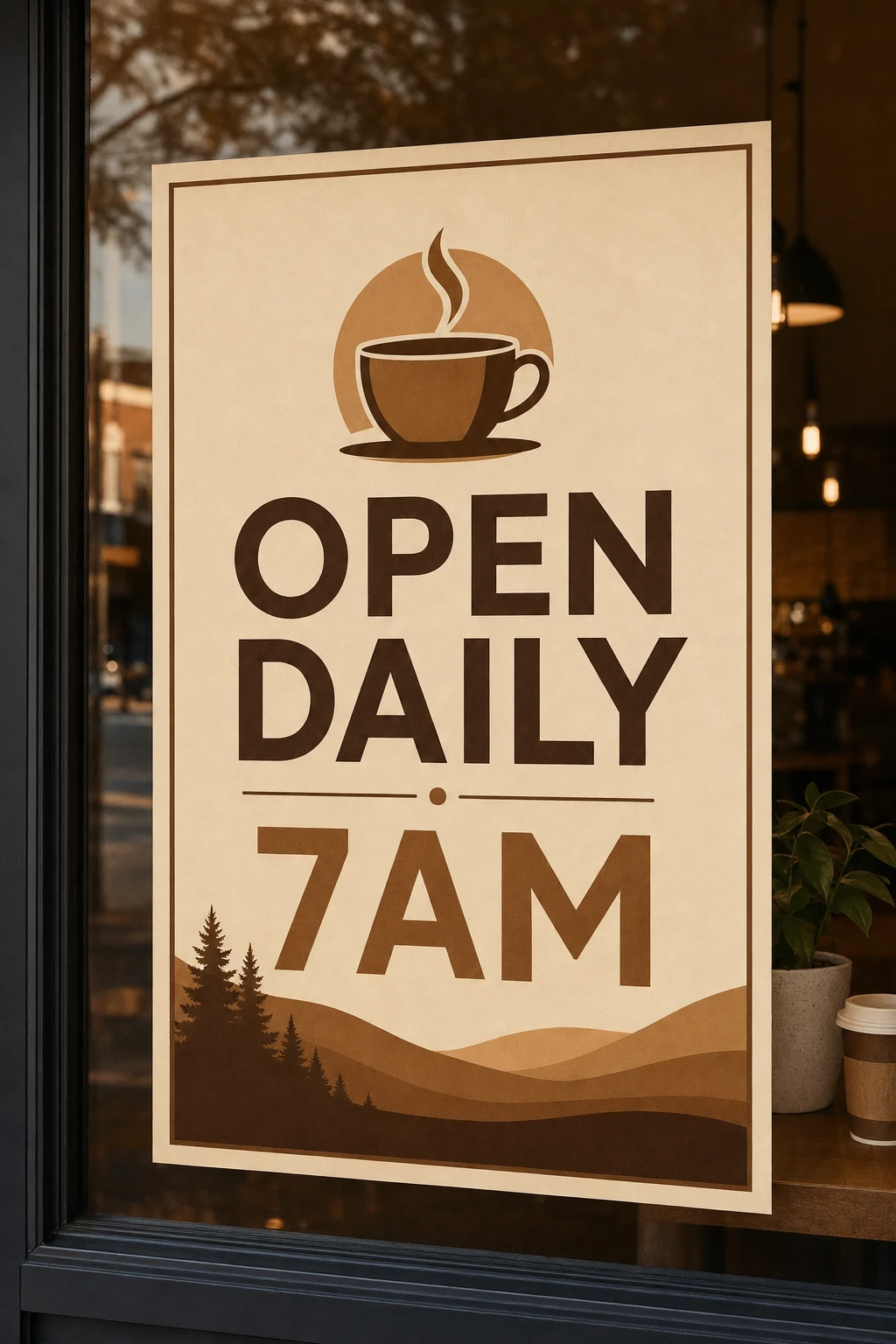
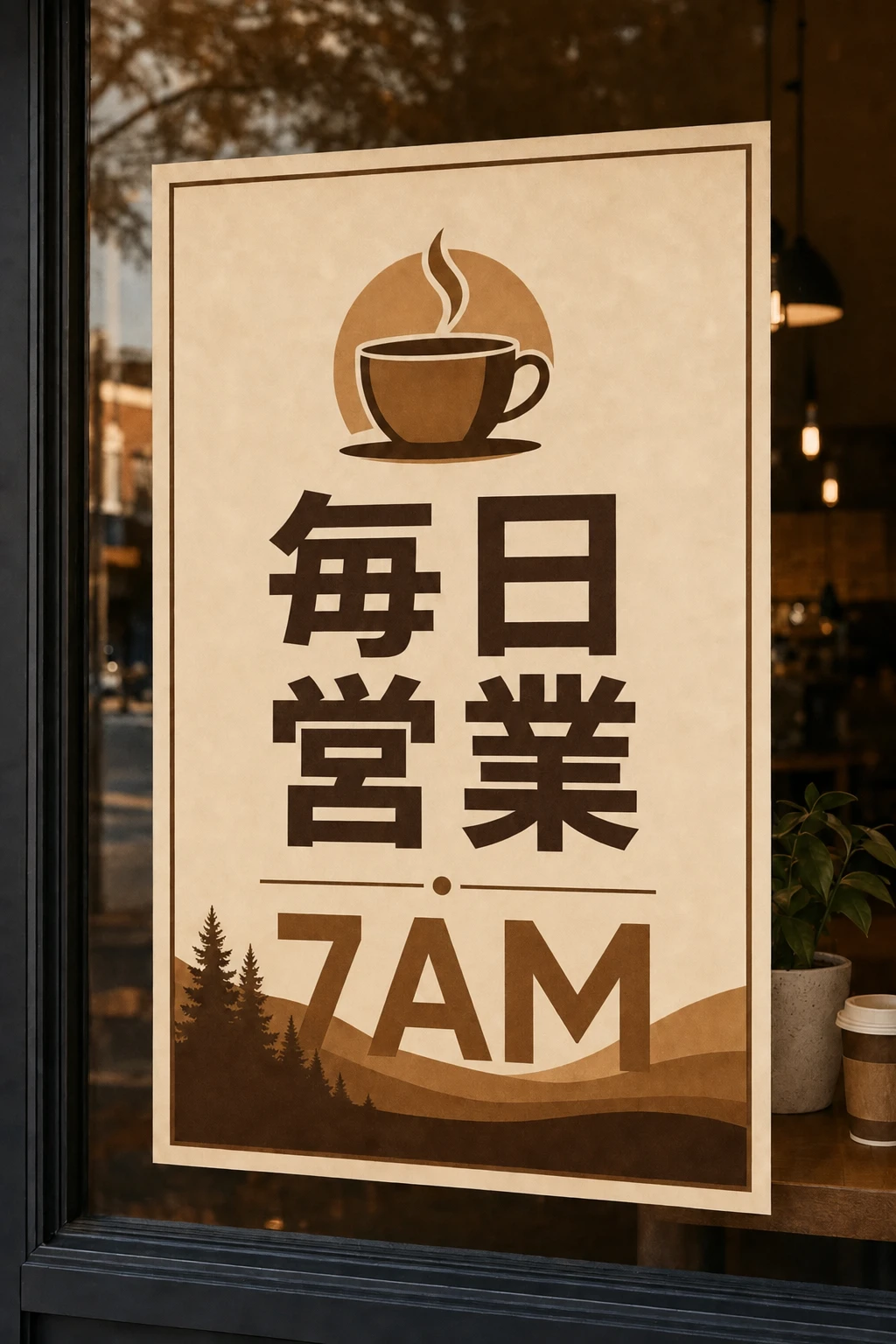
GPT Image 2 AI image example: localized ad posters with readable signage in multiple languages

Localized ads

Swap language in signage and posters while keeping visual design intact.

Try it now
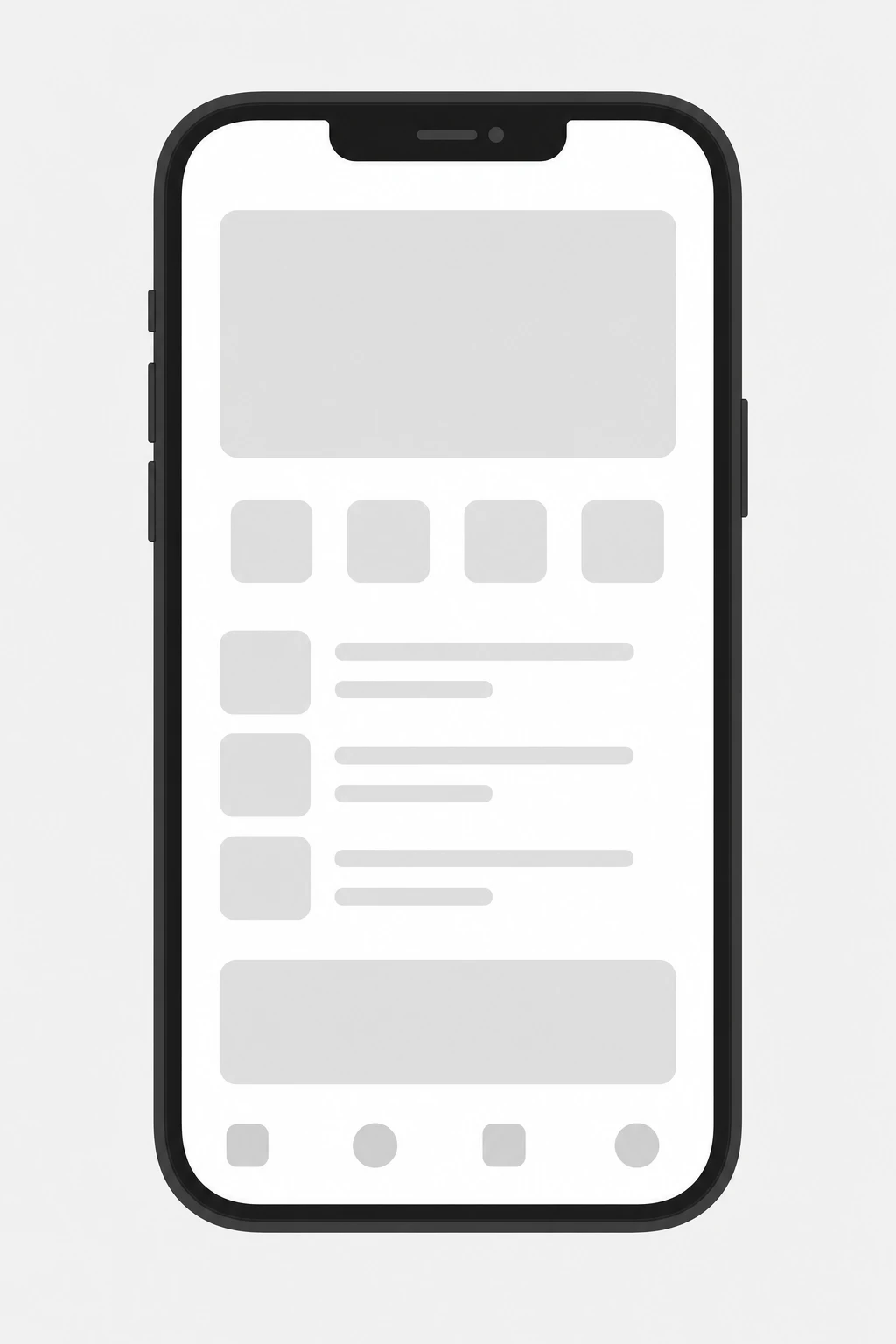
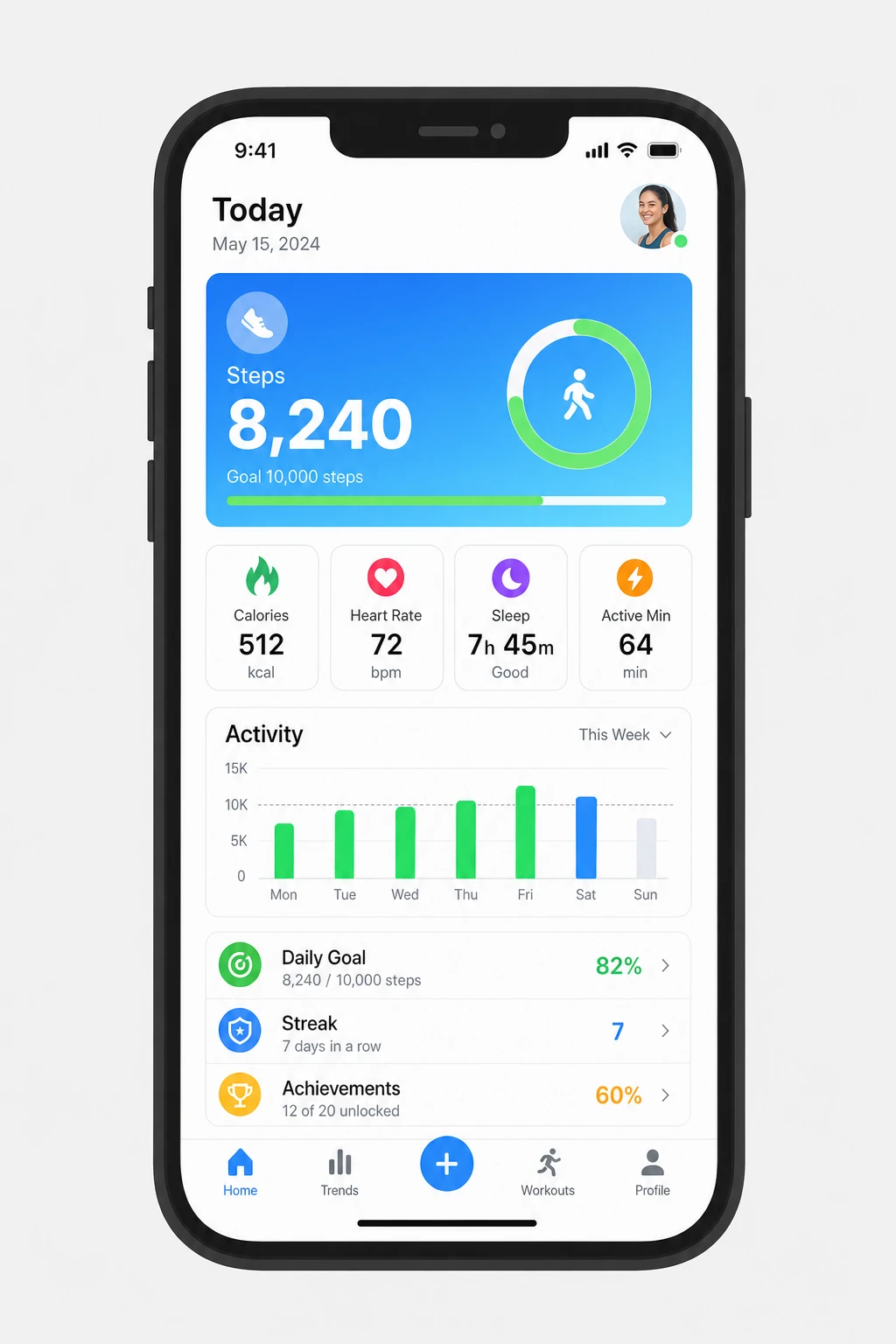
GPT Image 2 AI image example: app store screenshot-style frame with sharp UI text and device chrome

App store graphics

Produce screenshot-style frames with UI text and device chrome.

Try it now

Model comparison

Same prompt, five AI image models

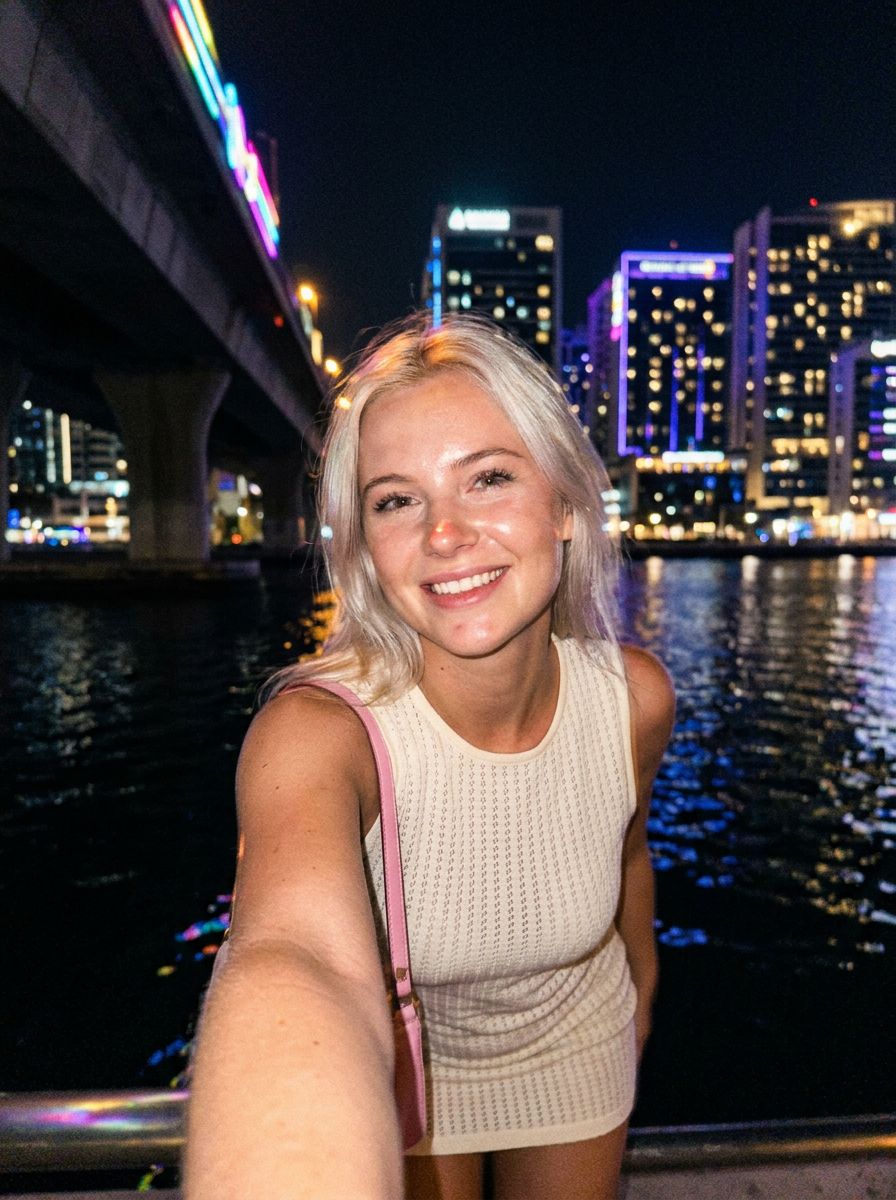
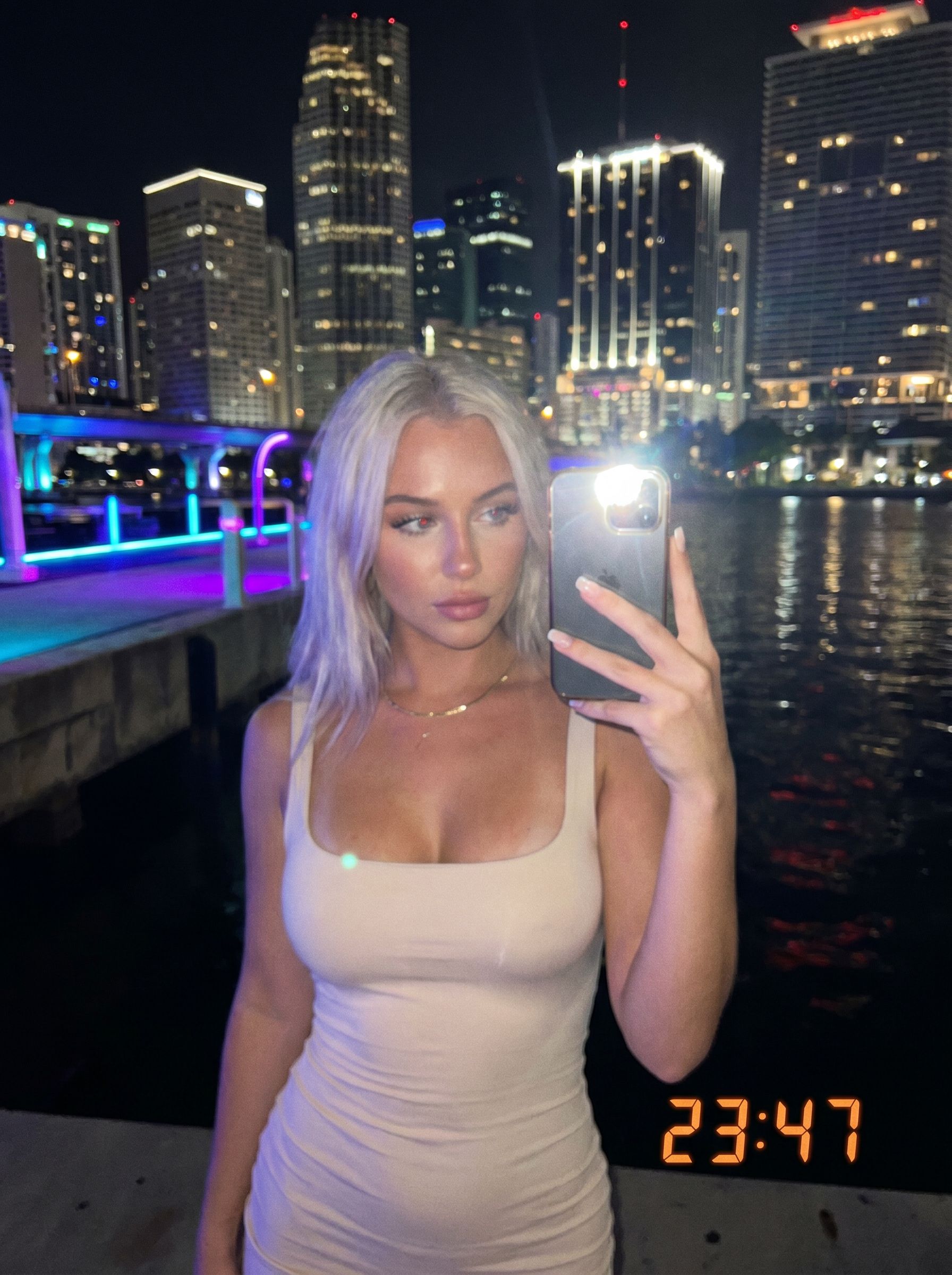
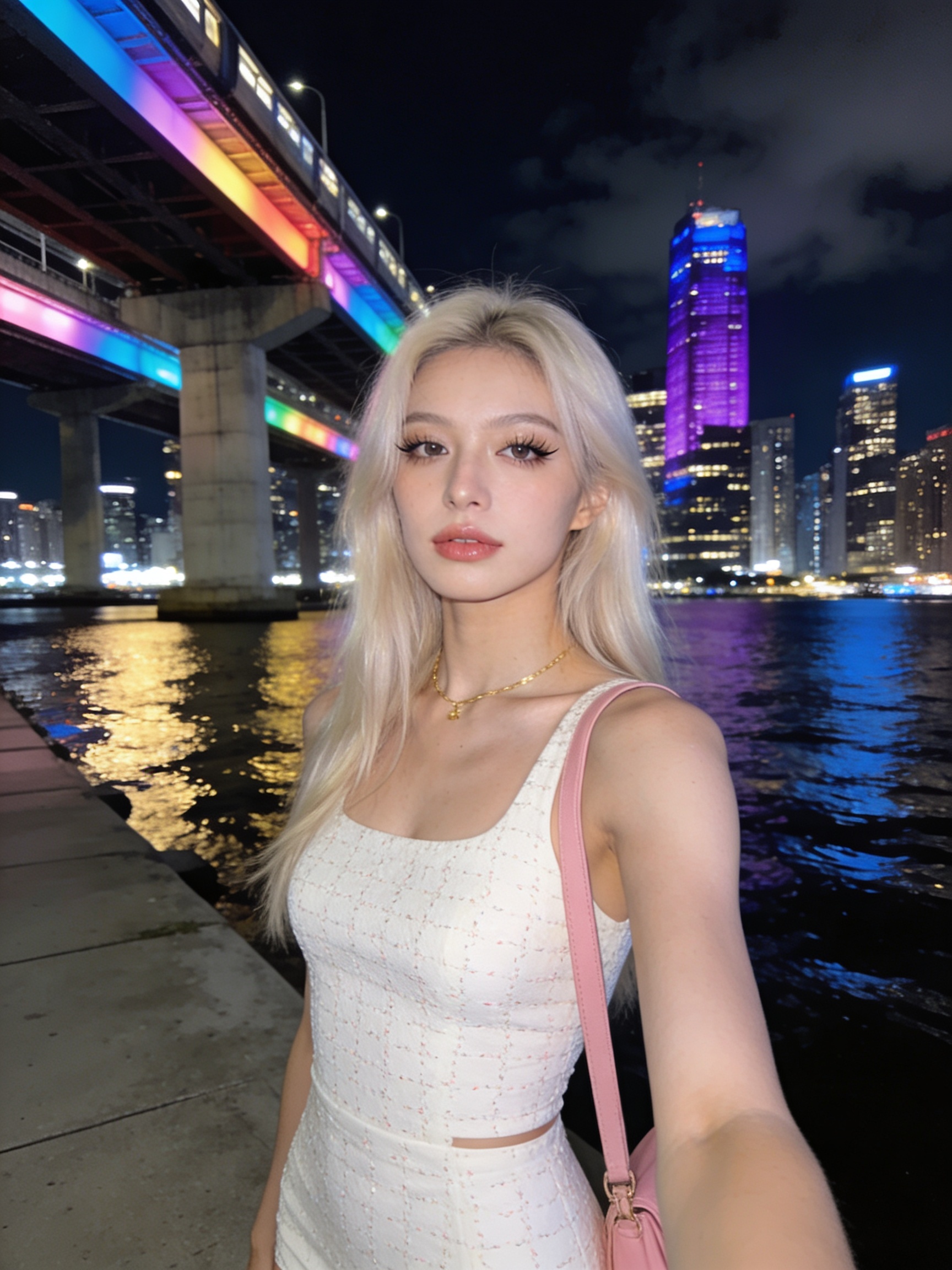
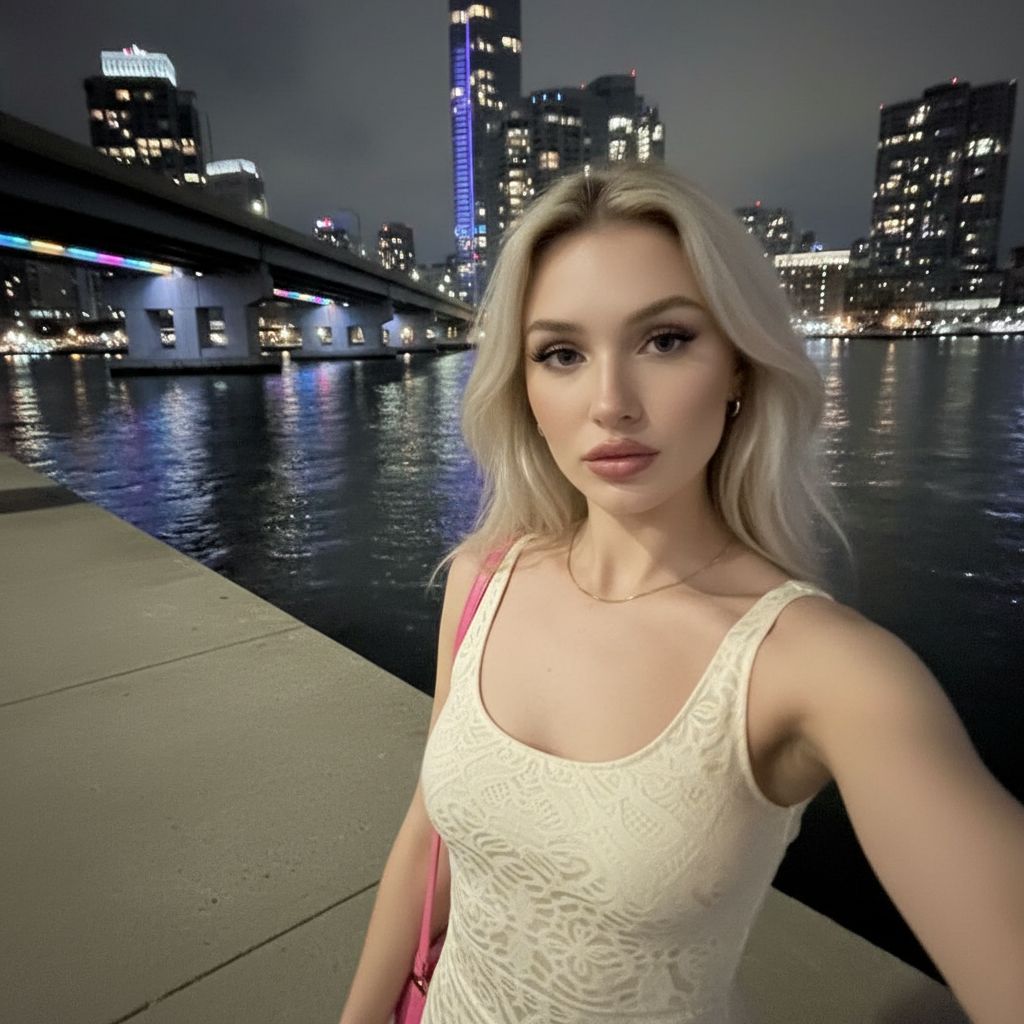
See how NanoBanana, NanoBanana 2, NanoBanana Pro, Seedream 4.5, and GPT Image 2 interpret one nighttime portrait prompt — with real outputs, credits, and pick-the-right-model guidance.

View full comparison
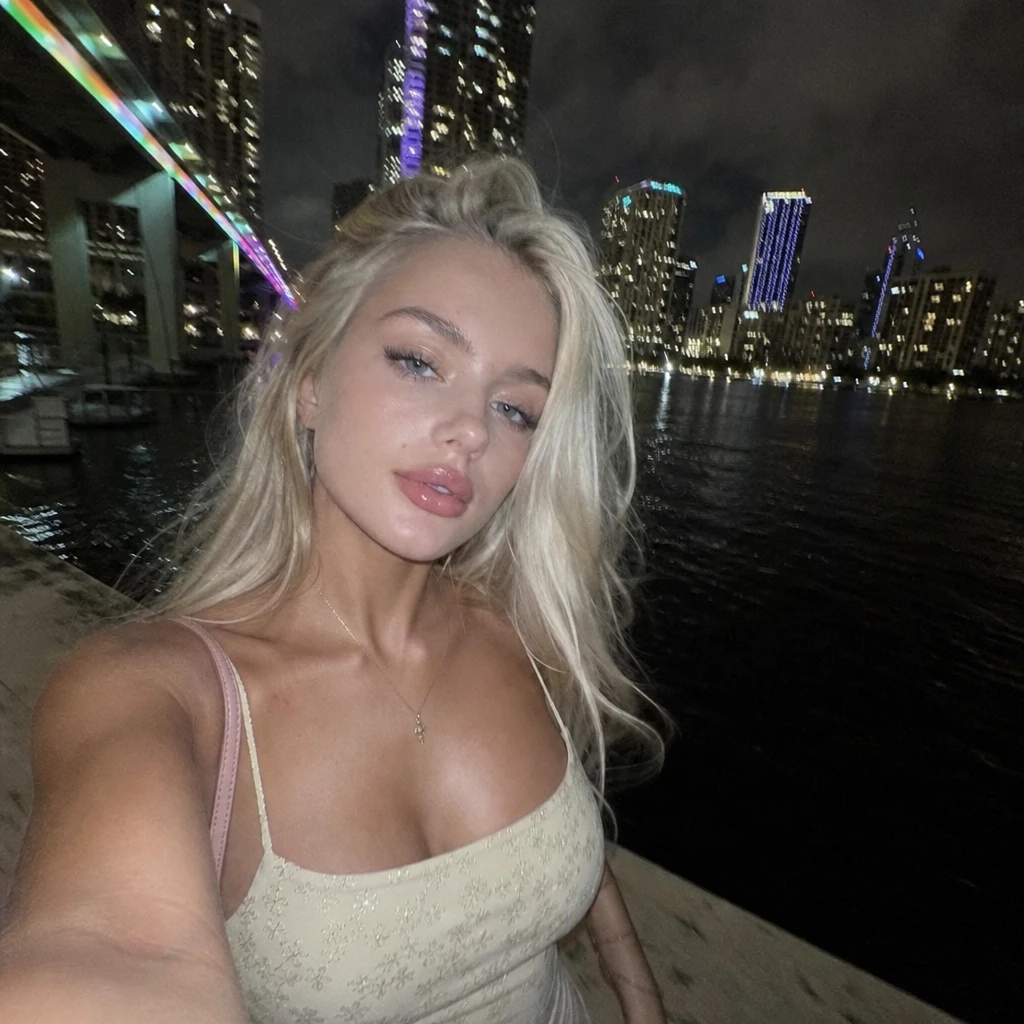
Gen NanoBanana AI image model comparison — GPT Image 2 OpenAI output: mirror-style nighttime selfie with visible phone, LED timestamp, ribbed tank top, neon waterfront backdrop

GPT Image 2

Gen NanoBanana AI image model comparison — NanoBanana 2 output: nighttime waterfront portrait selfie, warm smile, natural skin texture, fine hair strands against dark sky

NanoBanana 2

Gen NanoBanana AI image model comparison — NanoBanana Pro output: nighttime waterfront portrait selfie, sharp makeup and fabric texture, vivid neon bridge and train lights, crisp city reflections

NanoBanana Pro

Gen NanoBanana AI image model comparison — Seedream 4.5 ByteDance output: nighttime waterfront portrait selfie, soft smile, smooth cinematic skin, embroidered top detail, purple-accent skyline

Seedream 4.5

Gen NanoBanana AI image model comparison — NanoBanana google/nano-banana output: nighttime waterfront portrait selfie, neutral expression, polished skin, rainbow bridge lights and city skyline reflected in water

NanoBanana

New to prompting? Start with our AI image prompting. Choosing between NanoBanana tiers? Read NanoBanana 2 vs Pro.

Frequently asked questions

Why choose GPT Image 2?

Choose GPT Image 2 when readable text, UI mockups, or photoreal product shots are the priority.

Which aspect ratios are available?

This studio exposes 1:1, 3:2, and 2:3 — the native GPT Image 2 aspect set.

How does resolution affect price?

Higher workbench resolution maps to higher quality tiers and uses more credits per image.

Can I run multiple outputs?

Yes — increase the output count chip before generating; credits scale linearly.

Ready to try GPT Image 2?

Write a prompt in the studio above, or compare credit packs before your first run.