AI Image Studio
AI image studio
Pick any supported image model, write a prompt, add optional references or style presets, and generate — credits apply only when a job succeeds.
Drop files here, click Add Image, or use Camera — PNG, JPG, WebP up to 10 references.
Preview examples
My Creations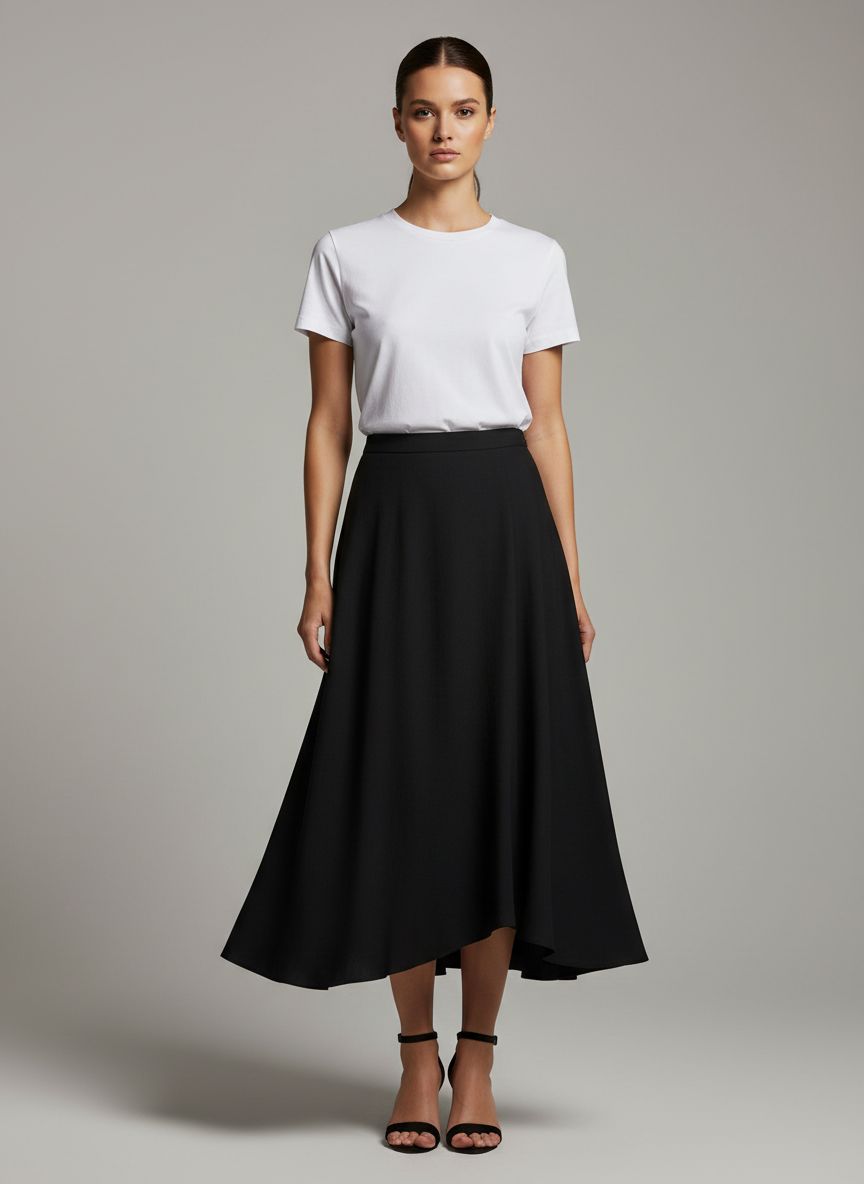
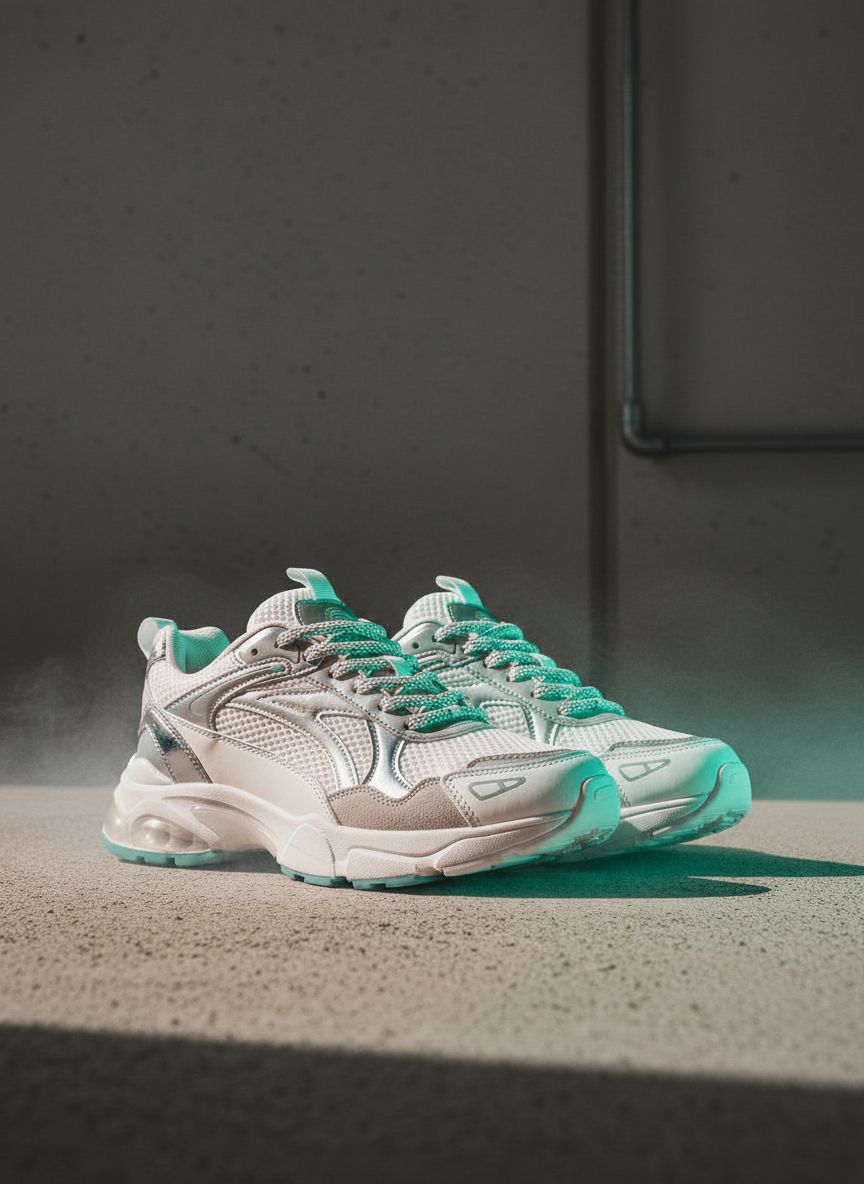
Why use Gen NanoBanana Create?
One browser workbench for prompts, references, style presets, and five AI image models — billed per successful generation.
Simple credit pricing
Rates vary by model and resolution. Buy credit packs or subscribe — pack credits are valid for one year from purchase.
Workflow
How it works
Three steps in the workbench above — pick a model, prompt, and generate.
Typical use cases

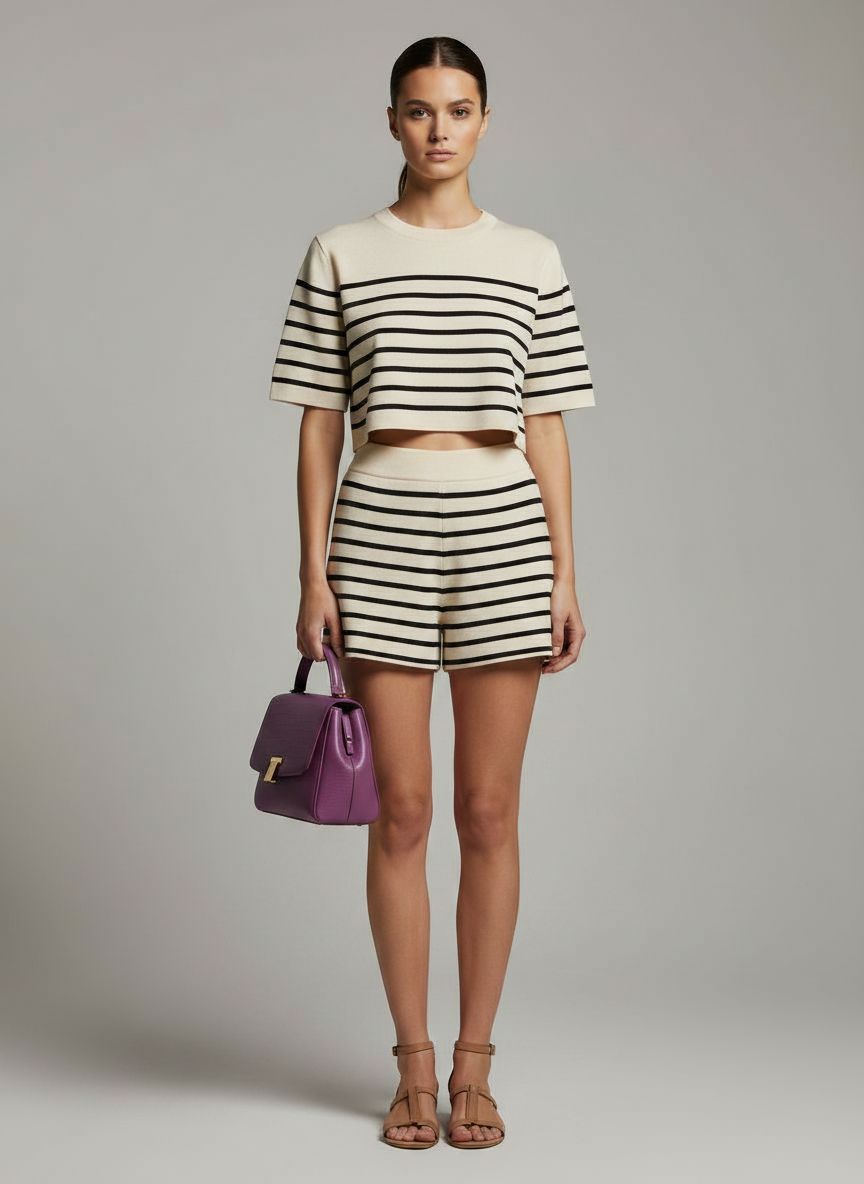
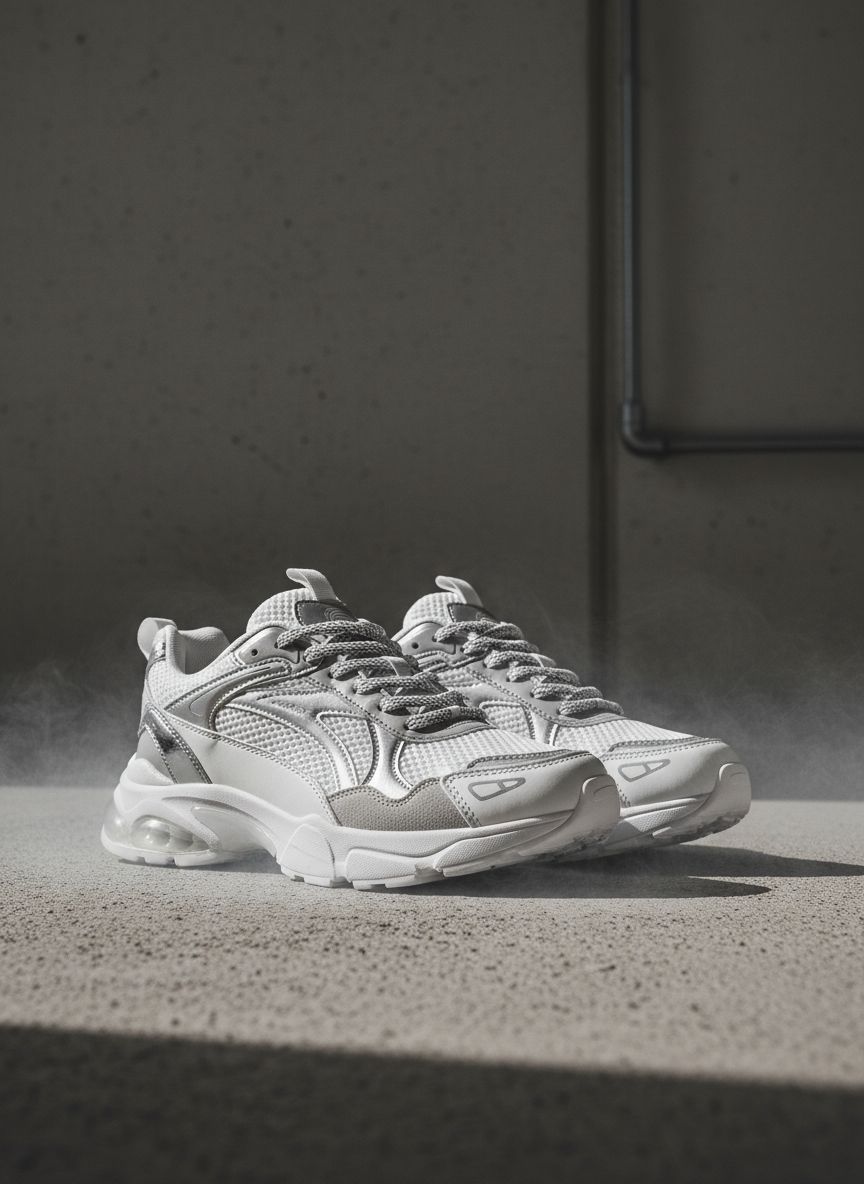
E-commerce promotional image
Upload product and talent references; generate campaign-ready visuals while preserving brand detail.
Try it now
Movie storyboard generation
From a seed frame, iterate shots and keep characters consistent frame to frame.
Start creating
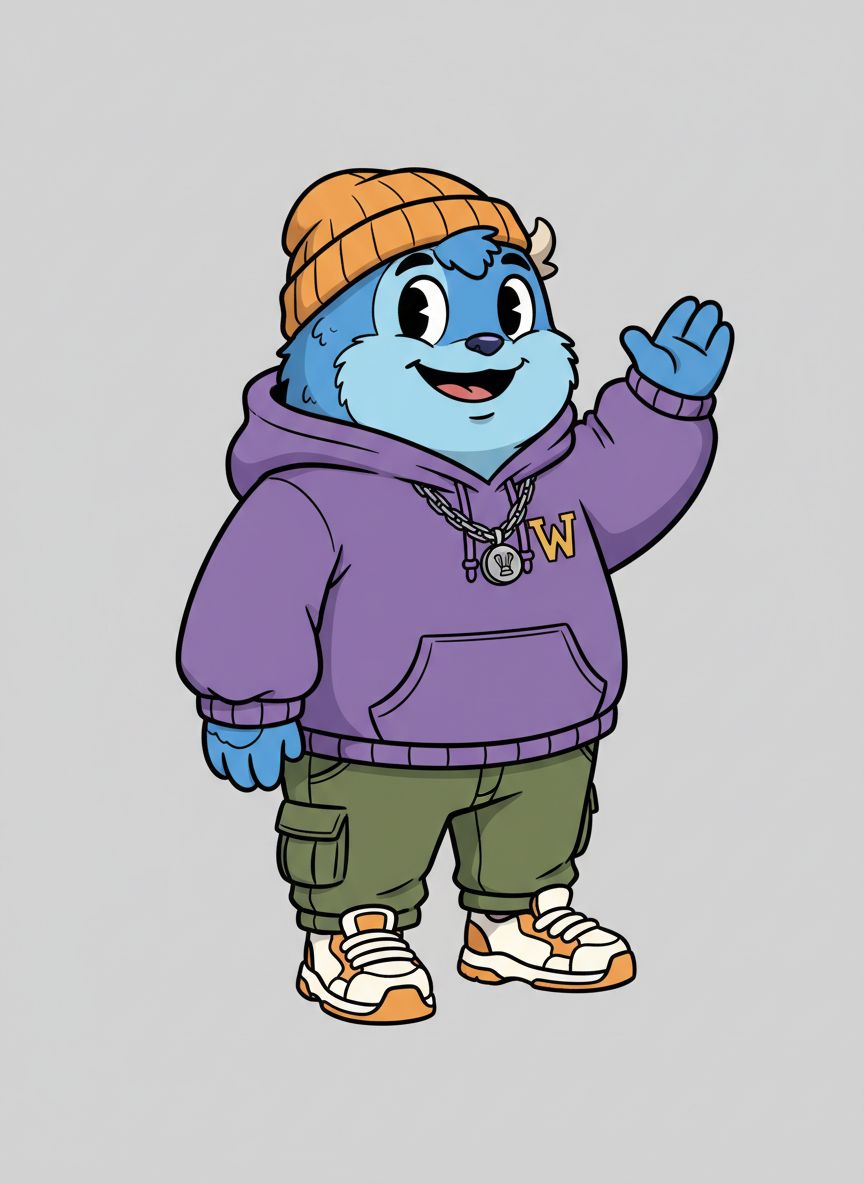
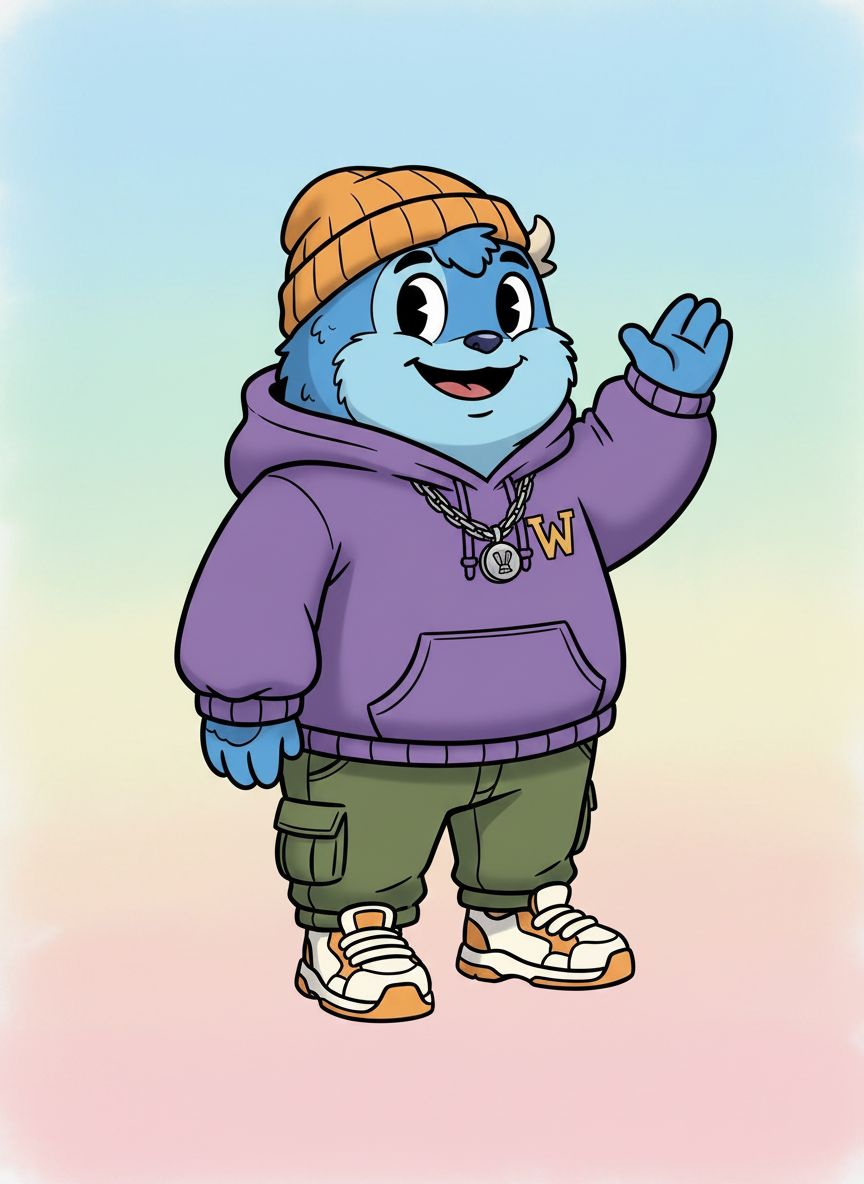
Sticker generation
Describe or upload concepts for crisp stickers with expressive color and outlines.
Experience itModel comparison
Same prompt, five AI image models
See how NanoBanana, NanoBanana 2, NanoBanana Pro, Seedream 4.5, and GPT Image 2 interpret one nighttime portrait prompt — with real outputs, credits, and pick-the-right-model guidance.
View full comparison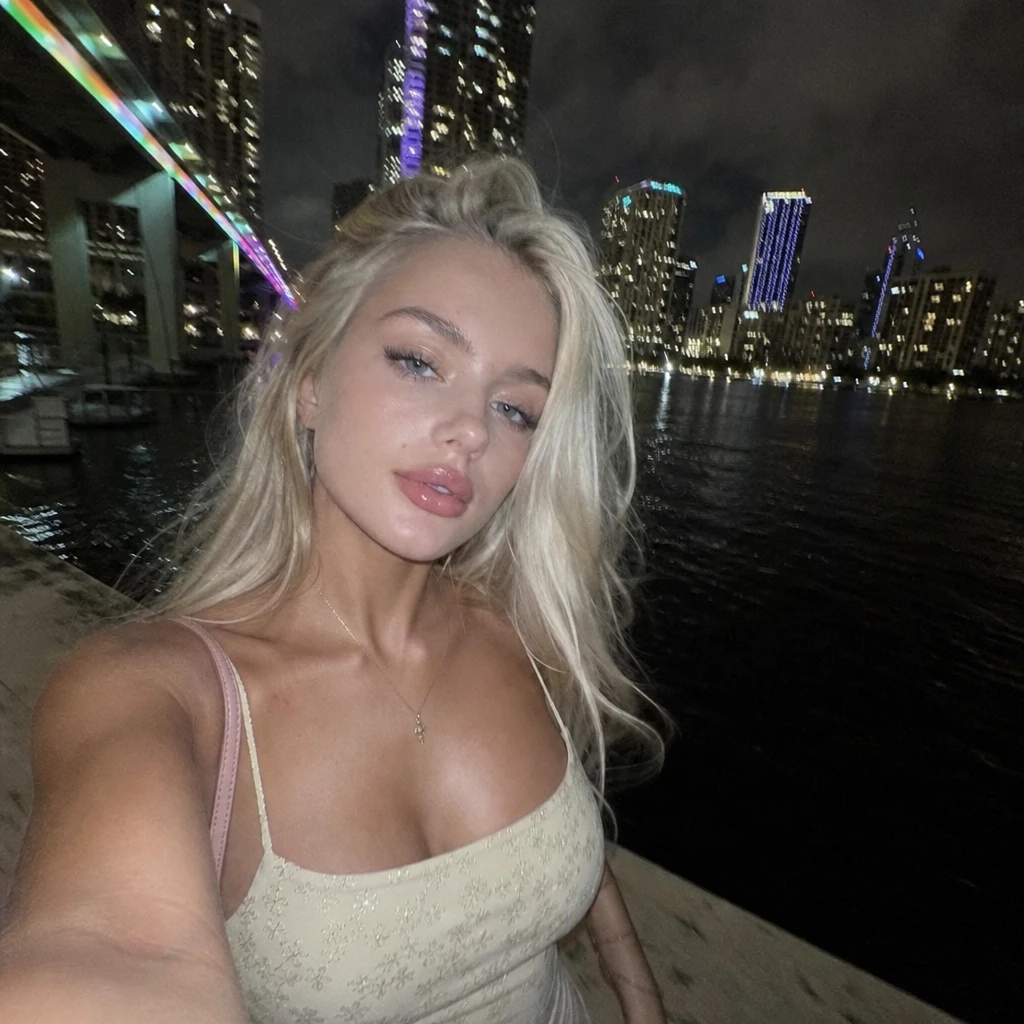
GPT Image 2
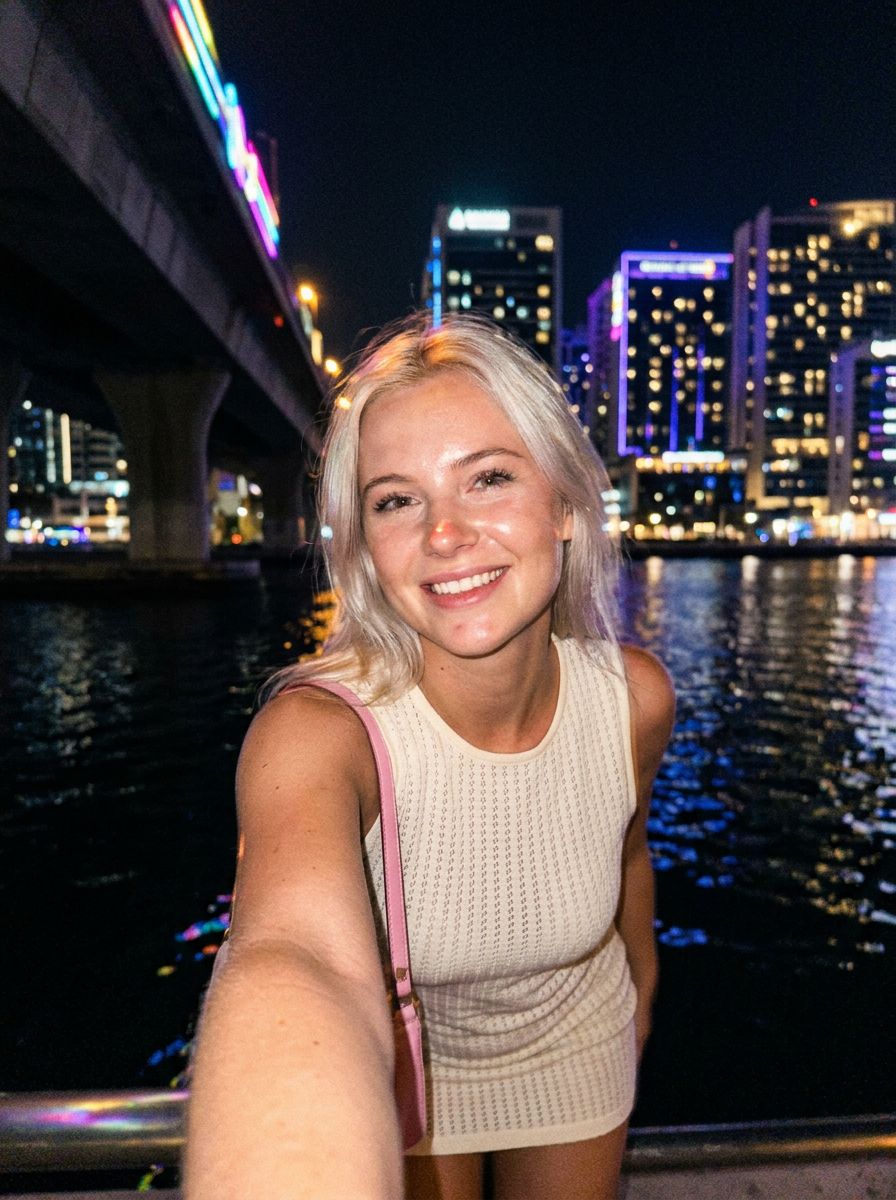
NanoBanana 2
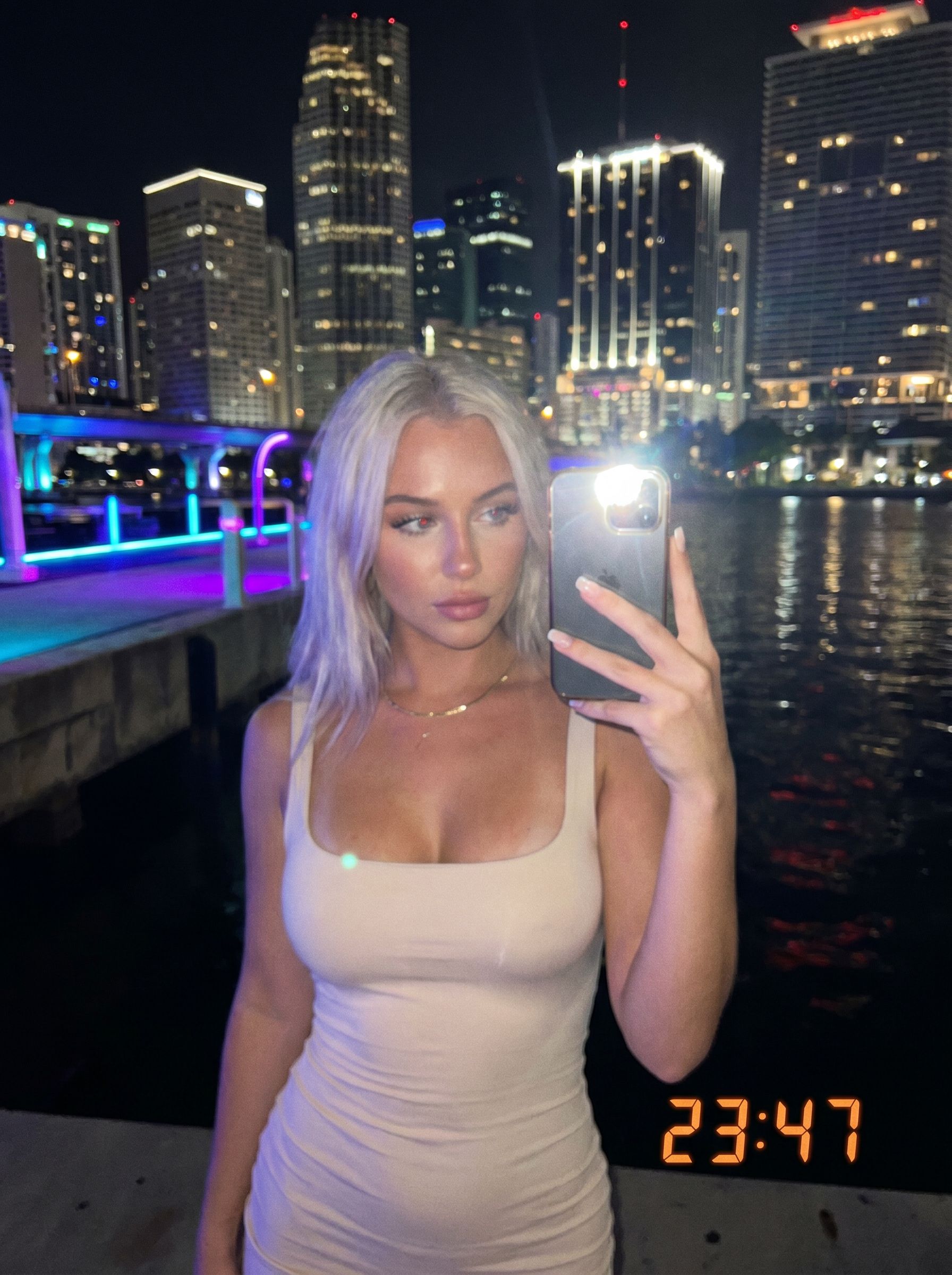
NanoBanana Pro
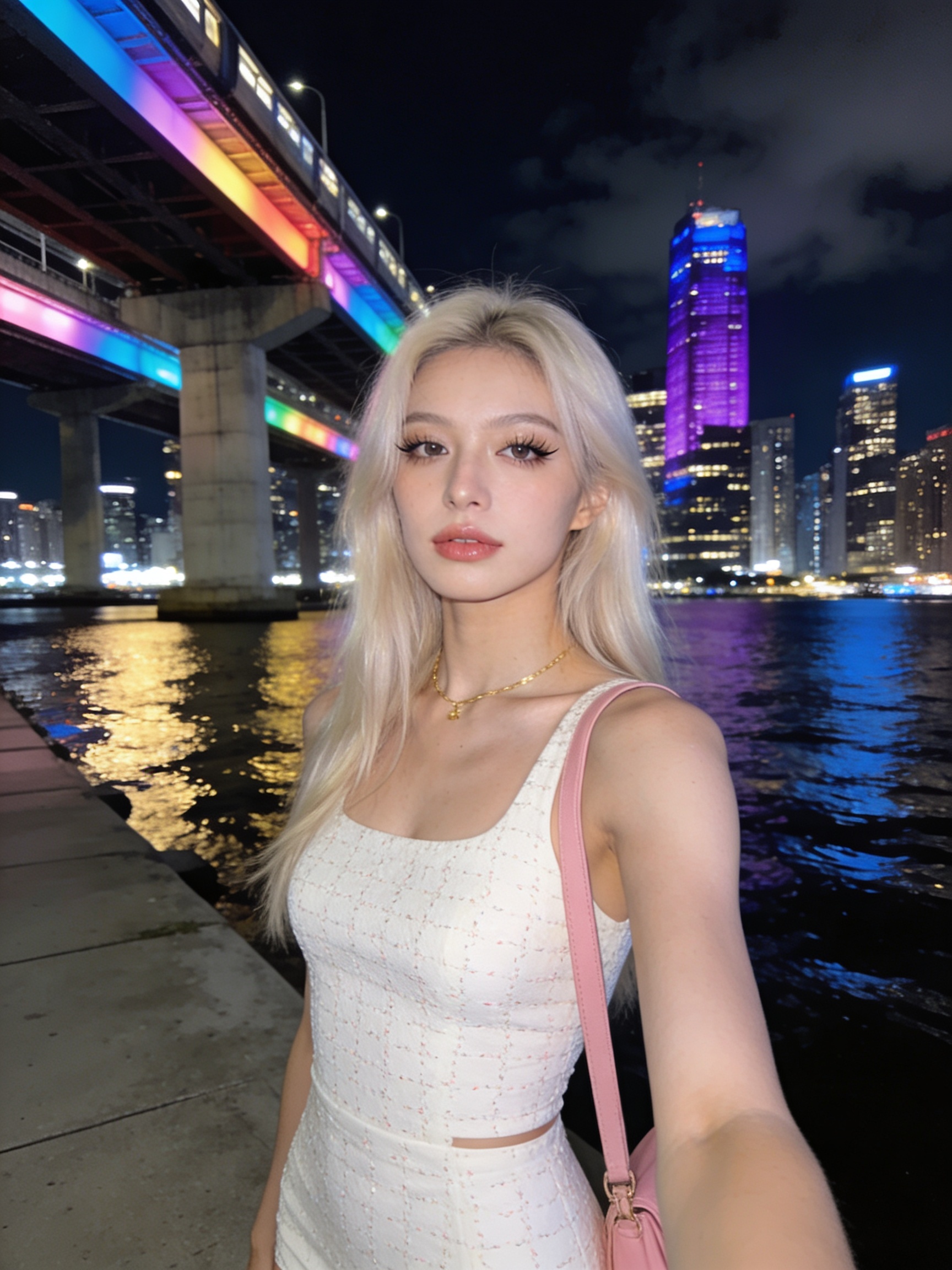
Seedream 4.5
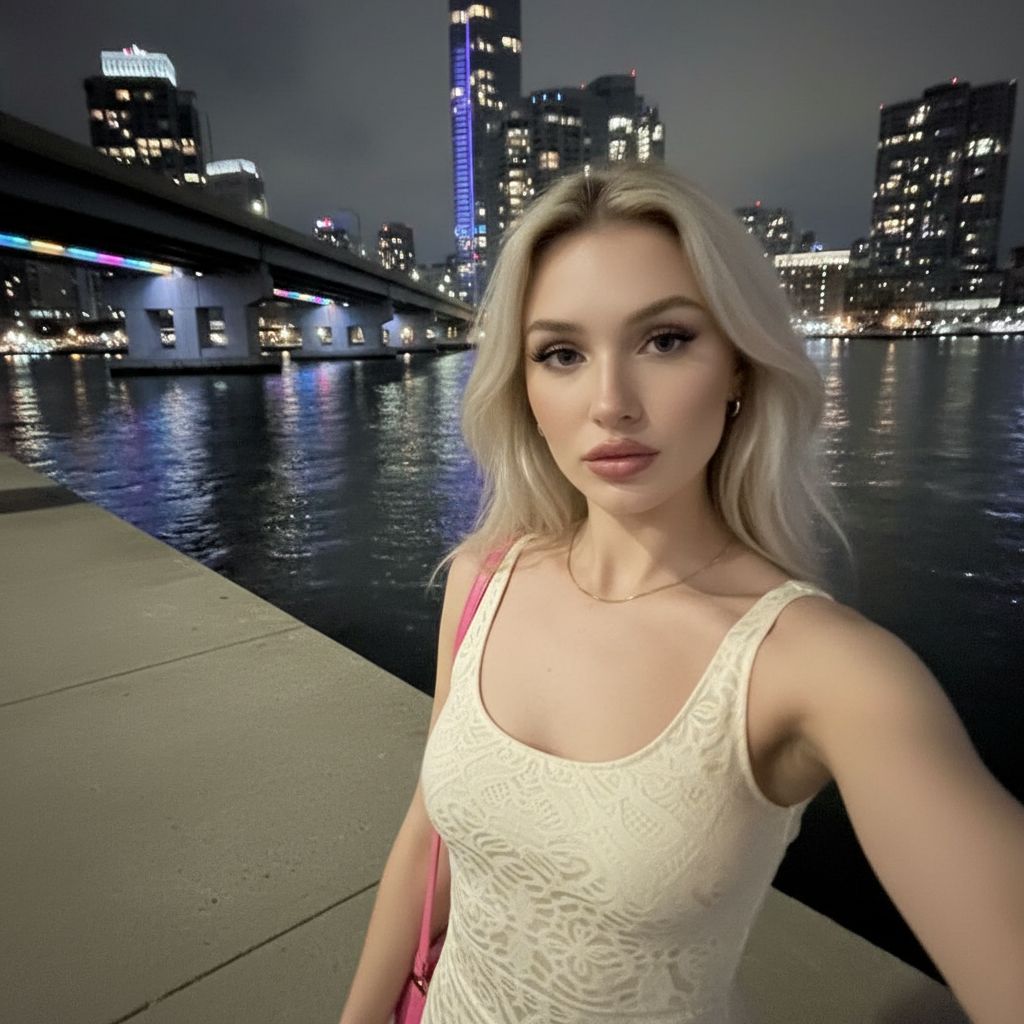
NanoBanana
New to prompting? Start with our AI image prompting. Choosing between NanoBanana tiers? Read NanoBanana 2 vs Pro.
Frequently asked questions
Which AI image models can I use on /create?
Gen NanoBanana Create supports NanoBanana (google/nano-banana), NanoBanana 2, NanoBanana Pro, Seedream 4.5, and GPT Image 2. Each model has its own credit rates and resolution options — see the supported models above, the pricing page, or our model comparison guide.
Do I need to install software?
No. The Create studio runs entirely in your browser. Sign in, claim starter credits, and generate from the workbench at the top of this page.
How do credits work?
You buy credit packs or subscribe on the pricing page. Credits are deducted only when a generation succeeds. Rates vary by model and resolution tier.
Can I use reference images?
Yes. Most models accept optional reference stills for style, subject, or product guidance. Limits vary by model — NanoBanana 2 supports up to fourteen references.
Where do my images go after I generate?
Successful outputs appear in the right-hand panel on this page and in My Creations (/history) with prompt and settings preserved.
How do I pick the right model?
Use NanoBanana for fast flat-rate drafts, NanoBanana 2 for 1K–4K iteration, Pro for sharp text and production portraits, Seedream 4.5 for cinematic campaign looks, and GPT Image 2 for legible typography. See our AI image prompting guide for the six-slot formula, or the model comparison guide for side-by-side outputs on one prompt.
Ready to generate?
Jump back to the workbench, or compare credit packs before your first run.