
AI tool
AI Image Upscaler
Upload a JPG, PNG, or WebP. Pick fast 2× or 4× super-resolution, or NanoBanana Pro upscale for 4K output with an optional prompt to steer texture and detail.
Drop an image or click to upload
JPG, PNG, or WebP
Your output appears here after processing.
Preview examples
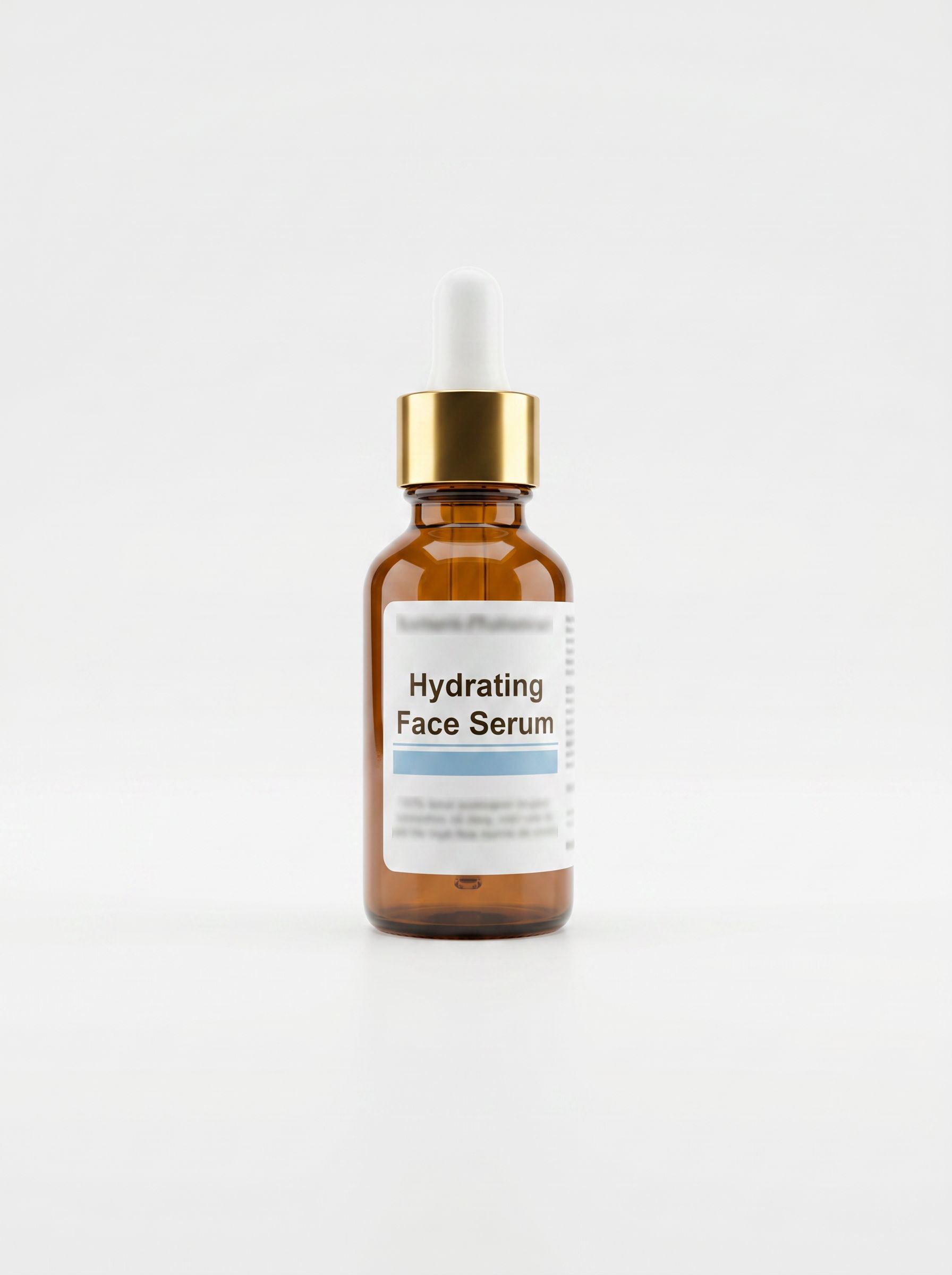
My Creations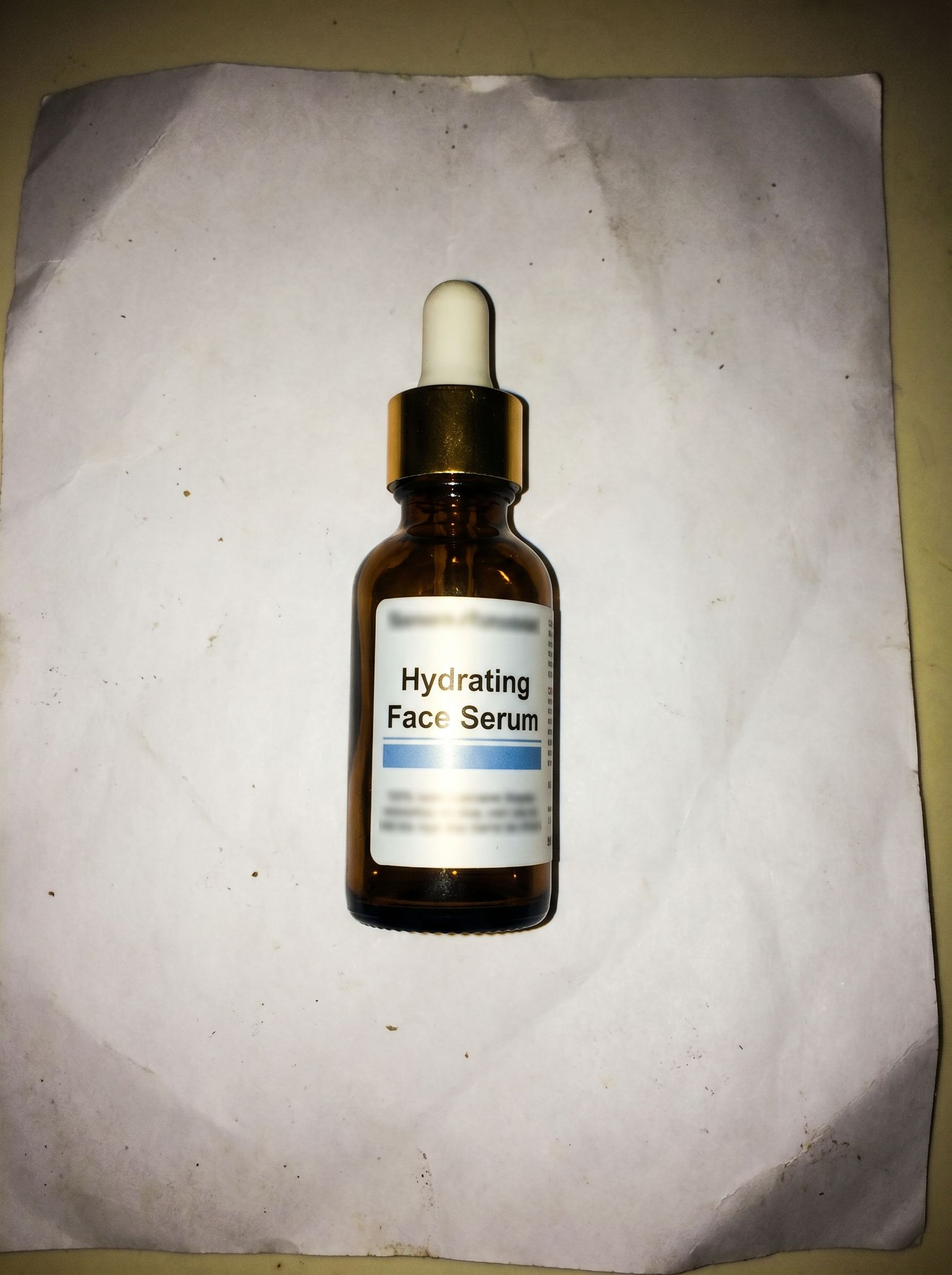




Why use Image Upscaler?
Everything you need for fast, browser-based image upscaler — without a desktop plugin stack.
Simple credit pricing
6–202 credits per image depending on resolution. Buy credit packs or subscribe on the pricing page — pack credits are valid for 1 year from purchase.
Workflow
How it works
Upload, run the tool in the studio above, and download — 3 steps for image upscaler.
Typical use cases

Ecommerce product photography
Turn supplier snapshots into crisp hero images for Shopify, Amazon, and Etsy. Use 2× / 4× for quick enlargement or NanoBanana Pro when label typography must stay sharp at 4K.
Try it now
Social and ad creatives
Upscale vertical crops and story assets so they stay sharp after platform compression — Pro mode helps when you need cleaner texture on hero subjects.
Try it now
Scanned documents & art
Recover legible type and brush strokes from phone photos of posters, menus, or heritage prints. Add a prompt on NanoBanana Pro to steer restoration style.
Try it nowFrequently asked questions
How does the AI image upscaler work?
Upload an image and pick a mode. 2× and 4× use edge-aware super-resolution to enlarge pixels with sharper edges. NanoBanana Pro upscale uses your image as reference and rebuilds it at 4K with optional prompt guidance for creative detail control.
What is NanoBanana Pro upscale?
NanoBanana Pro upscale uses our Pro image model at 4K with your upload as reference. You can leave the prompt blank for default upscale guidance or add a short note (e.g. sharpen packaging text, keep film grain). It costs more credits than 2× / 4× but suits premium assets and picky detail work.
What is the maximum input resolution?
For 2× and 4× super-resolution, keep the long edge at or below 1440p for stable quality and speed. NanoBanana Pro accepts larger sources but longer runs are normal for 4K output.
How many credits does upscaling cost?
2× upscale uses 6 credits per image; 4× uses 11. NanoBanana Pro upscale uses 202 credits (4K). See the pricing page for credit packs and plans.
Can I use upscaled images commercially?
Paid Gen NanoBanana plans include commercial licensing for outputs you create in the product. Check your plan summary at checkout for the exact terms.
Does upscaling invent new details?
AI upscaling predicts missing detail at higher resolution. 2× / 4× modes stay close to the source; NanoBanana Pro can follow your prompt more creatively. Neither mode can recover information that was never in the file — avoid expecting miracles on extreme blur.
Ready to try Image Upscaler?
Upload an image in the studio above, or compare credit packs before you run your first job.