AI Image

Seedream 4.5

High-quality poster design and image editing with ByteDance Seedream 4.5 — 2K or 4K output, nine aspect ratios, and multi-reference edits in the Create studio.

seedream-4.5

Poster design · multi-reference edits

Image Reference (Optional)
0 / 10

Drop files here or click Add Image — PNG, JPG, WebP up to 10 references.

Preview examples

My Creations
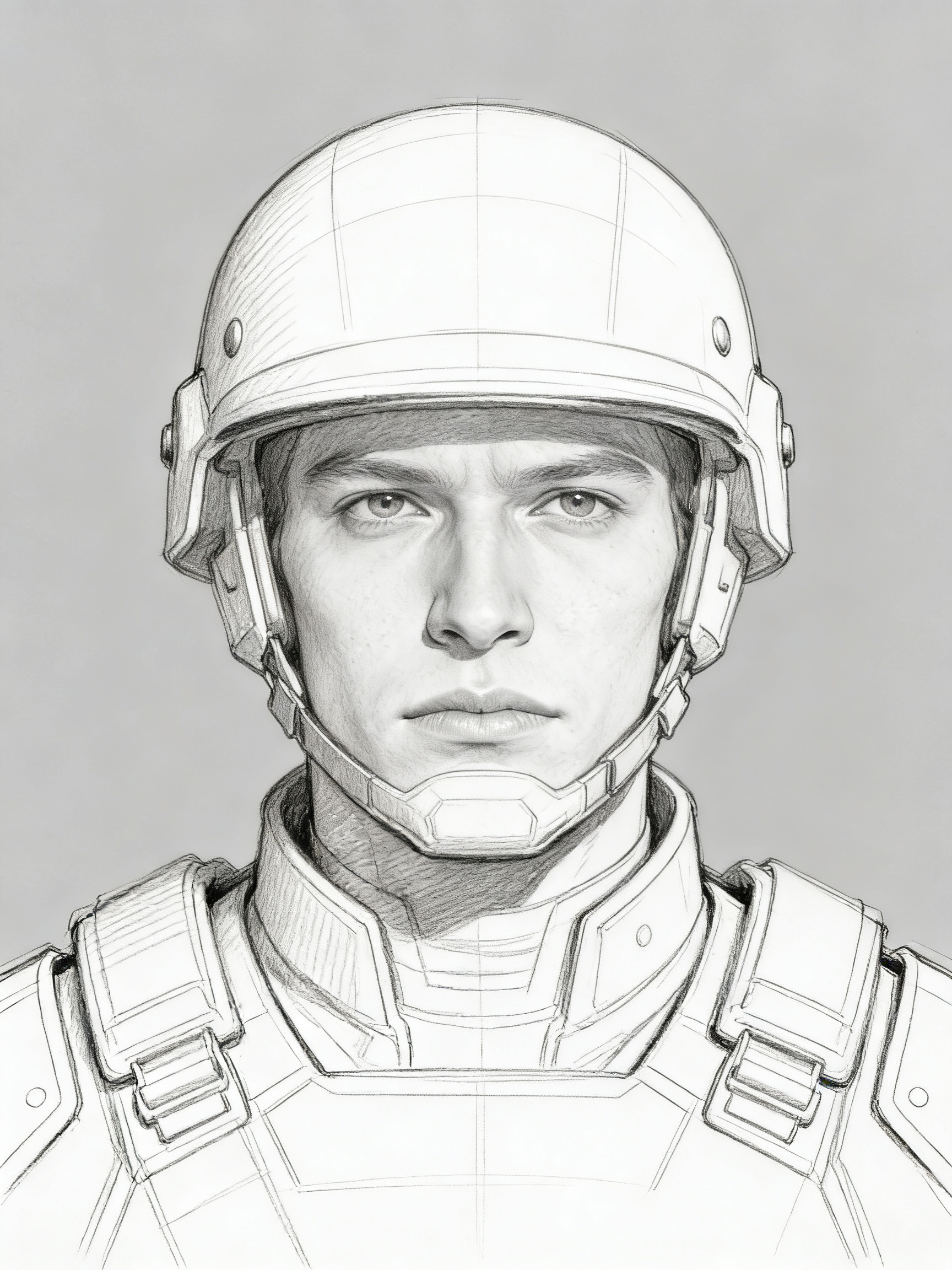
Before
Flat lighting draft before Seedream 4.5 — simple character portrait on gray backdrop, not yet cinematic
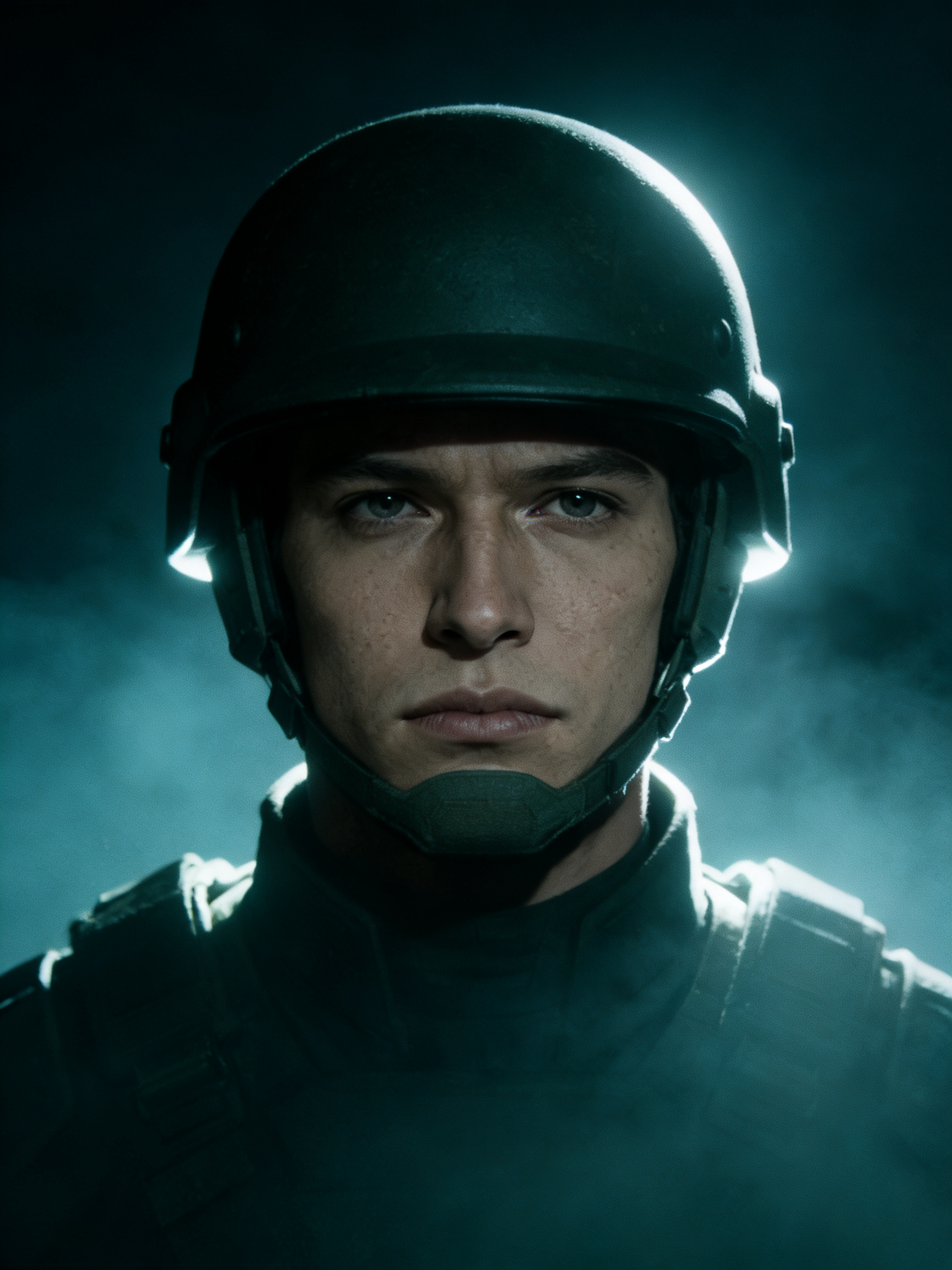
After
Seedream 4.5 result: film-style key art with dramatic rim light, depth haze, and entertainment poster composition
Seedream 4.5

Why use Seedream 4.5?

Generate and edit images in your browser with Seedream 4.5 — prompts, references, and credit-based billing on Gen NanoBanana.

Cinematic stills

Seedream excels at dramatic lighting, depth, and poster-ready compositions.

Spatial accuracy

Objects stay grounded and proportional — useful for interiors, vehicles, and group shots.

Reference editing

Blend multiple reference stills for wardrobe, set design, or product variants.

Poster workflows

Wide and tall aspects cover OOH, streaming thumbnails, and editorial covers.

4K exports

Switch to 4K when you need crop headroom or print delivery.

Integrated billing

See Seedream-specific credit quotes before you commit a run.

Simple credit pricing

27 credits per image. Buy credit packs or subscribe on the pricing page — pack credits are valid for 1 year from purchase.

View pricing

How it works

Prompt, generate, and download — three steps with Seedream 4.5 in the studio above.

  1. 01

    Write your scene

    Describe subjects, camera, and mood. Add references for characters or products.

  2. 02

    Pick size & aspect

    Choose 2K or 4K and a ratio that matches your placement.

  3. 03

    Download results

    Open generations in the side panel or revisit them later in My Creations.

Typical use cases

Seedream 4.5 AI image example: cinematic film-style key art with dramatic lighting for entertainment marketing

Film-style key art

Explore tonal lighting and lens choices for entertainment marketing.

Try it now
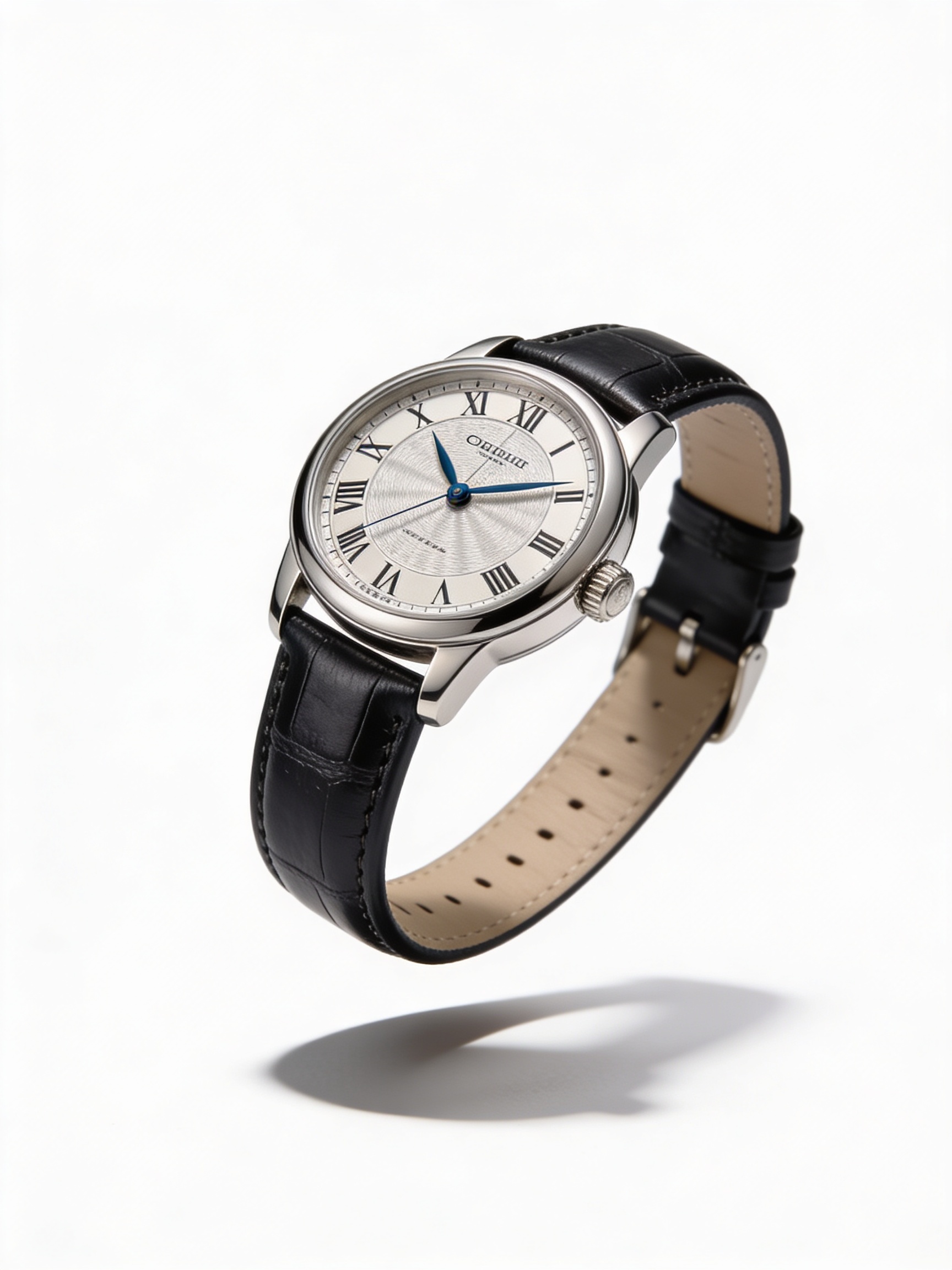
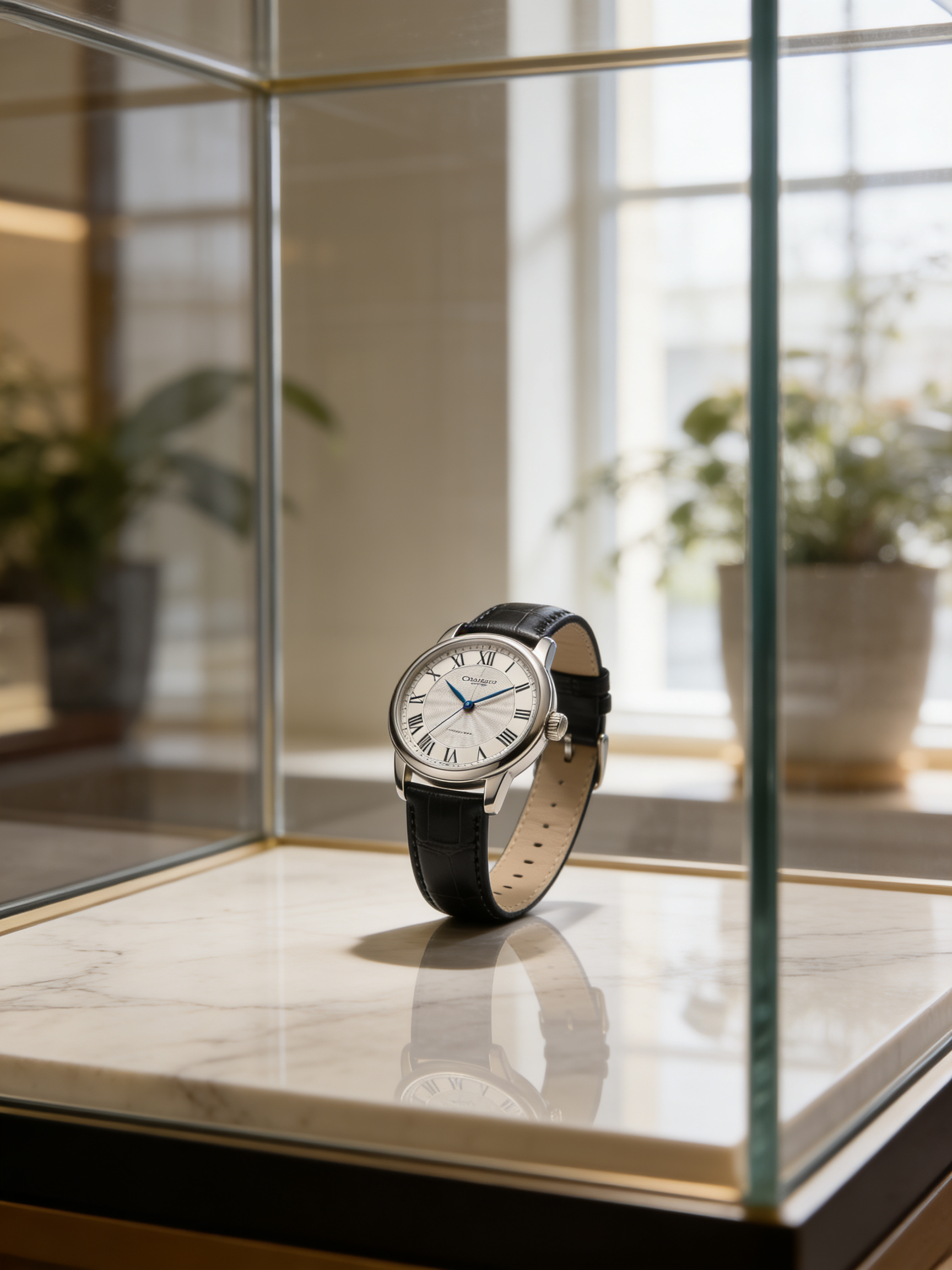
Seedream 4.5 AI image example: retail product display with believable environment, shadows, and spatial layout

Retail displays

Compose product stories with believable environments and shadows.

Try it now
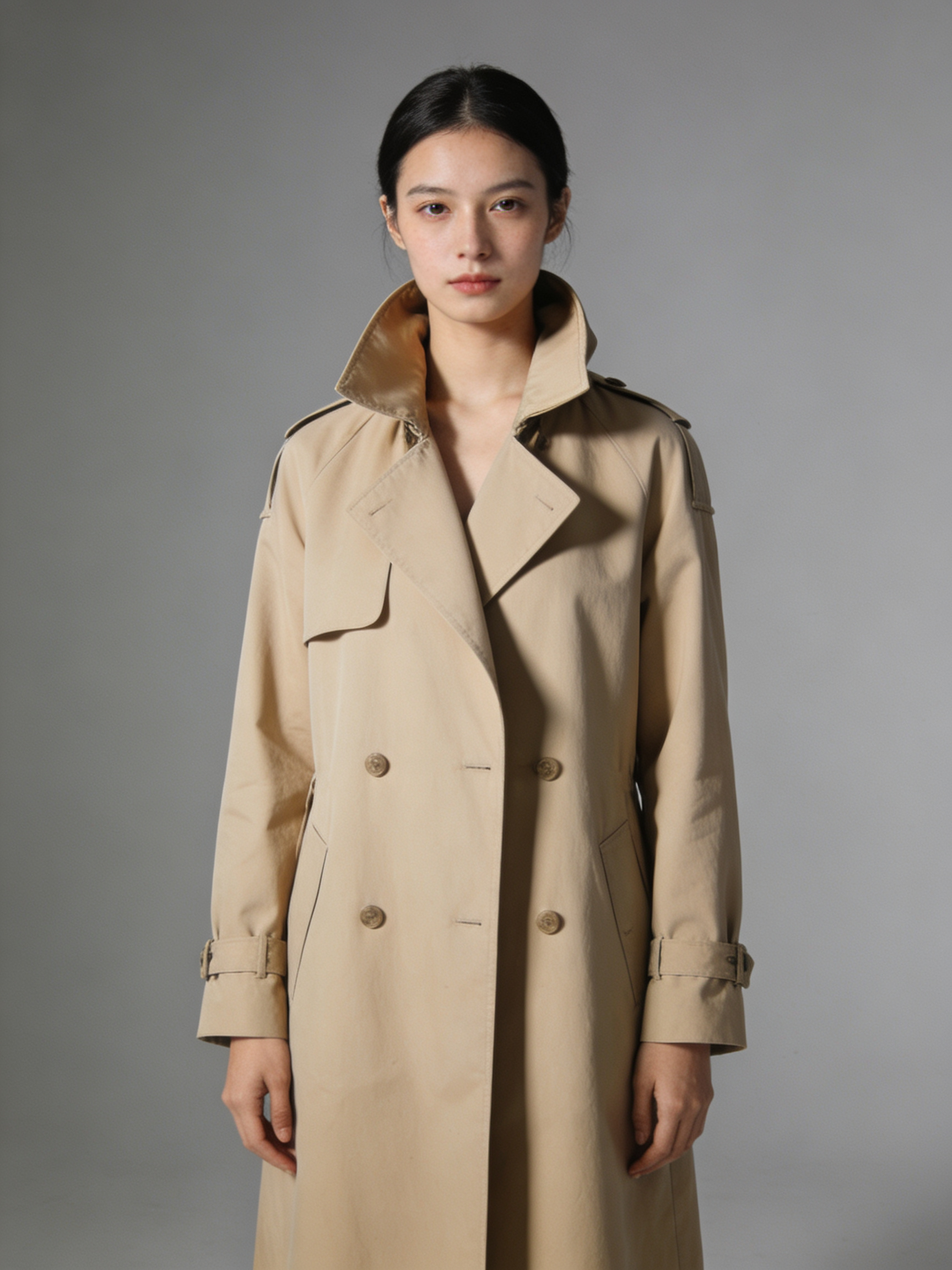
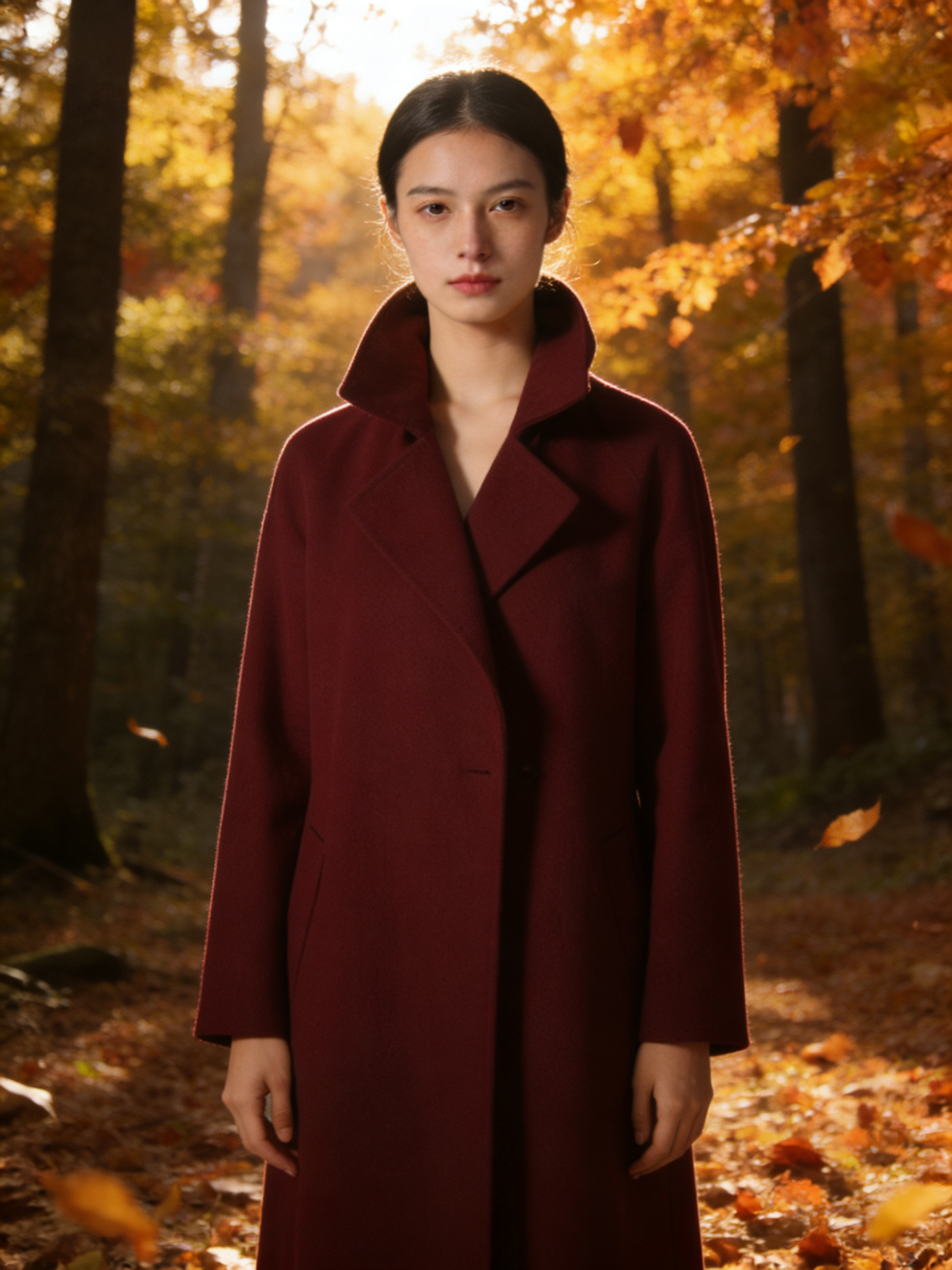
Seedream 4.5 AI image example: campaign iteration keeping hero reference while swapping background and wardrobe

Campaign iterations

Keep a hero reference and swap backgrounds or wardrobe via prompt edits.

Try it now

Model comparison

Same prompt, five AI image models

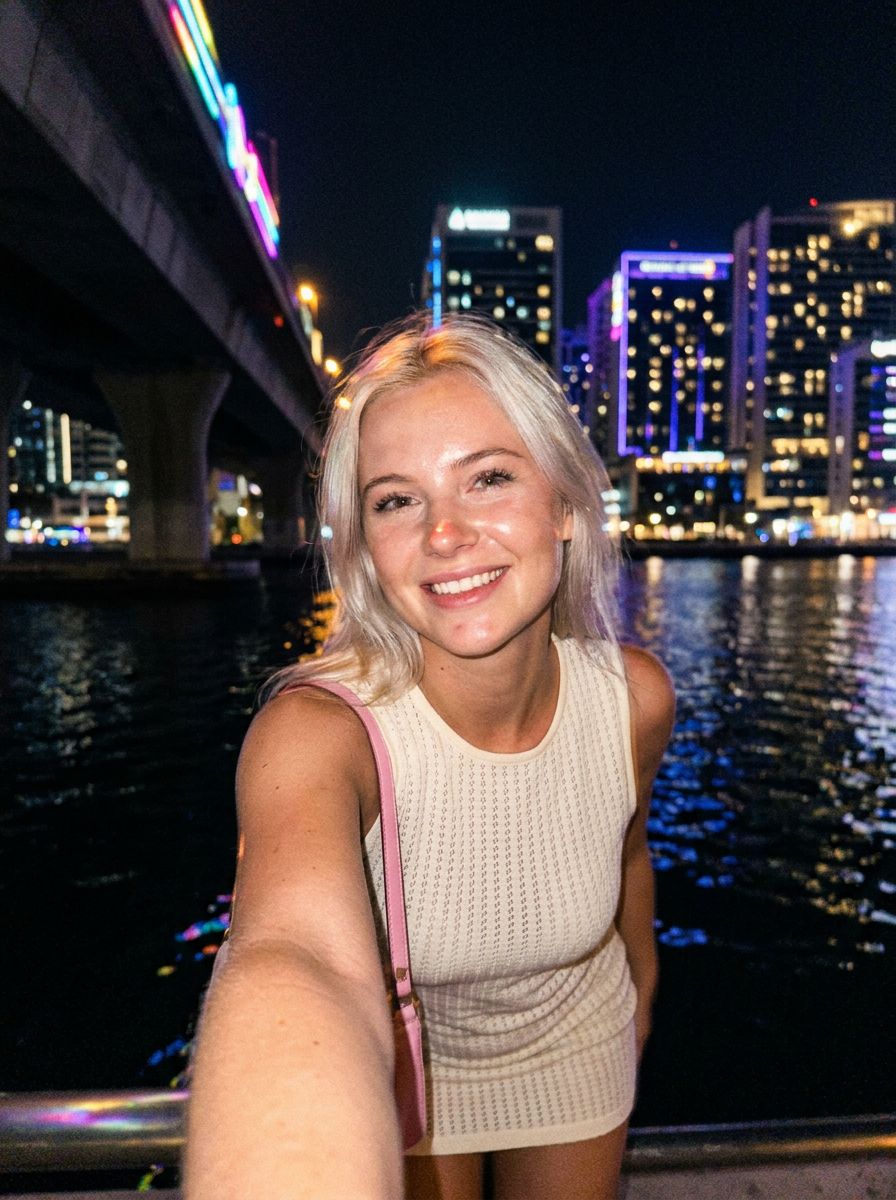
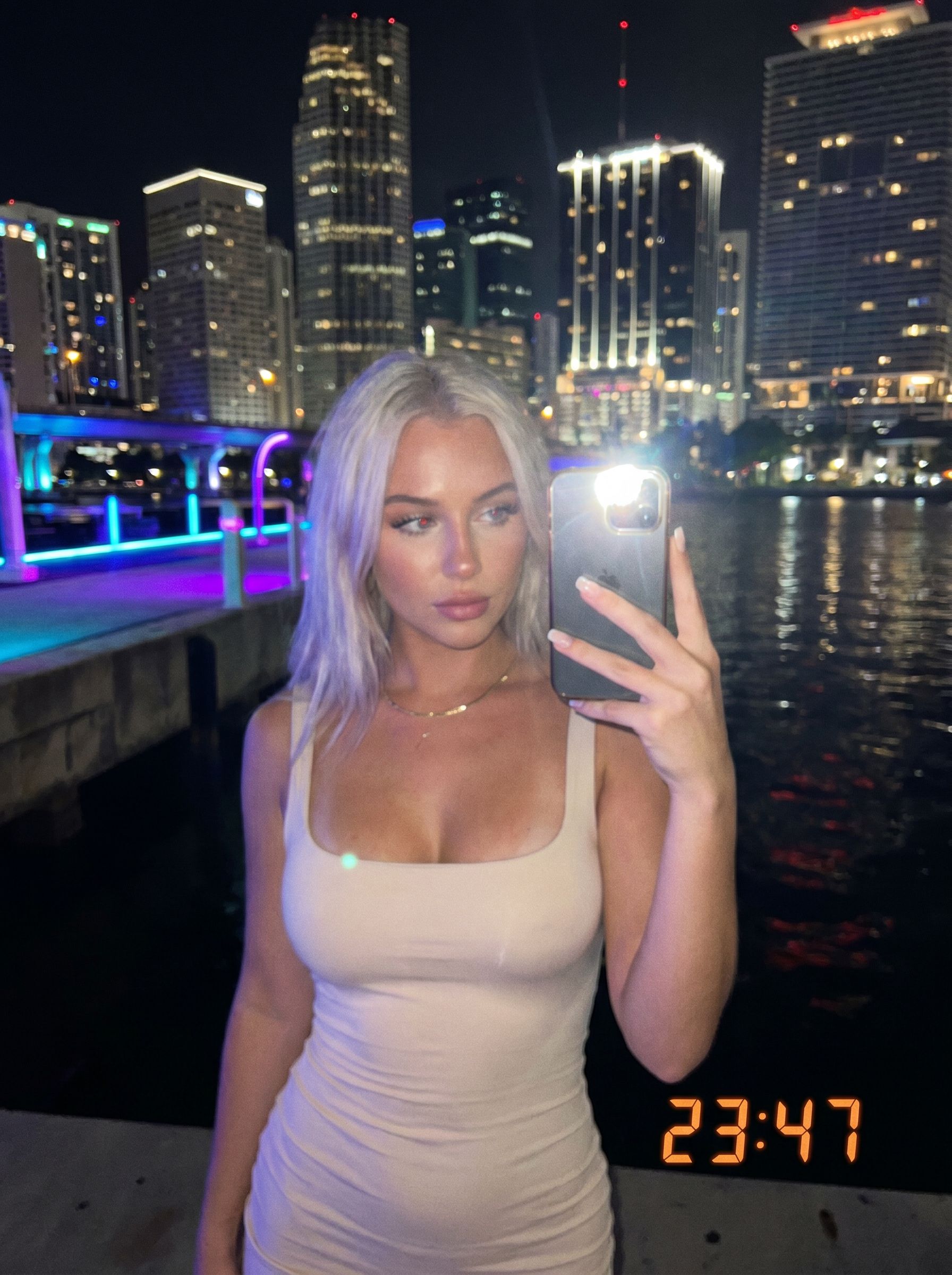
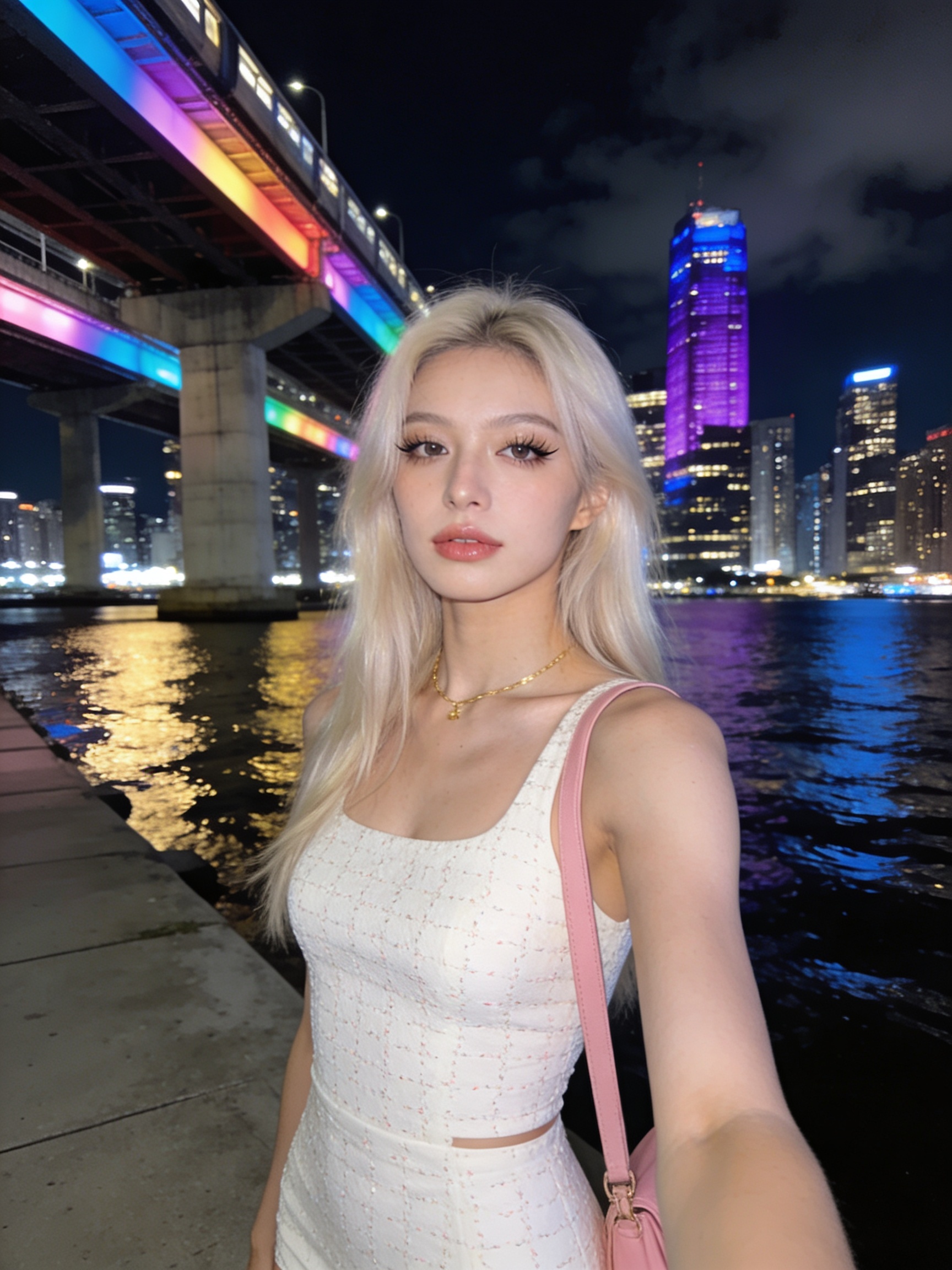
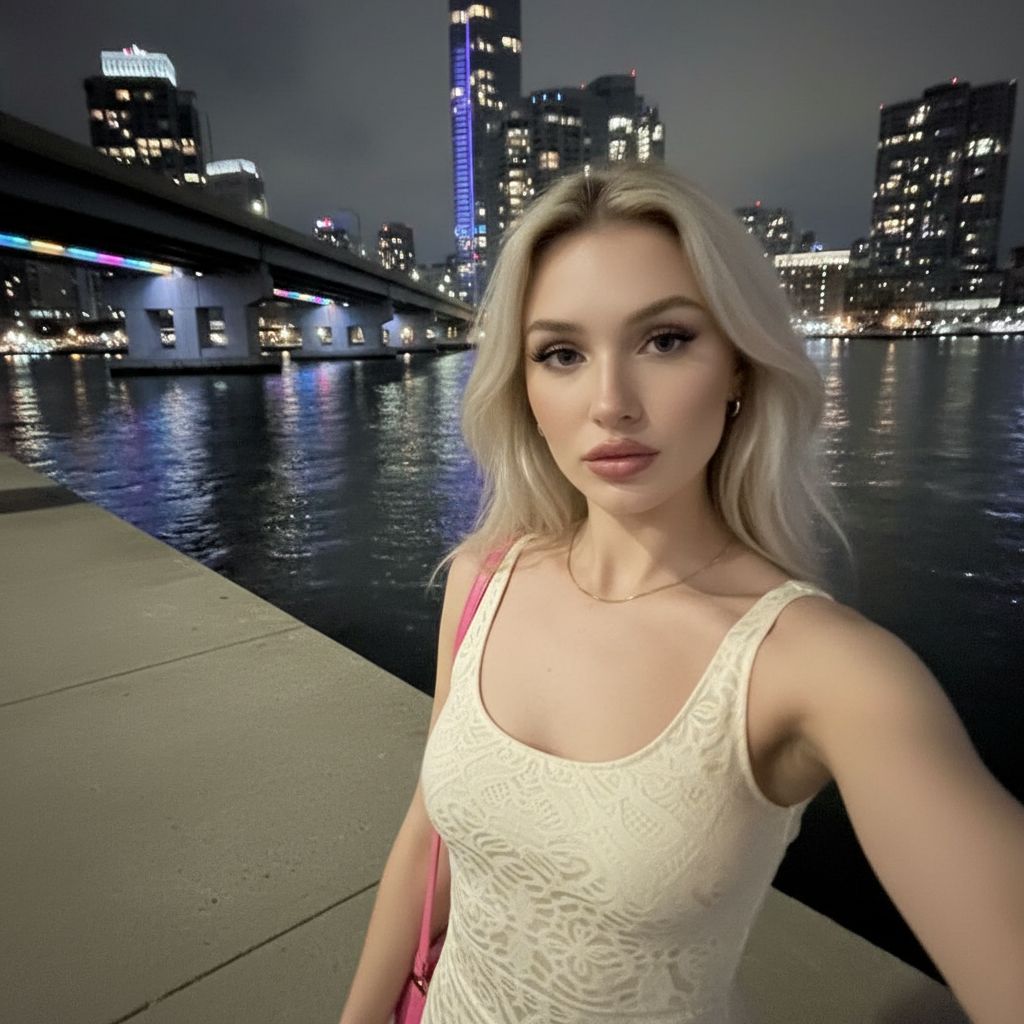
See how NanoBanana, NanoBanana 2, NanoBanana Pro, Seedream 4.5, and GPT Image 2 interpret one nighttime portrait prompt — with real outputs, credits, and pick-the-right-model guidance.

View full comparison
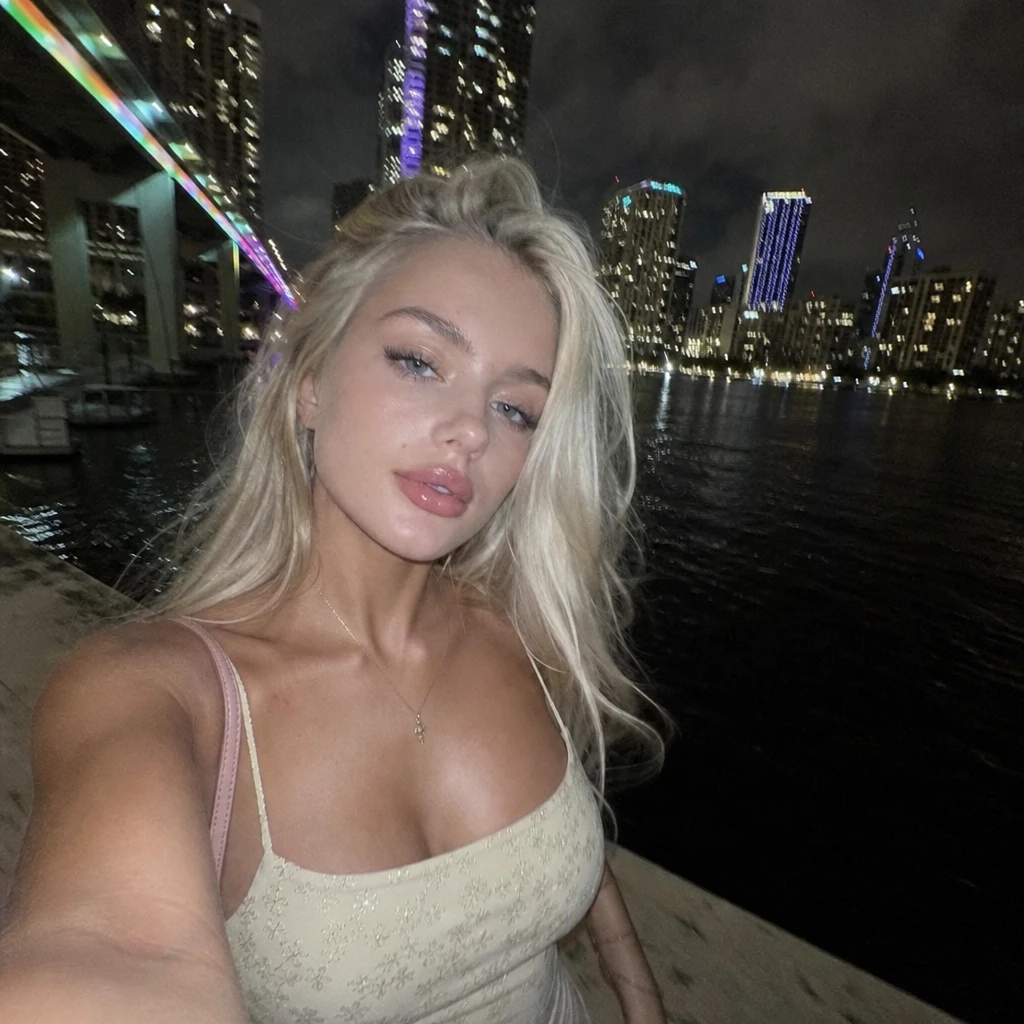
Gen NanoBanana AI image model comparison — GPT Image 2 OpenAI output: mirror-style nighttime selfie with visible phone, LED timestamp, ribbed tank top, neon waterfront backdrop

GPT Image 2

Gen NanoBanana AI image model comparison — NanoBanana 2 output: nighttime waterfront portrait selfie, warm smile, natural skin texture, fine hair strands against dark sky

NanoBanana 2

Gen NanoBanana AI image model comparison — NanoBanana Pro output: nighttime waterfront portrait selfie, sharp makeup and fabric texture, vivid neon bridge and train lights, crisp city reflections

NanoBanana Pro

Gen NanoBanana AI image model comparison — Seedream 4.5 ByteDance output: nighttime waterfront portrait selfie, soft smile, smooth cinematic skin, embroidered top detail, purple-accent skyline

Seedream 4.5

Gen NanoBanana AI image model comparison — NanoBanana google/nano-banana output: nighttime waterfront portrait selfie, neutral expression, polished skin, rainbow bridge lights and city skyline reflected in water

NanoBanana

New to prompting? Start with our AI image prompting. Choosing between NanoBanana tiers? Read NanoBanana 2 vs Pro.

Frequently asked questions

What is Seedream 4.5 best for?

Seedream 4.5 is ideal for cinematic posters, realistic scenes, and reference-guided edits where spatial layout matters.

Which aspects are supported?

The studio exposes Auto plus standard landscape, portrait, and ultrawide ratios in the workbench.

How do credits compare to NanoBanana?

Seedream is billed at a flat credit rate per successful image; choosing 2K or 4K only changes output dimensions, not the per-run price.

Can I combine Seedream with styles?

Yes — pick a style preset from the library to pre-fill prompts, then generate with Seedream selected.

Ready to try Seedream 4.5?

Write a prompt in the studio above, or compare credit packs before your first run.