AI Image
NanoBanana 2
Latest NanoBanana stack — 1K, 2K, and 4K output, fourteen aspect ratios (including ultra-wide), and multi-reference control in the Create studio.

Latest stack · 1K–4K
Drop files here, click Add Image, or use Camera — PNG, JPG, WebP up to 10 references.
Preview examples
My Creations


Why use NanoBanana 2?
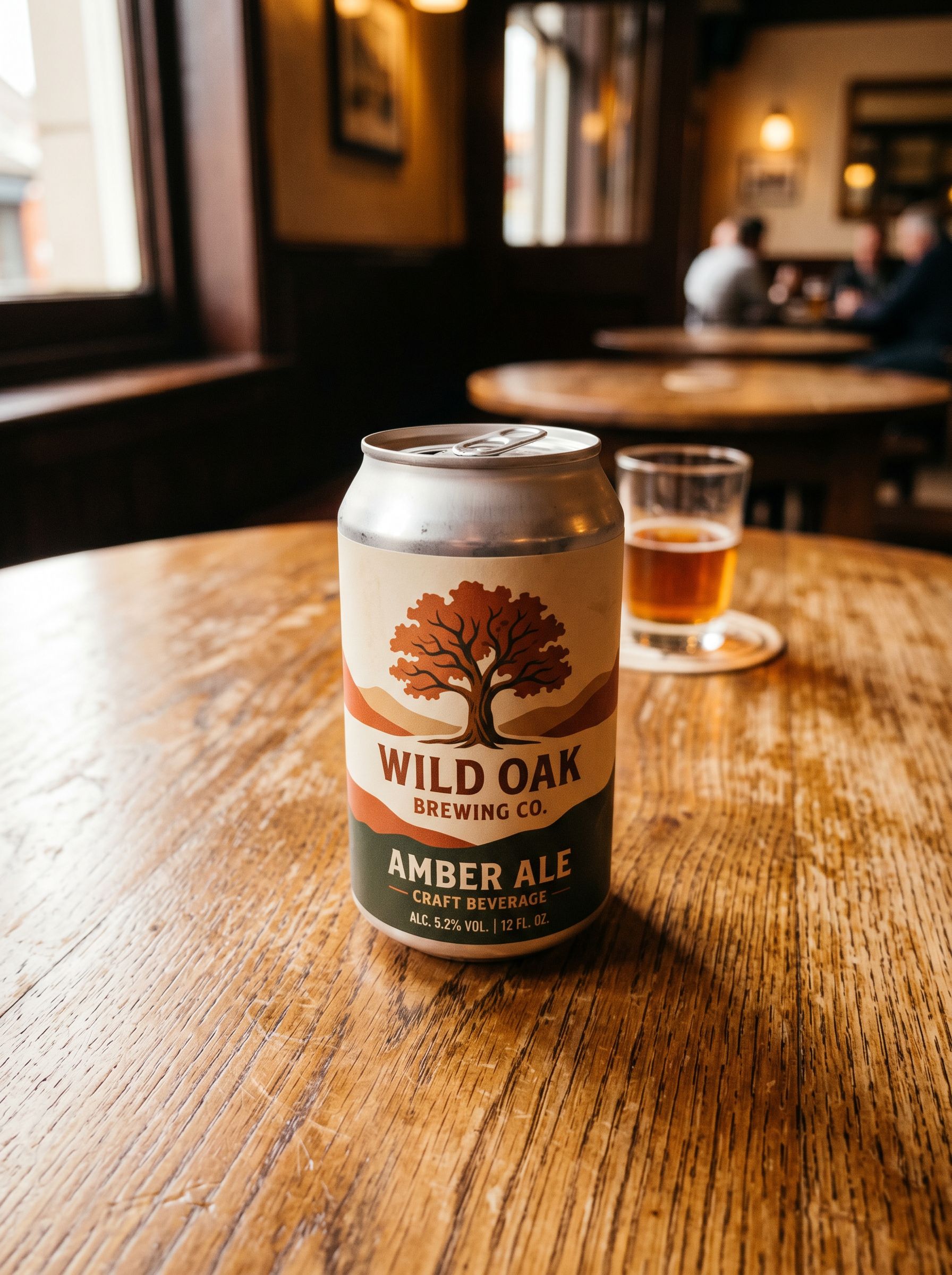
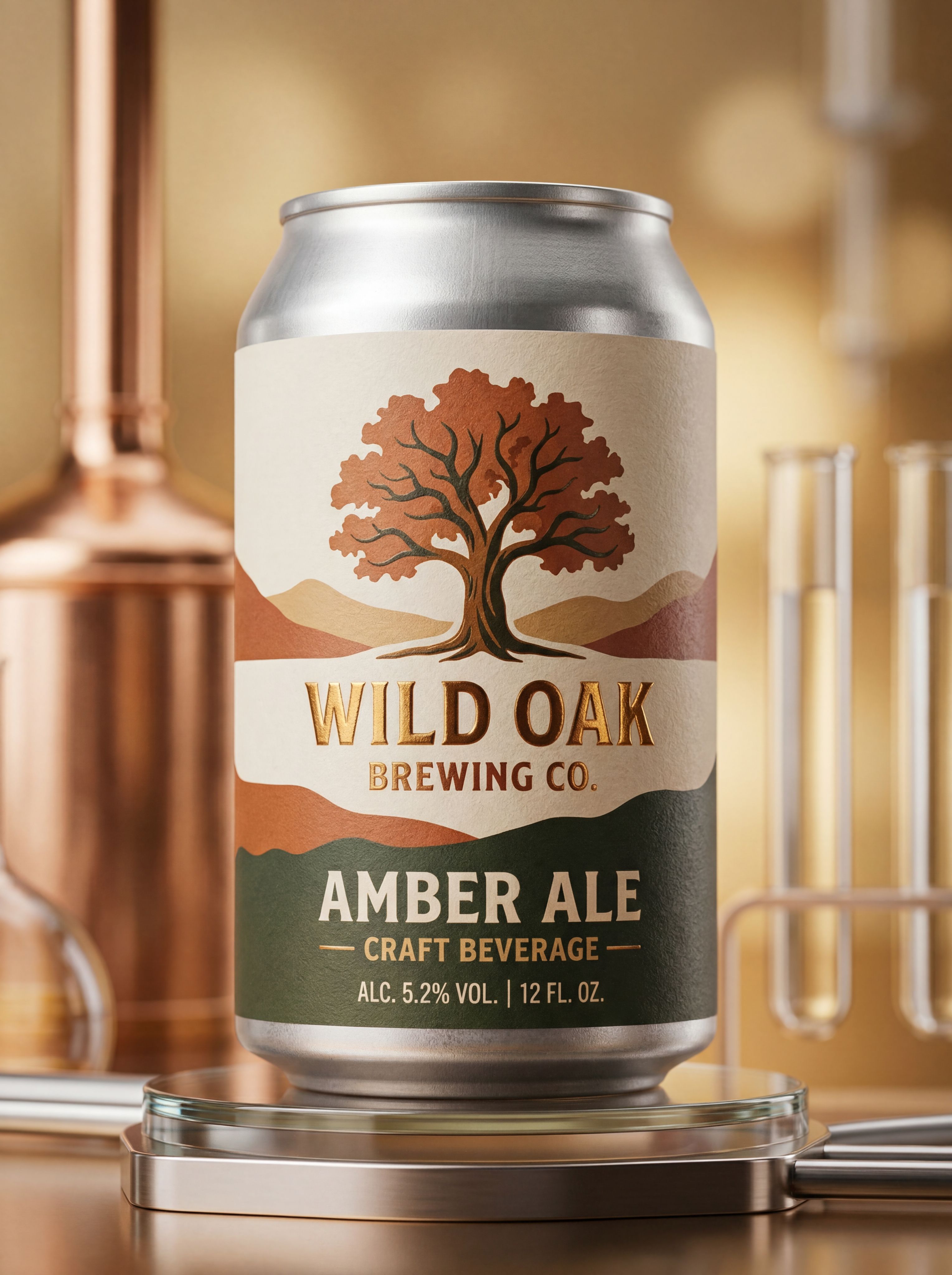
Generate and edit images in your browser with NanoBanana 2 — prompts, references, and credit-based billing on Gen NanoBanana.
Simple credit pricing
45–102 credits per image depending on resolution. Buy credit packs or subscribe on the pricing page — pack credits are valid for 1 year from purchase.
How it works
Prompt, generate, and download — three steps with NanoBanana 2 in the studio above.
Typical use cases


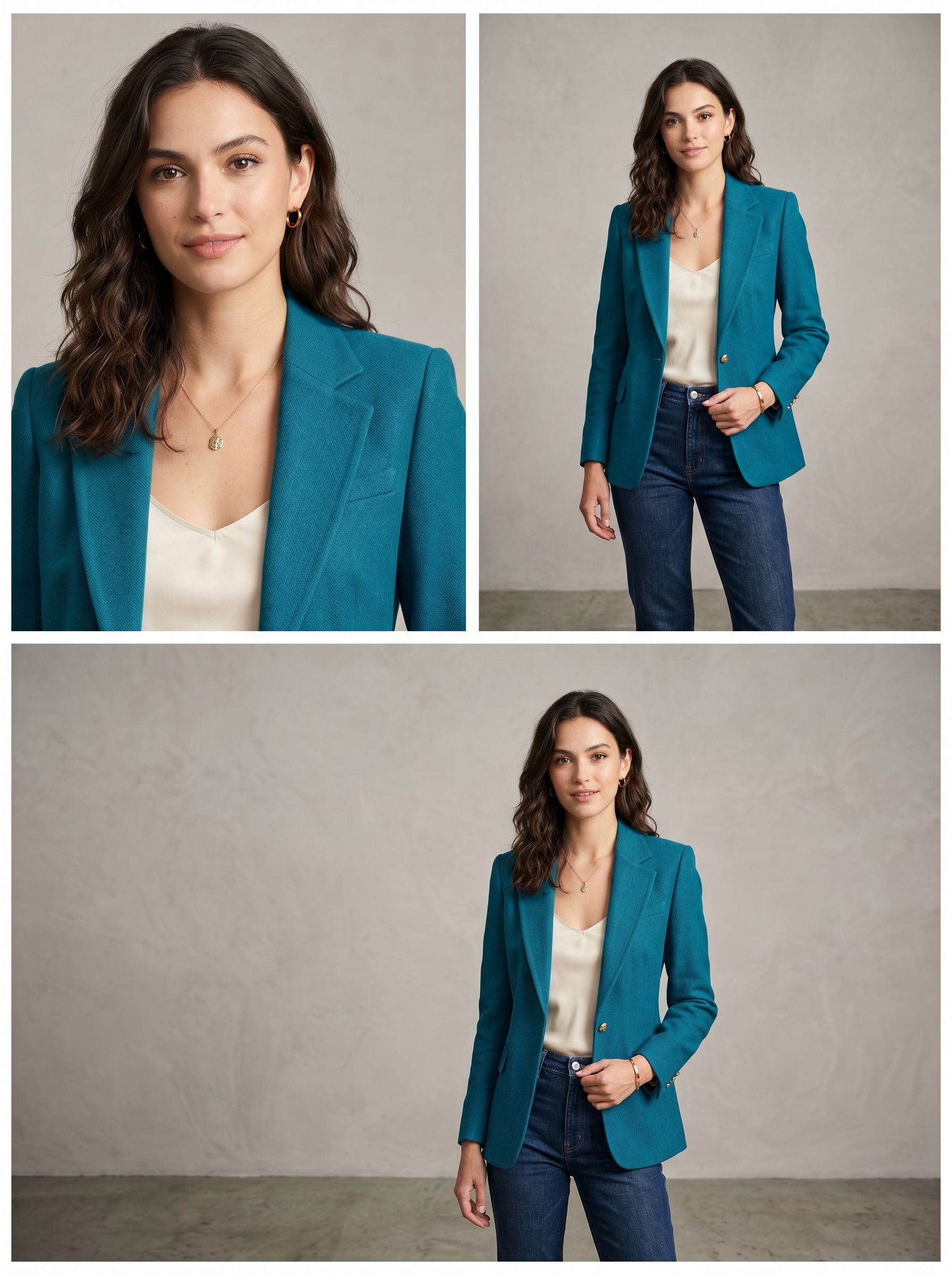
Consistent characters
Lock a face or outfit with references, then iterate backgrounds and poses.
Try it now
Model comparison
Same prompt, five AI image models
See how NanoBanana, NanoBanana 2, NanoBanana Pro, Seedream 4.5, and GPT Image 2 interpret one nighttime portrait prompt — with real outputs, credits, and pick-the-right-model guidance.
View full comparison
GPT Image 2
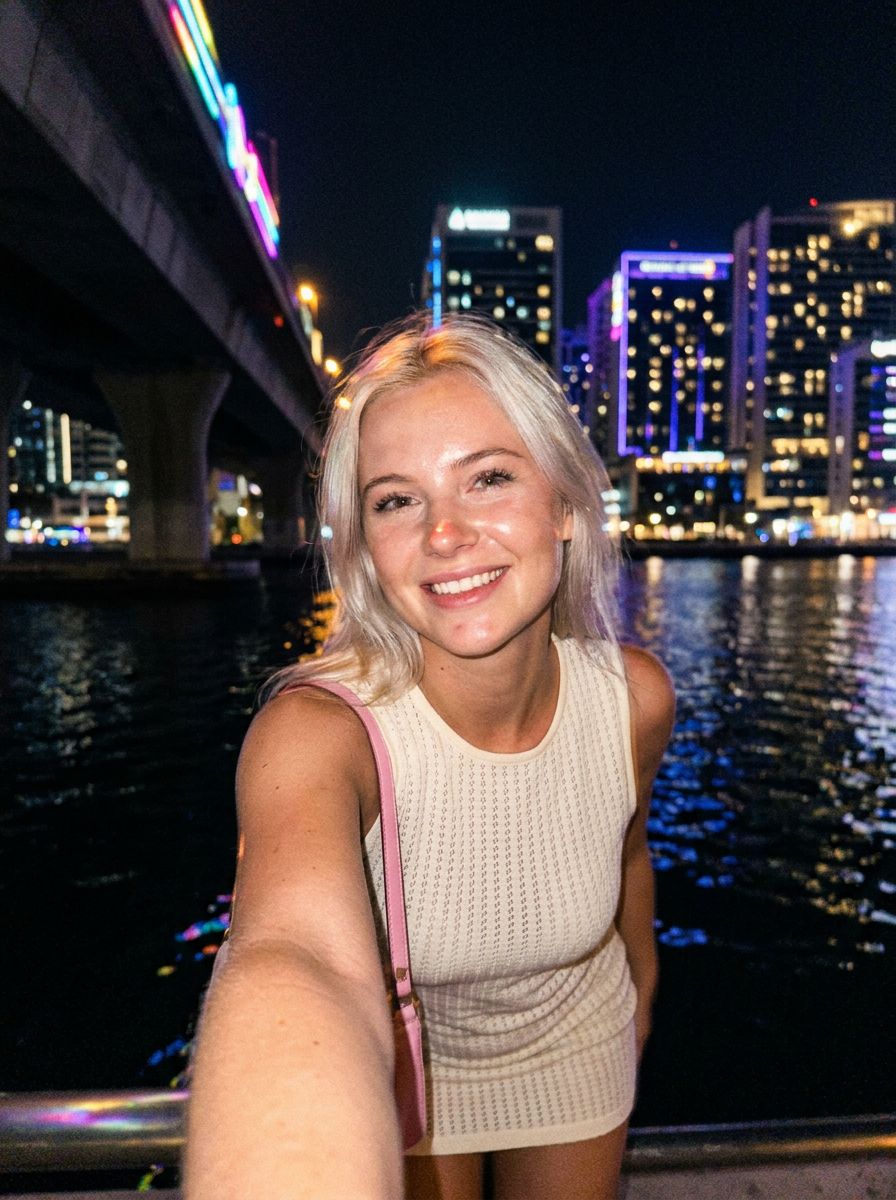
NanoBanana 2
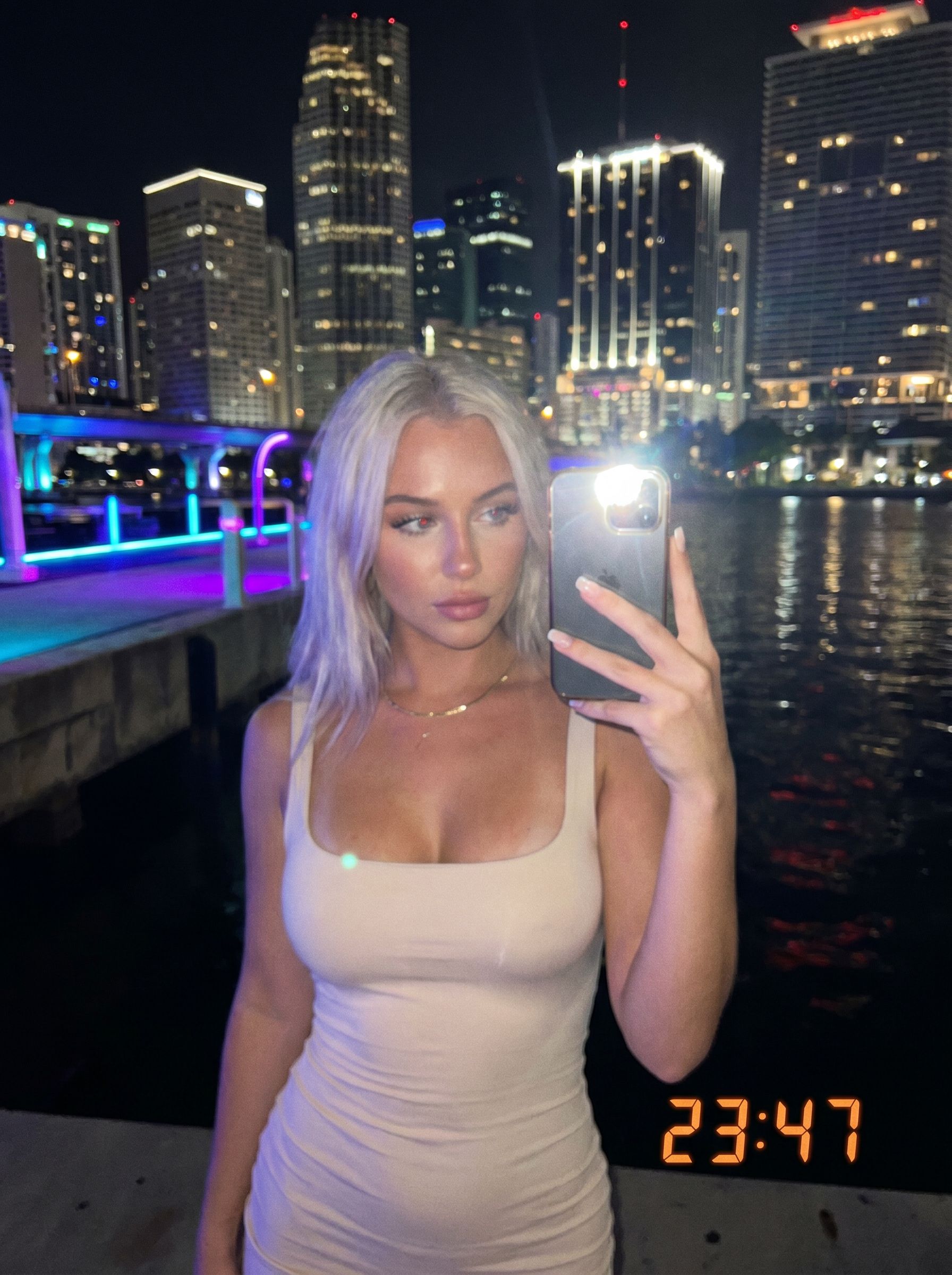
NanoBanana Pro

Seedream 4.5
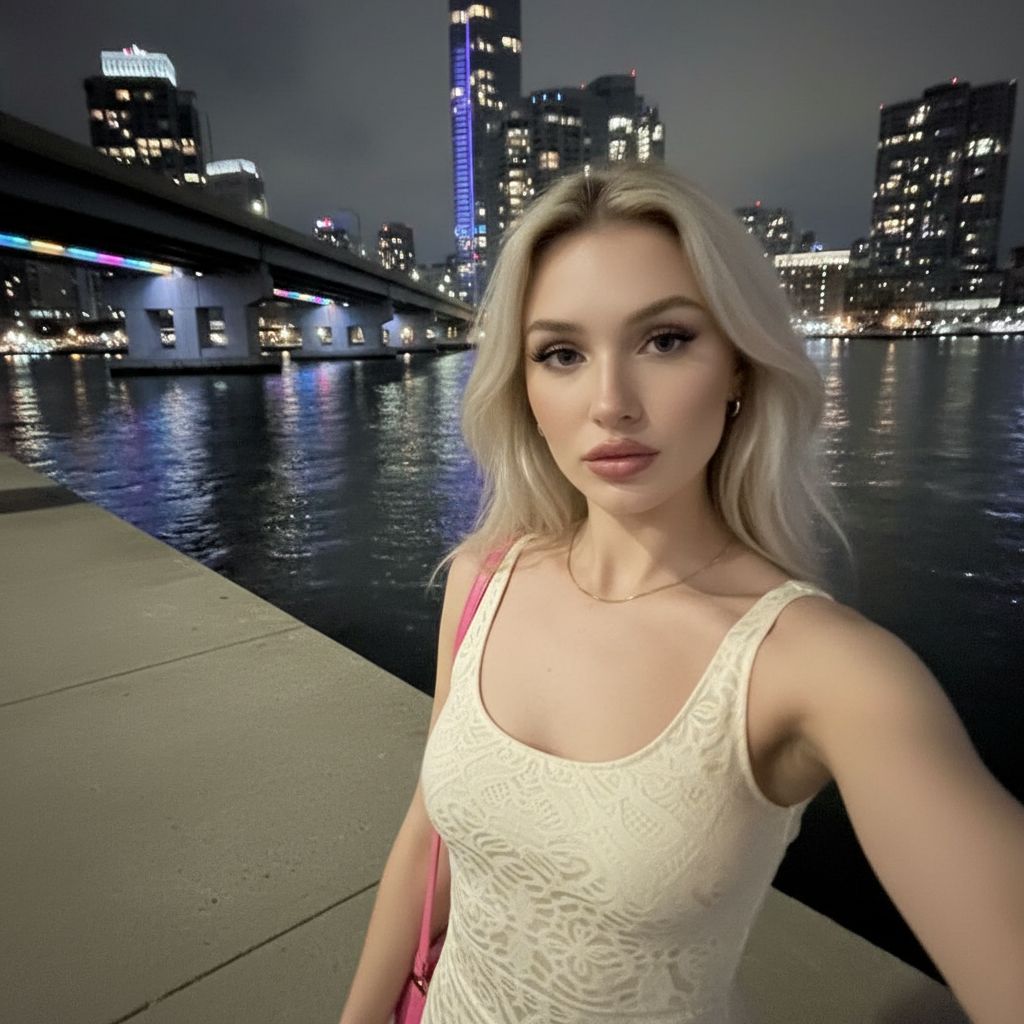
NanoBanana
New to prompting? Start with our AI image prompting. Choosing between NanoBanana tiers? Read NanoBanana 2 vs Pro.
Frequently asked questions
How is NanoBanana 2 different from Gen NanoBanana?
NanoBanana 2 adds higher resolutions, widescreen aspects, and stronger fidelity. The original Gen NanoBanana tier remains the fastest square draft option.
Which resolution should I pick?
Use 1K for speed and previews, 2K for most web and social work, and 4K when you need maximum detail for print or cropping.
How many images can I generate at once?
The workbench supports batch output counts up to 10 images per run, billed as credits × outputs.
Does Auto aspect ratio need references?
Auto uses match-input framing when references are attached; otherwise it defaults to a balanced portrait-friendly ratio.
Ready to try NanoBanana 2?
Write a prompt in the studio above, or compare credit packs before your first run.