AI Image

NanoBanana Pro

Premium AI images with excellent text and layout fidelity — 1K / 2K / 4K, ten aspect ratios, and the full Create workbench.

nano-banana-pro

Sharp text · 2K / 4K

Image Reference (Optional)
0 / 10

Drop files here or click Add Image — PNG, JPG, WebP up to 10 references.

Preview examples

My Creations
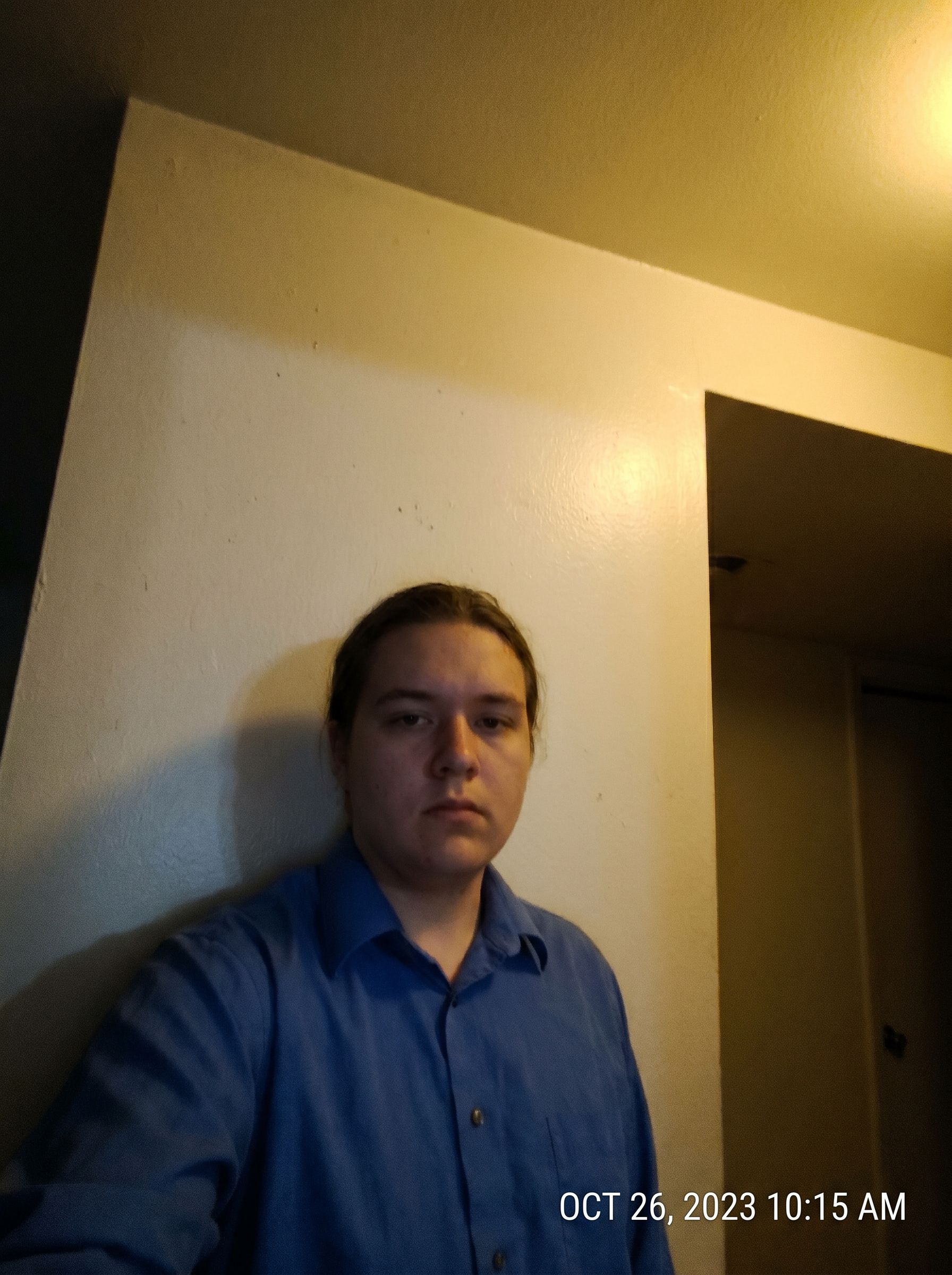

Before
Casual portrait before NanoBanana Pro — soft focus, uneven lighting, and plain background, not studio headshot quality
After
NanoBanana Pro result: polished professional corporate headshot with studio lighting, sharp focus, and executive portrait quality for pitch decks
NanoBanana Pro

Why use NanoBanana Pro?

Generate and edit images in your browser with NanoBanana Pro — prompts, references, and credit-based billing on Gen NanoBanana.

Text & layout fidelity

Posters, slides, and UI mockups benefit from Pro’s sharper glyph edges and spacing discipline.

Reference-driven brand work

Upload brand palettes, logos, and talent references to keep campaigns on-model.

2K / 4K pipeline

Pick the resolution that matches your delivery — web hero at 2K, print-ready at 4K.

Complex prompts

Long, structured briefs with multiple constraints remain coherent in a single pass.

Studio parity with Create

Styles, output settings, and generations panel behave like the main `/create` experience.

GEO-friendly exports

Download HTTPS URLs suitable for CMS, DAM, and ad platforms.

Simple credit pricing

101–202 credits per image depending on resolution. Buy credit packs or subscribe on the pricing page — pack credits are valid for 1 year from purchase.

View pricing

How it works

Prompt, generate, and download — three steps with NanoBanana Pro in the studio above.

  1. 01

    Choose 2K or 4K

    Select resolution in output settings — credits update immediately in the footer.

  2. 02

    Craft the brief

    Combine narrative prompts with references for logos, products, or characters.

  3. 03

    Generate and ship

    Review in the panel, download, or send teammates via history links.

Typical use cases

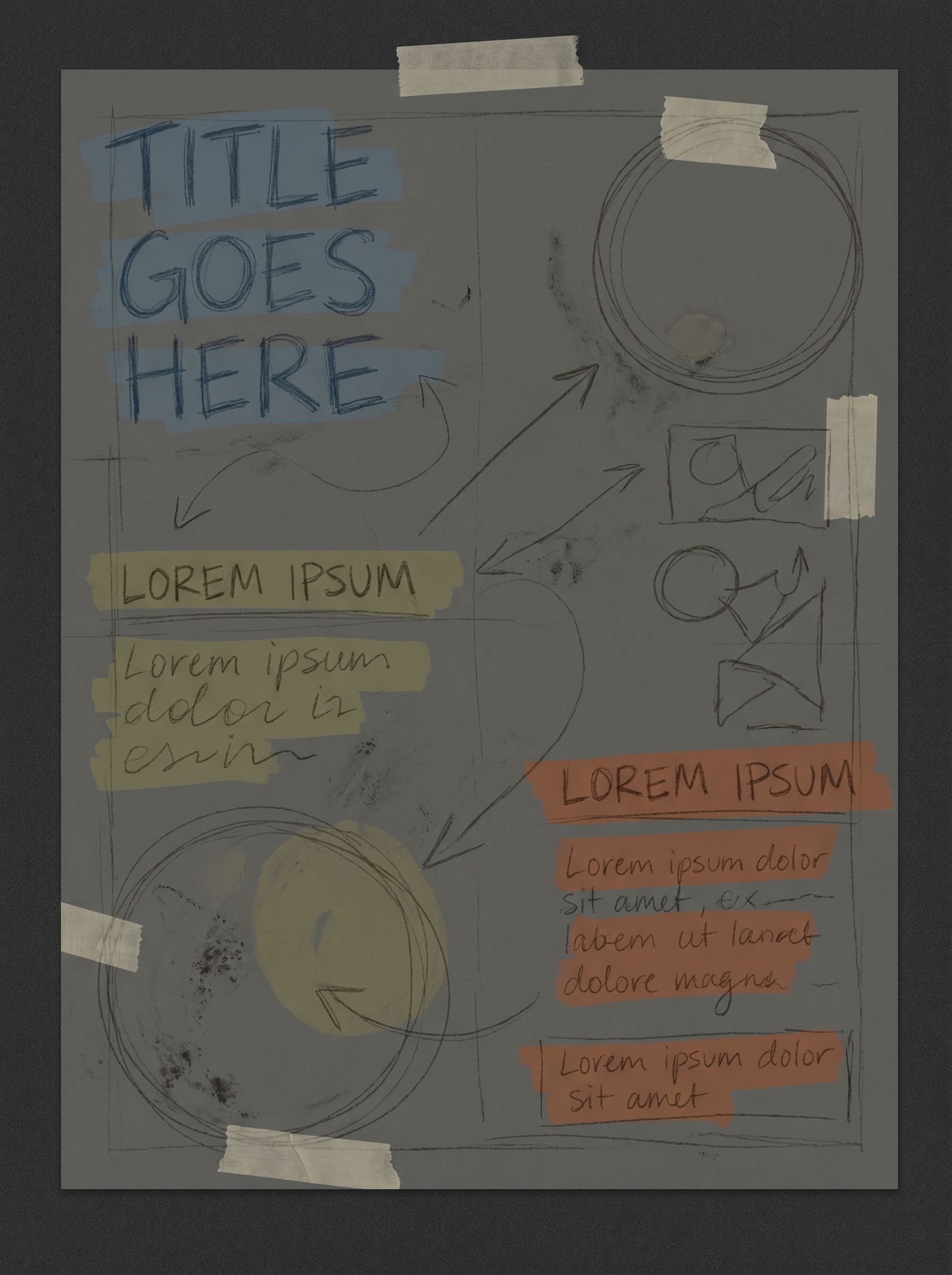
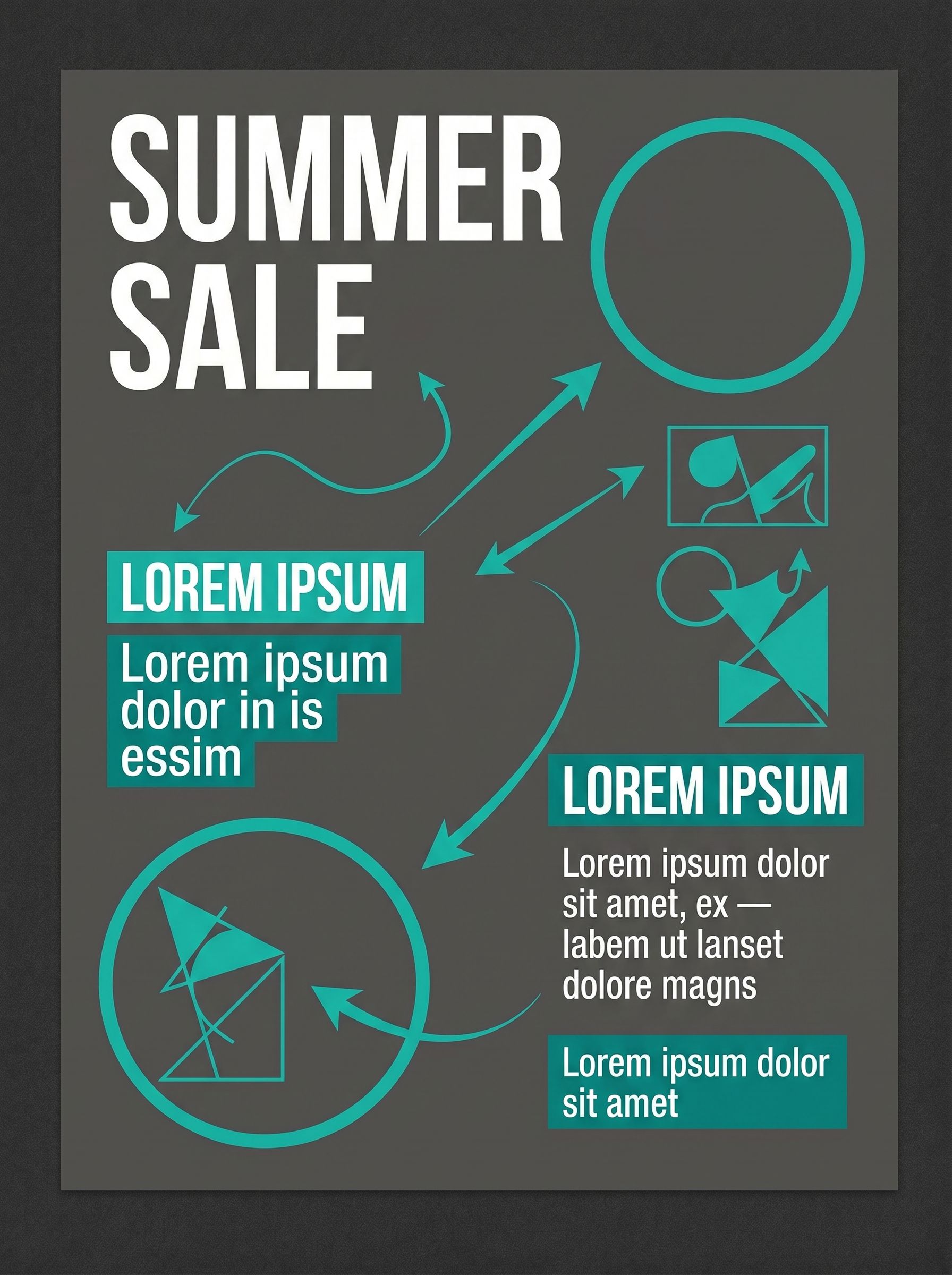
NanoBanana Pro AI image example: out-of-home poster with sharp headline typography and brand colors on urban mockup

Posters & OOH

Design large-format layouts with readable headline type and brand colors.

Try it now
NanoBanana Pro AI image example: business pitch deck slide with diagram and readable text for PDF export

Pitch decks

Generate slide visuals and diagrams that survive projection and PDF export.

Try it now
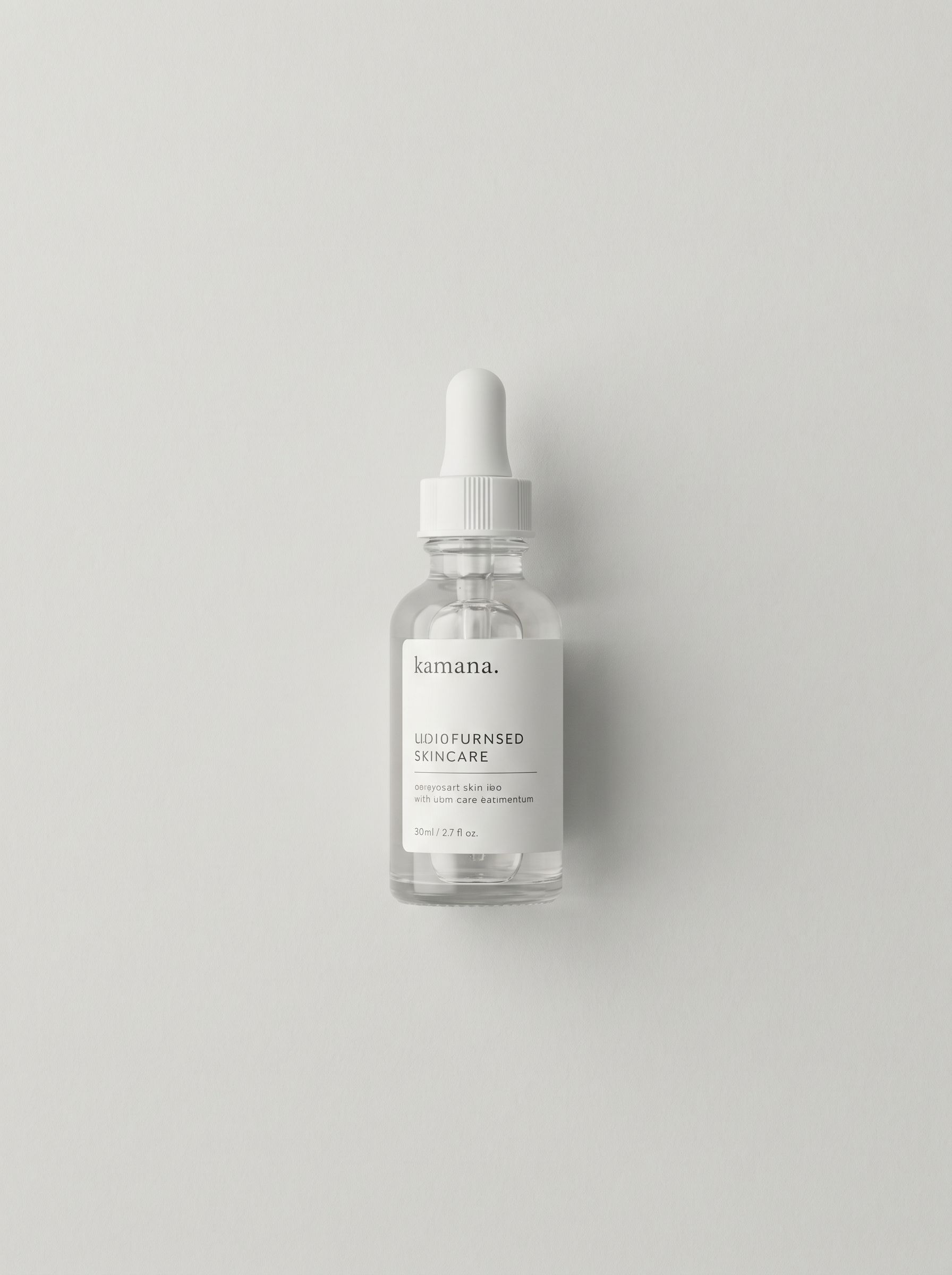
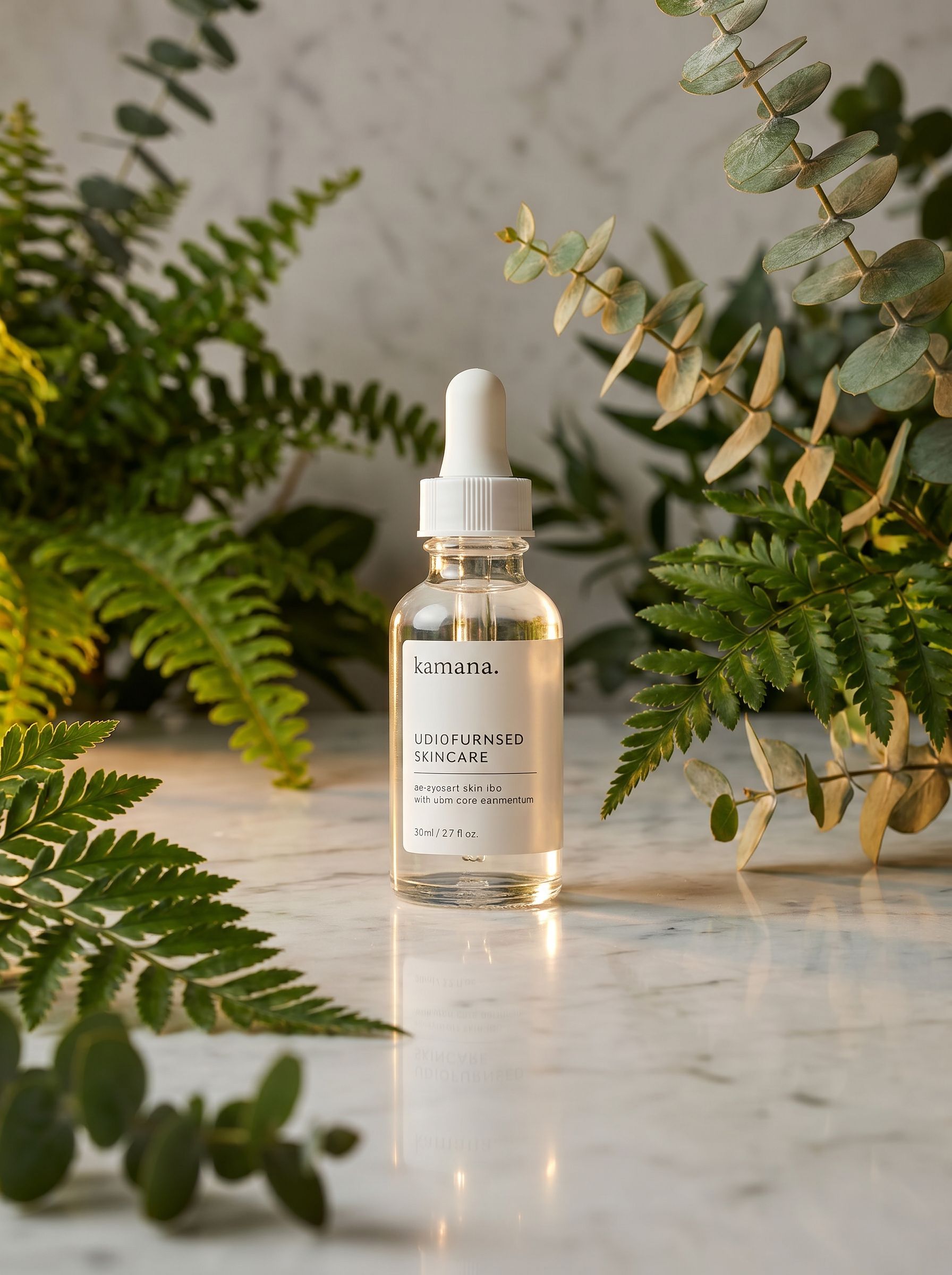
NanoBanana Pro AI image example: luxury ecommerce hero SKU photography with lifestyle scene and reference-consistent styling

Premium ecommerce

Produce hero SKU photography and lifestyle scenes with reference consistency.

Try it now

Model comparison

Same prompt, five AI image models

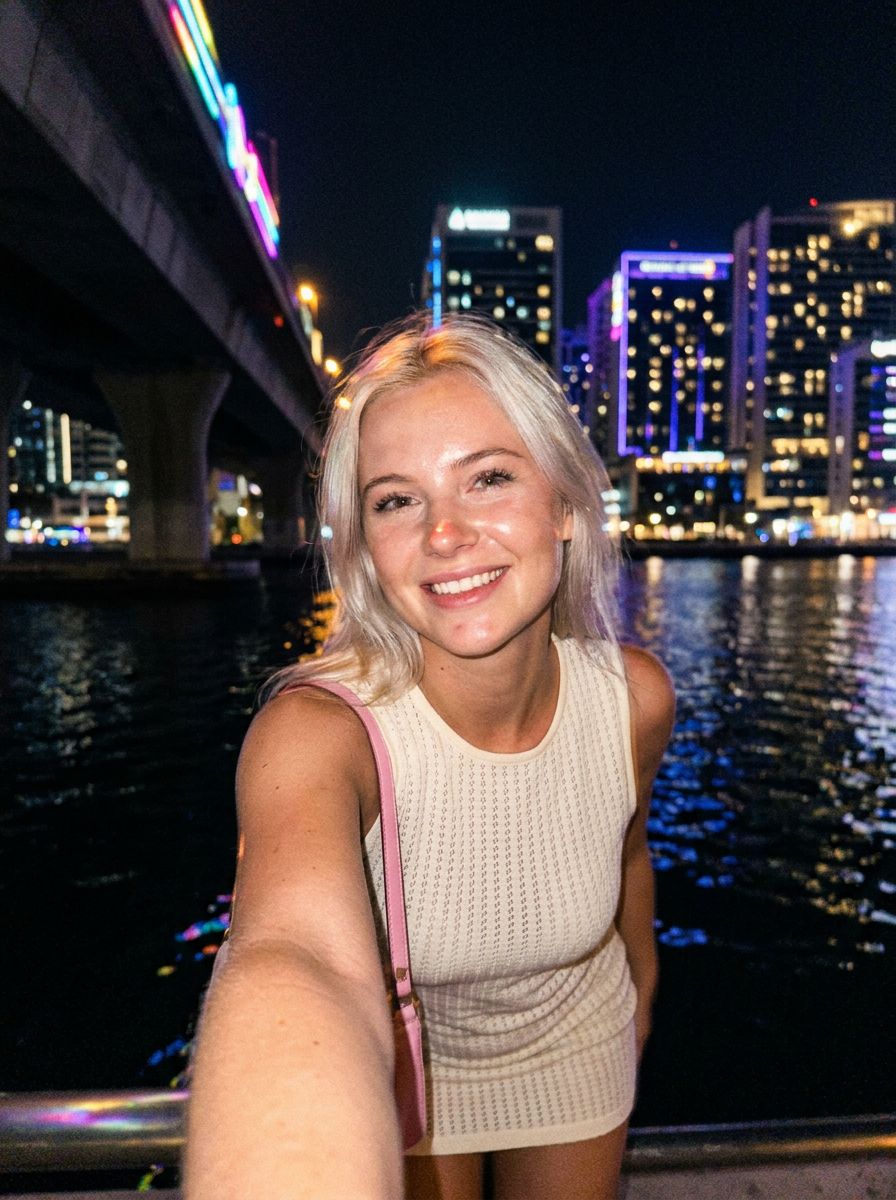
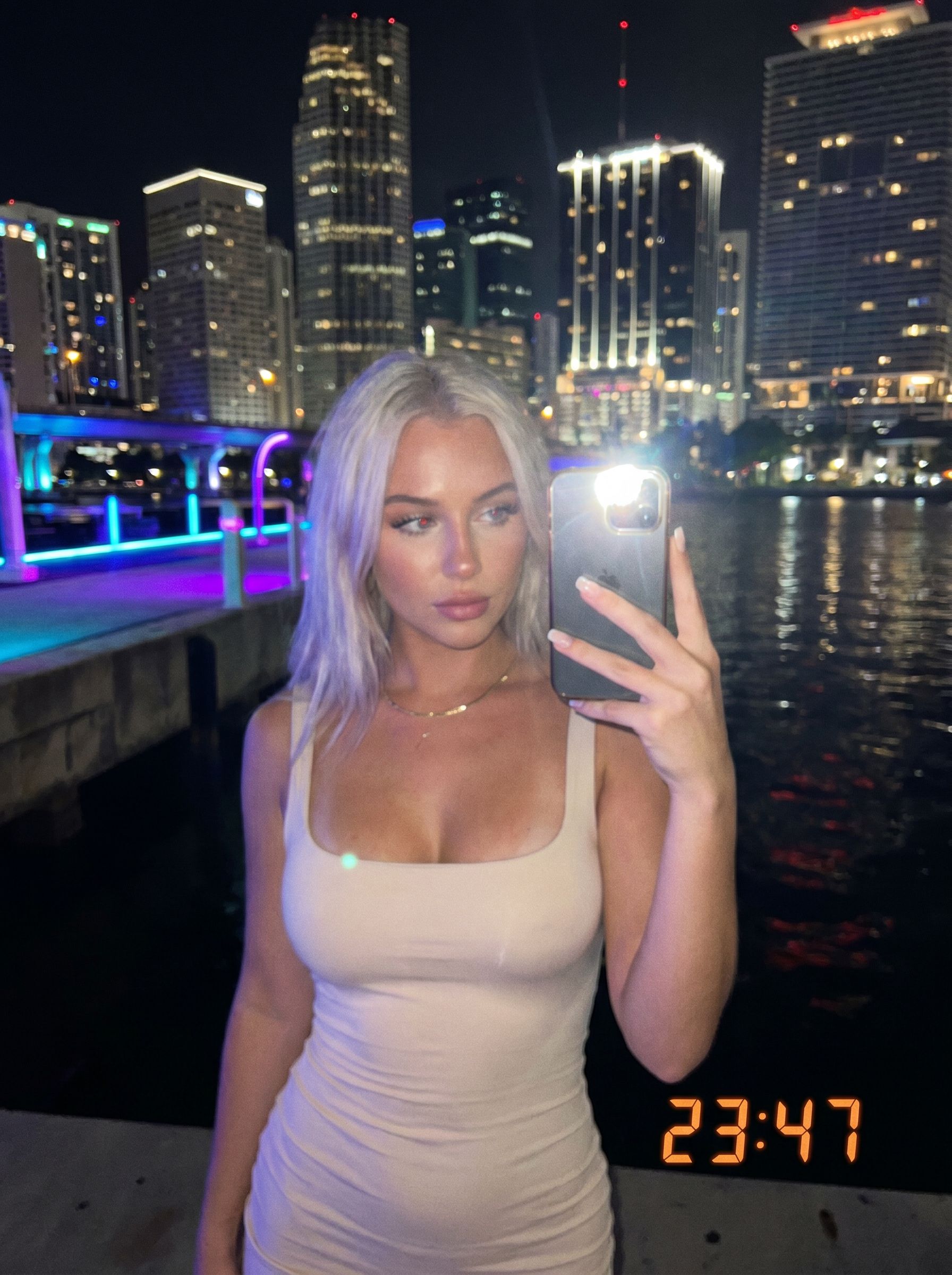
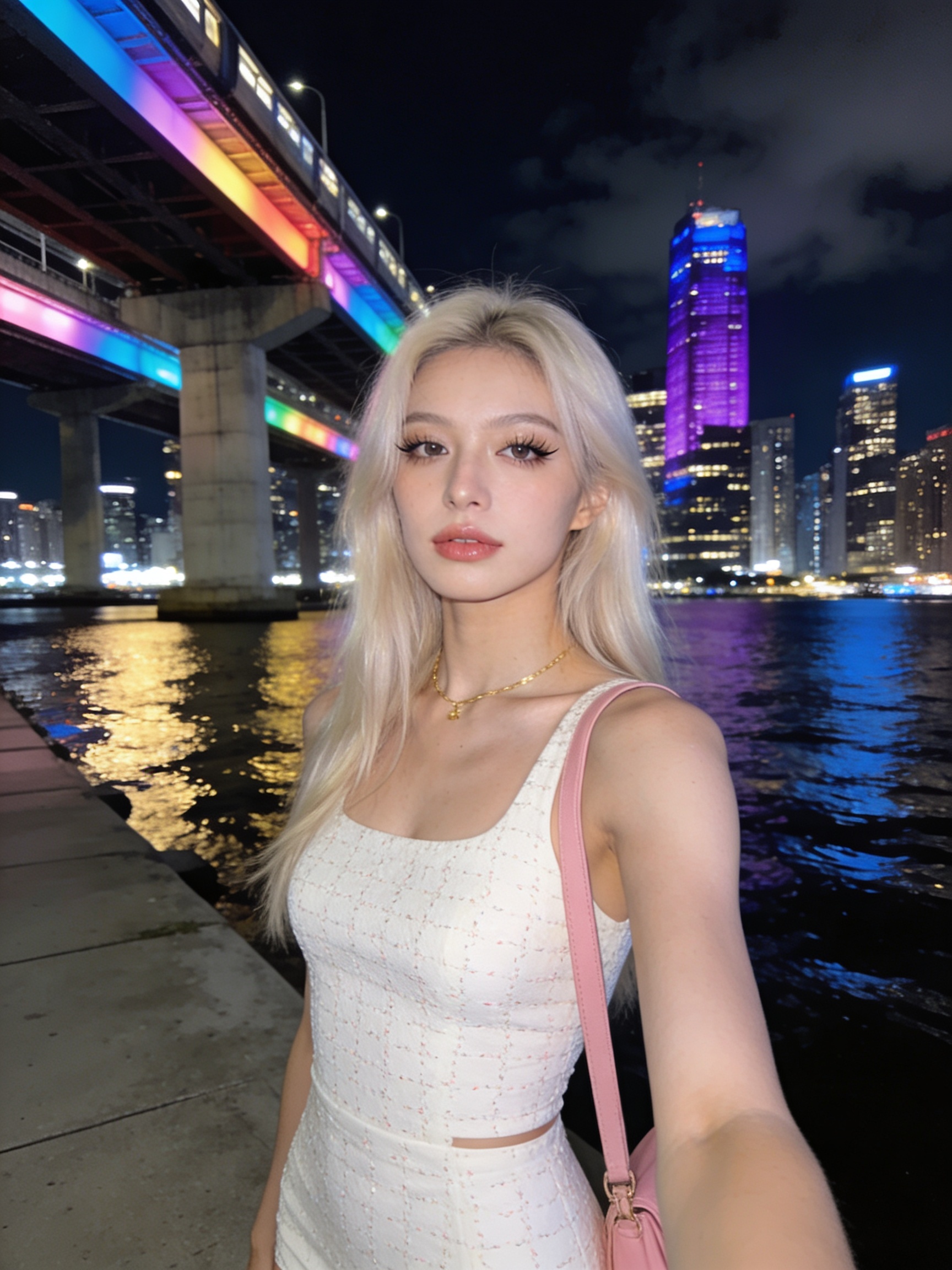
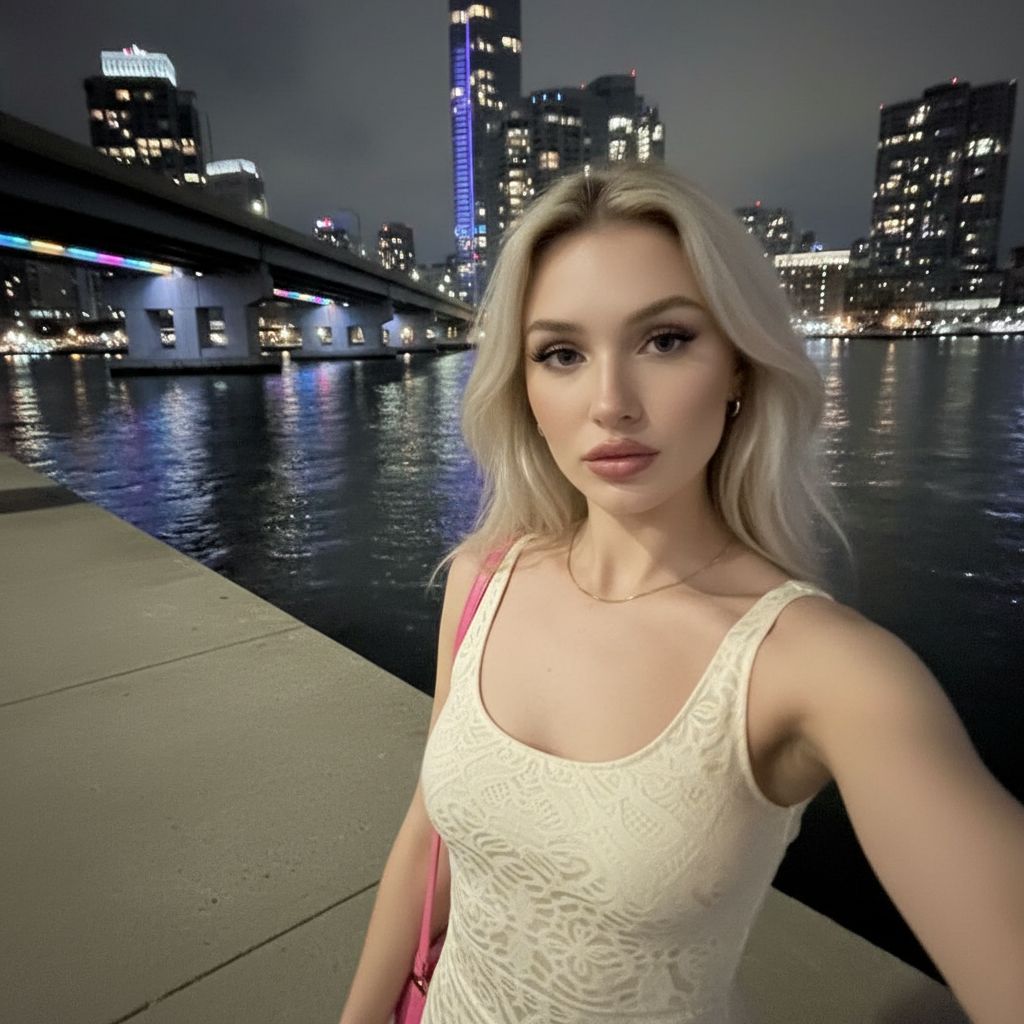
See how NanoBanana, NanoBanana 2, NanoBanana Pro, Seedream 4.5, and GPT Image 2 interpret one nighttime portrait prompt — with real outputs, credits, and pick-the-right-model guidance.

View full comparison
Gen NanoBanana AI image model comparison — GPT Image 2 OpenAI output: mirror-style nighttime selfie with visible phone, LED timestamp, ribbed tank top, neon waterfront backdrop

GPT Image 2

Gen NanoBanana AI image model comparison — NanoBanana 2 output: nighttime waterfront portrait selfie, warm smile, natural skin texture, fine hair strands against dark sky

NanoBanana 2

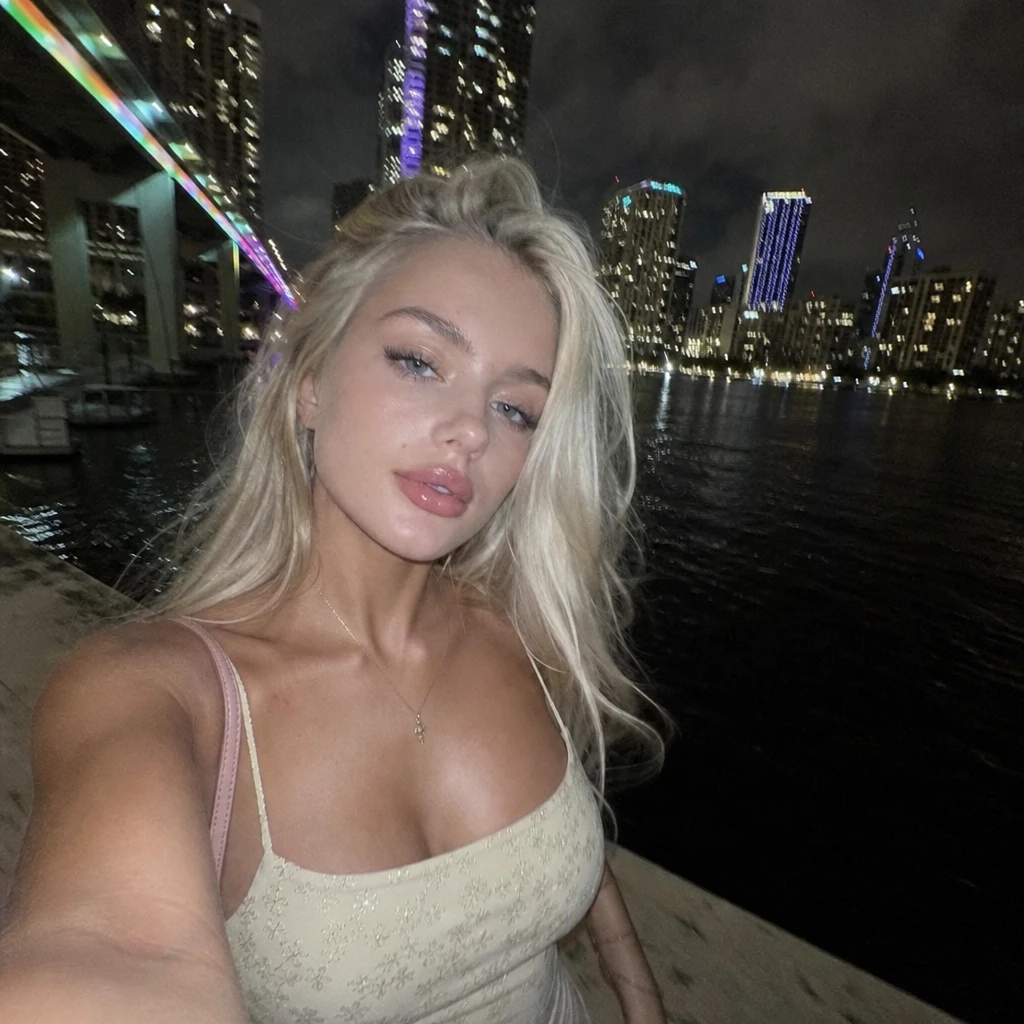
Gen NanoBanana AI image model comparison — NanoBanana Pro output: nighttime waterfront portrait selfie, sharp makeup and fabric texture, vivid neon bridge and train lights, crisp city reflections

NanoBanana Pro

Gen NanoBanana AI image model comparison — Seedream 4.5 ByteDance output: nighttime waterfront portrait selfie, soft smile, smooth cinematic skin, embroidered top detail, purple-accent skyline

Seedream 4.5

Gen NanoBanana AI image model comparison — NanoBanana google/nano-banana output: nighttime waterfront portrait selfie, neutral expression, polished skin, rainbow bridge lights and city skyline reflected in water

NanoBanana

New to prompting? Start with our AI image prompting. Choosing between NanoBanana tiers? Read NanoBanana 2 vs Pro.

Frequently asked questions

When should I use Pro vs NanoBanana 2?

Choose Pro when typography, brand layouts, or diagram clarity matter most. Choose NanoBanana 2 when you need 1K previews or the newest general-purpose stack.

Does Pro support 1K?

This studio maps sub-2K workbench labels to the 2K tier. For 1K drafts, use NanoBanana 2 or Gen NanoBanana.

How are credits calculated?

You pay per successful output at the selected resolution, multiplied by your output count.

Can I edit existing photos?

Yes — attach reference images and describe the change. The model treats them as visual guidance for the new render.

Ready to try NanoBanana Pro?

Write a prompt in the studio above, or compare credit packs before your first run.