
AI background remover for product photos
Standard cutouts vs NanoBanana Pro on Gen NanoBanana
Short answer
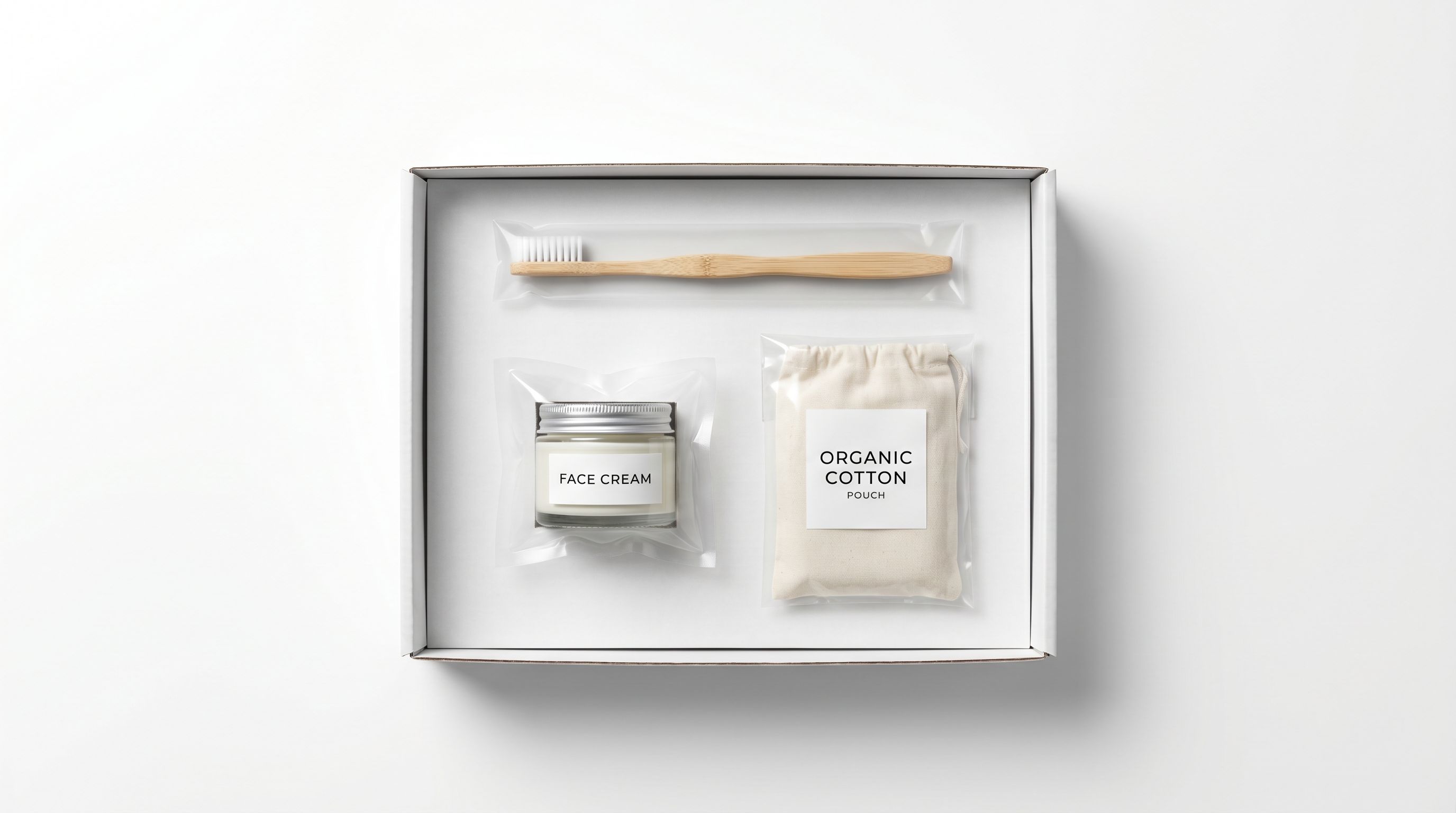
Why remove backgrounds for product photos?
Clean cutouts unlock marketplace mains, transparent Shopify layers, stickers, and slides without a desktop suite.
Standard vs NanoBanana Pro background removal
Pick by edge difficulty and credit budget.
| Mode | Credits | Best for | How it works |
|---|---|---|---|
| Standard | 1 | Everyday product and portrait cutouts on simple backdrops | Auto-detects the subject and returns a fast matte. Best when contrast is already good. |
| NanoBanana Pro | 101 | Wispy hair, glass, busy scenes, or a specific backdrop color | Uses your photo as a reference plus an optional prompt to rebuild the subject on a clean backdrop. |
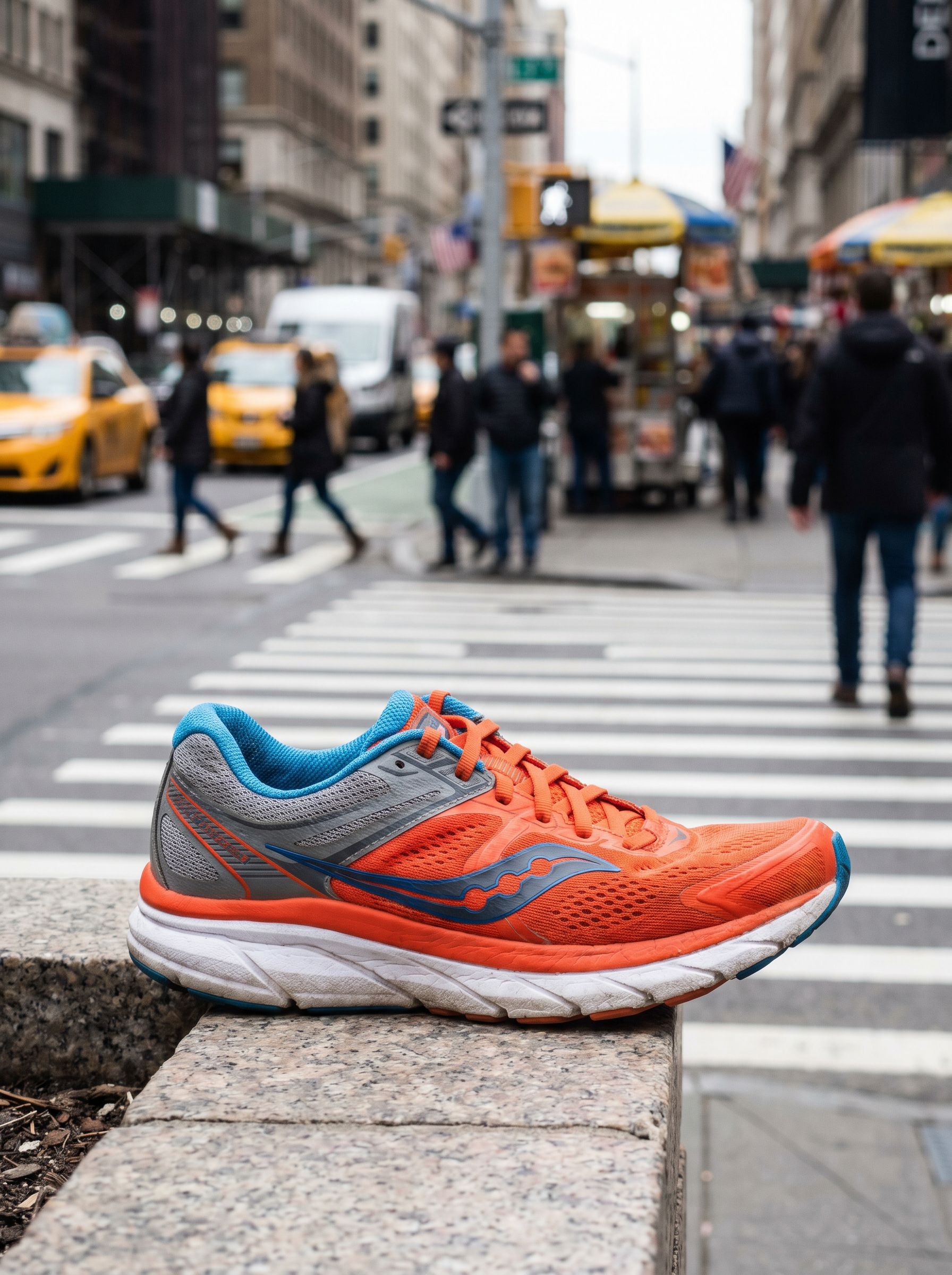
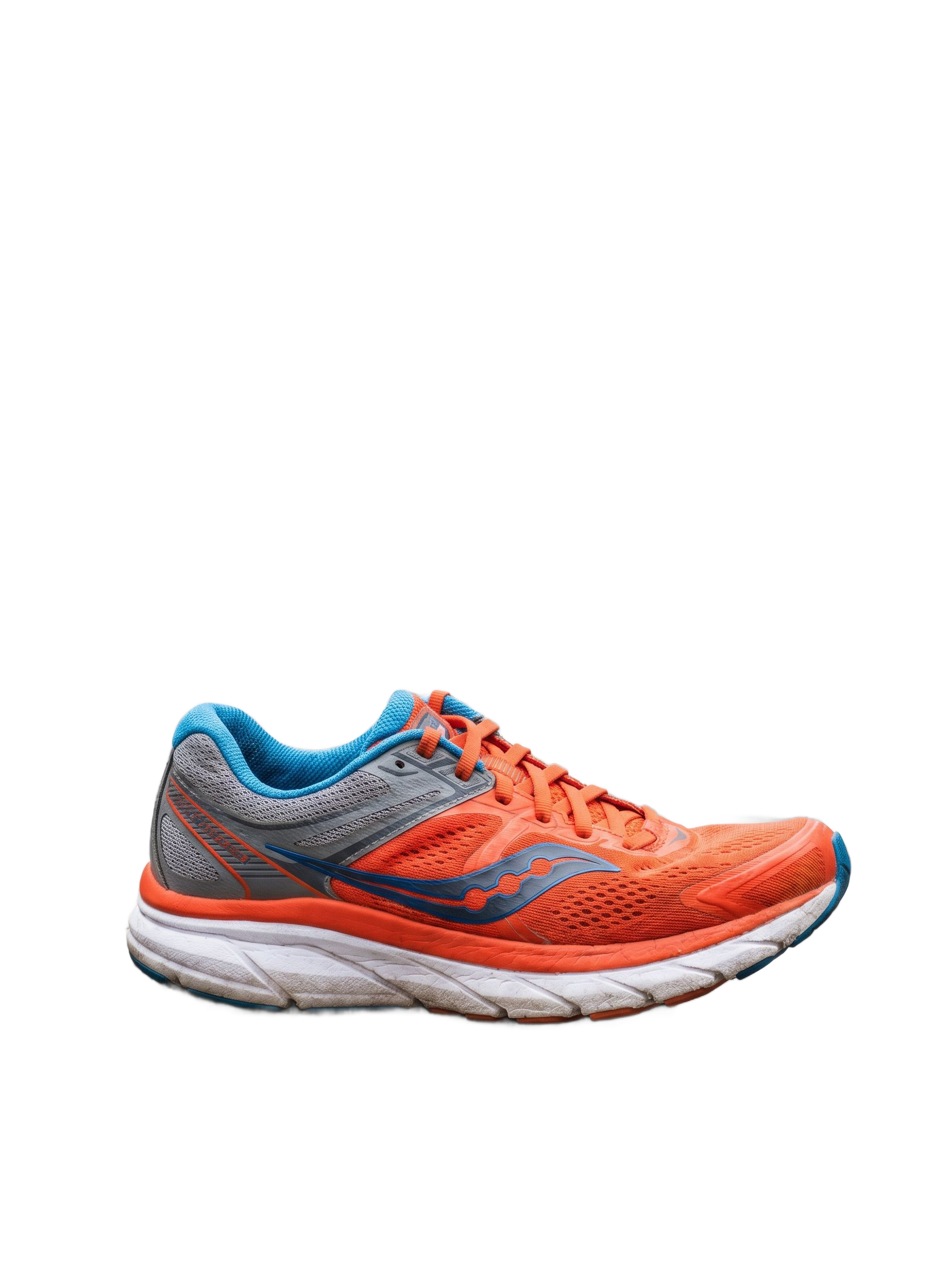
Busy street to catalog cutout
Running shoe sample: lifestyle background removed for compositing.
How do you remove a product background on Gen NanoBanana?
From upload to marketplace-ready export.
Common background-removal workflows
Match the mode to Amazon, Shopify, slides, or stickers.
Copyable NanoBanana Pro removal prompts
Paste into Pro mode when you need a specific backdrop or edge behavior.
Pure white catalog
NanoBanana Pro · optional prompt
Pure white #FFFFFF catalog background, sharp product edges, no shadow spill, no props.
Preserve fine hair
NanoBanana Pro · optional prompt
Keep natural flyaway hair strands, soft portrait cutout, clean neutral backdrop.
Soft gray deck slide
NanoBanana Pro · optional prompt
Soft light-gray presentation backdrop, clean headshot silhouette, no café clutter.
Common background-removal mistakes
Source quality and edge checks matter more than settings.
Need better source photos first? See AI product photos and AI reference images.
Frequently asked questions
What is the best AI background remover for product photos?
On Gen NanoBanana, start with standard removal for clear packshots (1 credit). Use NanoBanana Pro when edges, hair, or glass need prompt-guided cleanup. Both run in the browser with credits charged only on success.
How much does AI background removal cost on Gen NanoBanana?
Standard removal costs 1 credit per image. NanoBanana Pro removal costs 101 credits at 2K. See /pricing for packs and subscriptions.
Can I remove backgrounds for Amazon and Shopify?
Yes. Standard or Pro cutouts export for white-background Amazon mains and transparent Shopify composites. Pair with /guides/ai-product-photos for generation before cutout.
When should I use NanoBanana Pro instead of standard removal?
When wispy hair, transparent glass, busy streets, or a specific backdrop color matter. Add a short prompt or leave it blank for default Pro cutout guidance.
Which file formats are supported?
Upload JPG, PNG, or WebP. Download the raster result for Figma, Canva, slides, or further edits in Create.
Where do I run background removal?
Open /ai-background-remover. Upload, choose a mode, preview, and download. No Photoshop subscription required.
Keep comparing
Evergreen pick-the-right-model guides with real outputs and credit context.